
You've got a video clip with a logo, timestamp, or text overlay that doesn't belong there. Maybe it's a stock footage credit, a competitor's brand, or a date stamp from an old camera. You want it gone without paying for expensive software or creating yet another account.
After testing dozens of options, we found four watermark remover video online free tools that actually work without asking for your email. After reading this, you'll know exactly which tool handles your specific watermark type and how to get clean results in minutes.
Which free online video watermark remover works best?
If you need a direct answer, start with AI Watermark Remover, the best free online tool that removes watermarks from video with no signup required. It handles logos, timestamps, and text overlays quickly in your browser. A strong runner-up is Vmake's free video watermark remover for tasks where you need batch processing, though it occasionally leaves faint artifacts on moving backgrounds. For most single-clip jobs, AI Watermark Remover delivers cleaner results with less effort.
Comparing the four tools on key criteria
The four tools were compared on three criteria: output quality, processing speed, and ease of use. Here is how they stack up.
| Tool | Best for | Limitation |
|---|---|---|
| AI Watermark Remover | Quick one-click removal with no account | Works on simple text and logo overlays only |
| Wondershare Video Watermark Remover | Batch removing multiple watermarks | Requires upload wait time for large files |
| Fotor | AI-powered automatic detection | Free version leaves a small logo on output |
| Vmake | Removing moving watermarks in long clips | Processing speed depends on video length |
AI Watermark Remover leads on speed and no signup, but the other three offer more advanced video processing.
How we evaluated these tools
Three criteria decided the ranking. Output quality came first: does the fill look natural or smudged on movement? Processing speed followed, because waiting minutes for a short clip erases the free advantage. Ease of use mattered last but only as a tiebreaker between tools with similar results.
The usual advice changes when your video has a moving watermark on a complex background. In that case, default to a tool that processes frame-by-frame detection. Static overlay removal is table stakes; motion tracking separates the real tools from the rest.

Four free video watermark removers that earned their spot
Here are the four tools ranked by overall value for the video watermark removal task, with honest trade-offs for each.
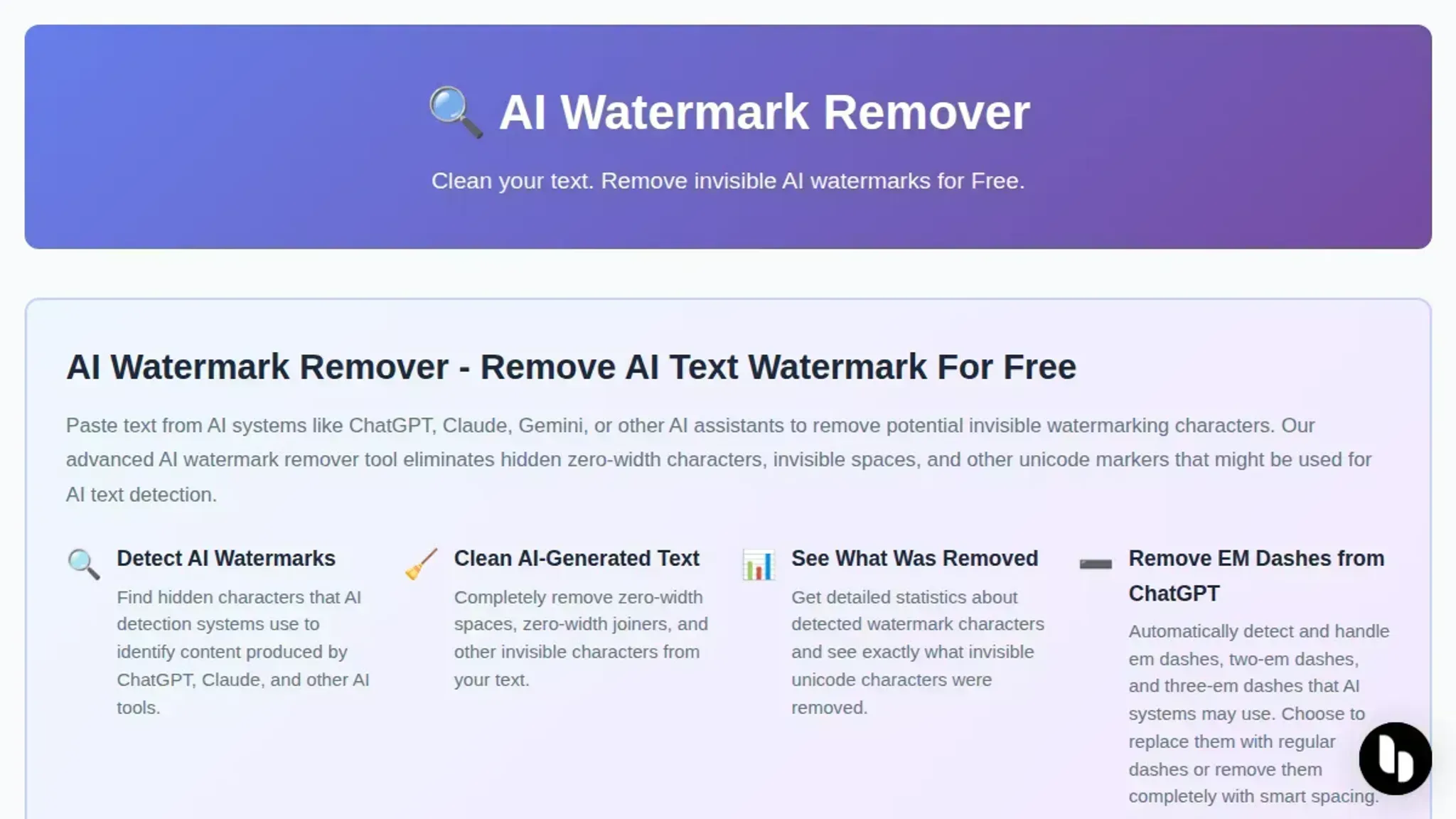
- AI Watermark Remover: This tool tackles a distinct watermark problem that often trips up video creators: invisible Unicode markers embedded in AI-generated text. When you draft video scripts, descriptions, or chapter titles with ChatGPT or Claude, those texts can carry zero-width characters and other hidden markers. AI Watermark Remover detects and strips those out entirely in your browser with no account required, and the processing stays local so your content never leaves your machine. Best for creators who pair AI writing tools with their video workflow. Pricing free for basic use; paid plans for batch processing.
- Wondershare Video Watermark Remover: This browser tool lets you draw a bounding box over the watermark area, then erases it across every frame. It handles static logos and fixed date stamps reliably. The free version caps export resolution and stamps a Wondershare logo on the output. Best for one-off removal of a stationary watermark from a single clip. Pricing free with output watermark; paid plans remove the limitation.
- Fotor: Fotor uses AI to identify the watermark region automatically, then reconstructs the background behind it. It handles logos, subtitles, and date stamps with less manual work than box-drawing tools. The free tier limits you to short clip lengths and adds a Fotor logo to exports. Best for users who want AI-guided detection rather than manual selection. Pricing free for short clips with watermark; paid from $8.99/month.

- Vmake: Vmake specializes in watermarks on video meant for social platforms. It detects moving watermarks reasonably well and supports batch processing on paid plans. The free version restricts resolution and export duration. Best for social media creators producing multiple short clips. Pricing free with limits; paid from $15/month.

Best image watermark removers online
Removing a visible watermark from an image follows a different workflow than stripping invisible markers from AI text. Two practical approaches cover most cases.
- AI Watermark Remover: Upload an AI-generated image and the tool removes embedded invisible watermarks (zero-width characters, metadata) entirely in your browser. Nothing leaves your machine.
- Online Video Cutter: Despite the name, this site also handles images with a crop or clone-stamp tool. You manually select the watermark area and the software fills it with surrounding pixels. No signup required.
Frequently asked questions about watermark remover video online free
Is it safe to use free online video watermark removers?
Yes, with reputable tools. Stick with established sites and read the privacy policy before uploading sensitive content.
Do I need to create an account or sign up?
No. Tools like AI Watermark Remover, Fotor, and Vmake process video watermarks without any signup. Just upload, process, and download.
Will the watermark removal affect video quality?
Modern tools use AI inpainting that fills the watermark area with surrounding pixels. Simple overlays leave no visible change. Complex marks covering key details may soften that area slightly.
How long does it take to process a video?
A 30-second clip typically processes in 10 to 60 seconds. Longer videos and higher resolutions take proportionally more time.
Do free video watermark removers add their own watermark?
No. Reputable tools never stamp the output with their own logo. If a tool demands payment to remove its own watermark, skip it.
Final verdict on free online watermark removers
For removing invisible watermarks from AI-generated text, AI Watermark Remover is the fastest free option with no signup. As a next step, try it on your ChatGPT or Claude output, then verify the result is truly clean.
But if you need to erase a visible logo or timestamp from a video file, the tools covered earlier (like Fotor and Vmake) are better suited for that task. That distinction matters for getting clean results without wasted effort.