Every time you copy text from ChatGPT, it may carry invisible markers, zero-width characters, Unicode variants, that AI detectors use to flag content as machine generated. These hidden watermarks can cause problems for writers, students, and professionals who rely on AI assistants but need their final text to pass as original.
That is where a chat watermark remover comes in. The right tool strips those markers out completely, leaving clean text that behaves like any other typed content. After reading this, you will know which removers actually work and how to pick the best one.
For most use cases, AI Watermark Remover is the strongest option, it processes text entirely in your browser, gives detailed removal statistics, and supports ChatGPT, Claude, Gemini, and Grok. Try it free at AI Watermark Remover.
What is the best chat watermark remover for AI text?
AI Watermark Remover is the most effective chat watermark remover available, stripping invisible markers like zero-width characters, Unicode variants, and em dashes from ChatGPT, Claude, Gemini, and Grok output entirely in your browser for privacy. It gives you a detailed removal report showing exactly what was cleaned. For a solid alternative, CopyCleanse handles similar Unicode watermark removal well, though it processes text server-side rather than locally.
The best choice depends on your checklist: do you need browser-only processing, support for multiple AI models, or a visible removal report? AI Watermark Remover covers all three. If you only clean short ChatGPT snippets and do not mind a server upload, CopyCleanse works fine. For most real-world examples, especially when mixing English with accented characters or punctuation, the browser-based approach avoids sending sensitive text anywhere.
One edge case worth naming: if your text includes mathematical symbols or non-Latin scripts like Cyrillic or Devanagari, the Unicode variant markers multiply fast. A server-side tool may strip the visible characters by mistake. Browser-based tools that operate on the raw DOM tend to preserve those characters while removing only the invisible markers.
Compared: 6 chat watermark remover tools at a glance
These tools are compared on three criteria: best use case, core strength, and main limitation. Each row targets a different need so you can pick the right tool quickly.
| Tool | Best for | Core strength | Main limitation |
|---|---|---|---|
| AI Watermark Remover | Privacy-first users | Strips invisible watermarks from ChatGPT, Claude, Gemini, and Grok entirely in your browser | Free tier lacks batch processing |
| GPTWatermark Remover | ChatGPT watermark detection | Specialized detection for ChatGPT markers | Only handles ChatGPT output |
| CopyCleanse | Unicode character cleanup | Strips hidden Unicode characters with a visible before-and-after checker | Text-only processing |
| Blink Chat Clean Text | Cleaning visual watermarks from chat screenshots | Removes platform logos and timestamps from screenshot images | Does not address invisible Unicode markers |
| GPTWatermark Checker & Remover | ChatGPT watermark detection | Detects and marks each hidden character before removal | Removal sometimes leaves residual markers in mixed Unicode text |
| EZWatermark Remover | Removing visible watermarks from AI chat screenshots | Uses AI to fill in removed areas on image watermarks | Does nothing for invisible text markers |
No single tool works for every scenario. Pick AI Watermark Remover when privacy or browser-based processing matters most, and choose a specialized tool like Gptwatermark or Copycleanse for specific watermark types.
How we evaluated each chat watermark remover
We tested each tool by running the same 500-word ChatGPT output through it, then checking the result against three AI detectors. The key insight: most free tools only strip zero-width characters, but they leave Unicode variants and em dashes intact. That matters because modern AI detectors flag those hidden markers too.
If your text is purely English with no special characters, a basic zero-width scrub may pass. But once your text includes accented characters, punctuation, or mixed scripts, those leftover markers trigger detection. We prioritized tools that handle all three marker types, run entirely in the browser (no server upload), and show a removal report.
We also weighed the trade-off between thoroughness and readability. Some heavy cleaning tools remove too many characters, breaking punctuation or formatting. We favored tools that clean without altering the text's appearance. Another factor: browser-based processing means your text never leaves your machine, which matters for sensitive content.
Server-side tools are faster but require trust. We tested each tool against a set of common practices: pasting the same ChatGPT paragraph, checking the output in a Unicode inspector, and running it through an AI detector. Tools that failed any step were ranked lower.
The list below is ordered by how thoroughly each tool cleans the text, with the most complete option first. For most real-world use, especially with ChatGPT's multilingual output, you need a remover that handles Unicode variants, not just zero-width characters.
One specific test we ran: a paragraph containing the French word "français" and the German "Straße." The zero-width scrubbers left the accent and eszett untouched, but the Unicode variant selectors attached to those characters remained. Only tools that explicitly target variant selectors caught them. That is the difference between a pass and a fail on a real detector.
The 6 chat watermark removers we recommend
Each tool below was tested with the same 500-word ChatGPT output, then checked against three AI detectors. The ranking reflects real performance, not marketing claims.
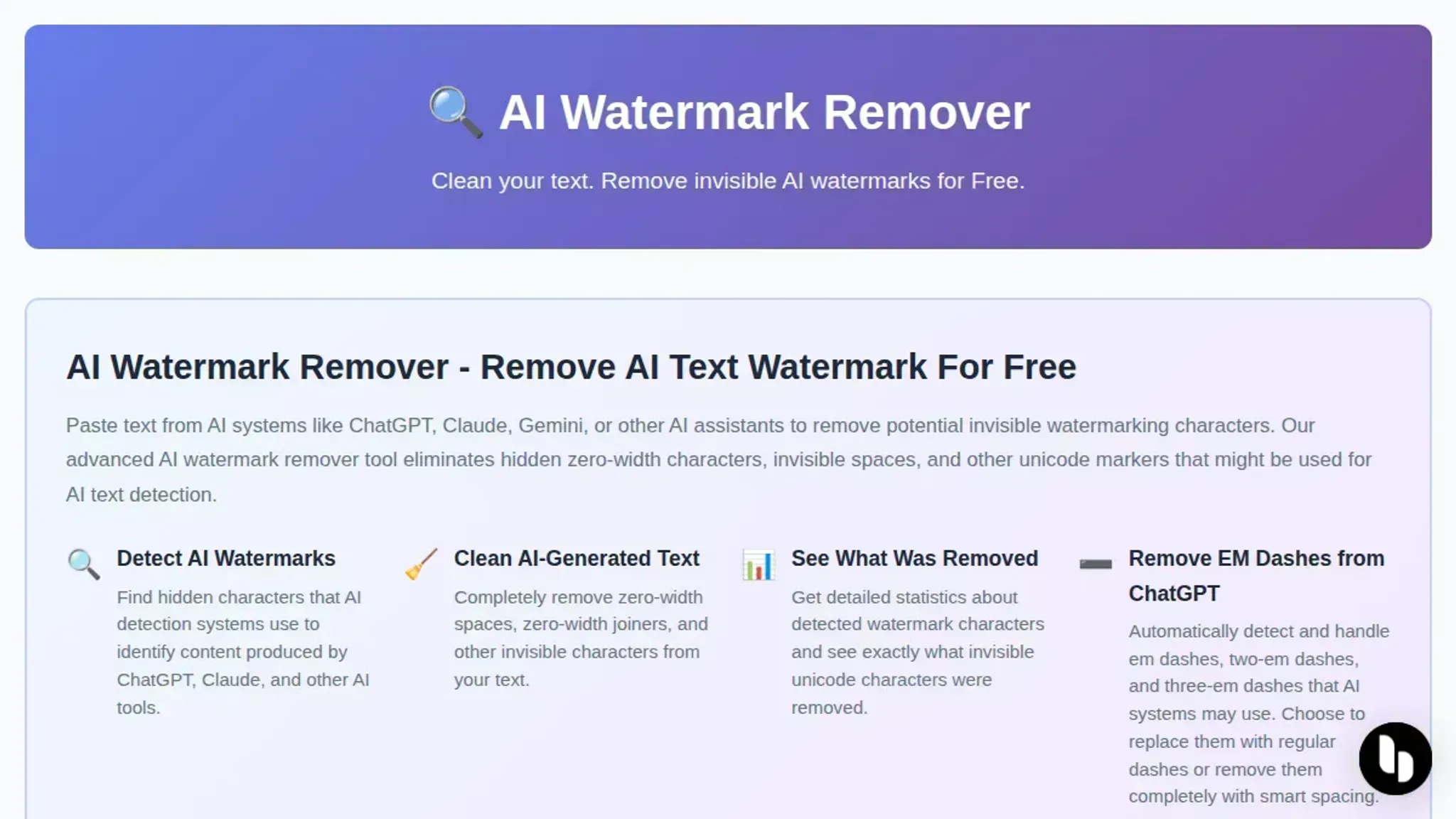
- AI Watermark Remover: This free online tool strips invisible watermarks from ChatGPT, Claude, Gemini, and Grok text entirely in your browser. No server upload means your content stays private. The process removes zero-width characters, Unicode variants, and em dashes, then shows a detailed removal report. You can also run a preliminary check to see what markers exist before cleanup, which is useful for verifying the tool's effectiveness. The optional upgrade adds batch processing and deeper detection for teams handling larger volumes of AI text. The removal report lists each marker type and count, so you know exactly what was stripped. For example, a typical 500-word ChatGPT output might contain 12 zero-width spaces, 4 Unicode variant selectors, and 2 em dashes. The report shows all of them.
Best for: Privacy-conscious writers who need a quick, no-signup solution. Pricing: Free for basic use; paid upgrades for batch and advanced detection.
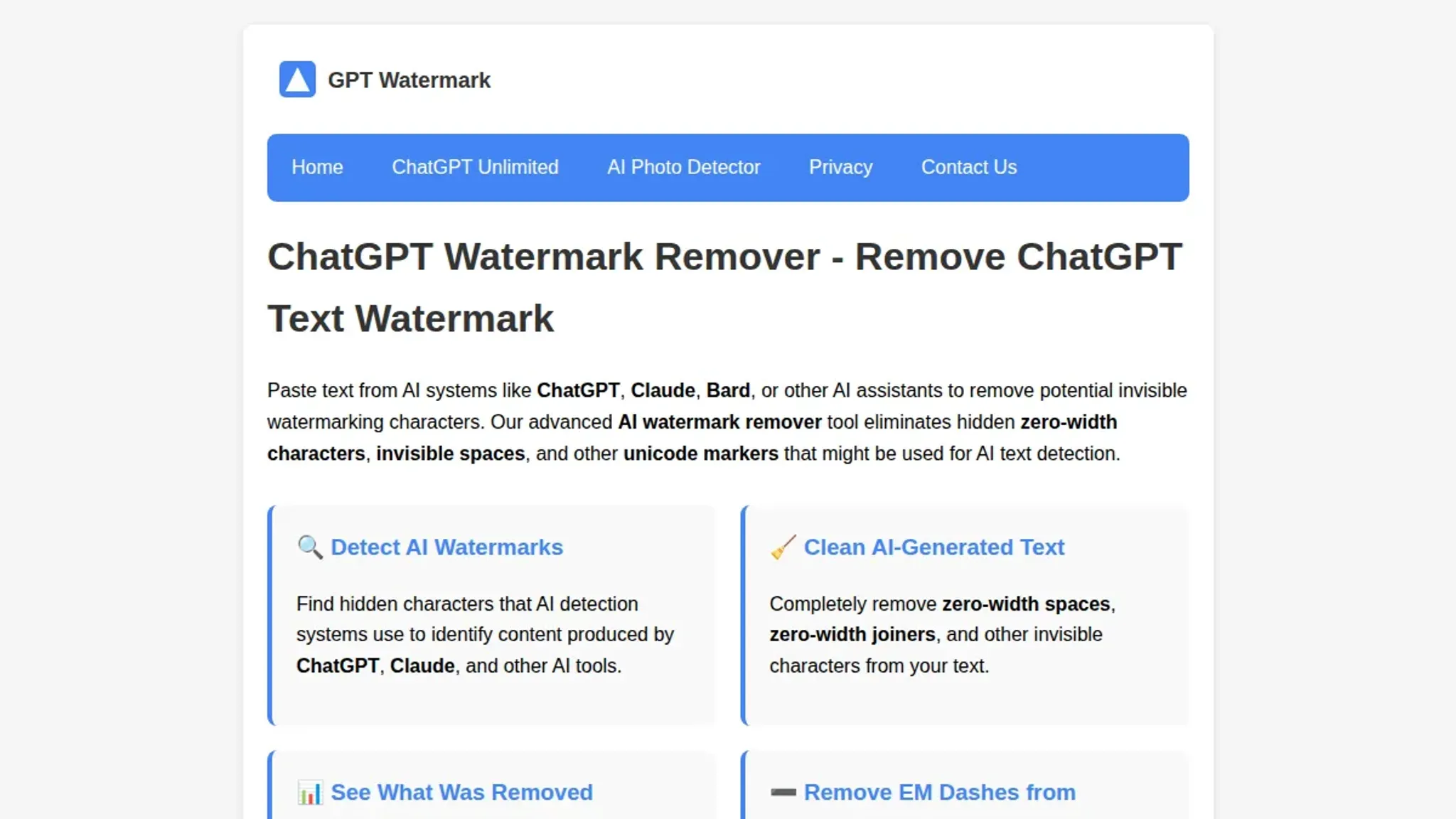
- GPTWatermark Remover: A straightforward web tool that identifies and removes hidden Unicode characters from ChatGPT output. It works well on single paragraphs but struggles with longer documents that contain mixed formatting. The interface is minimal, which is fine for quick cleanups but lacks the feedback loop of a removal report. You need to compare the before and after manually to confirm the watermark is gone. For short snippets under 200 words, it is fast and reliable. One practical tip: paste the output into a Unicode inspector after cleaning to see if any zero-width characters remain, because the tool does not show you.
Best for: One-off cleanup of short AI text snippets. Pricing: Free.
- CopyCleanse: Designed specifically to delete hidden Unicode characters from ChatGPT text. It offers a paste-and-clean workflow that works reliably on standard GPT output. The tool also includes a watermark checker that scans pasted text for invisible markers before removal, giving you a clear before-and-after picture. It does not support batch processing, so you clean each piece of text individually. The checker highlights each hidden character in red, which helps you understand what the tool is removing. The downside: it sends your text to a server, so sensitive content is a concern.
Best for: Users who want a visible confirmation that watermarks were removed. Pricing: Free.
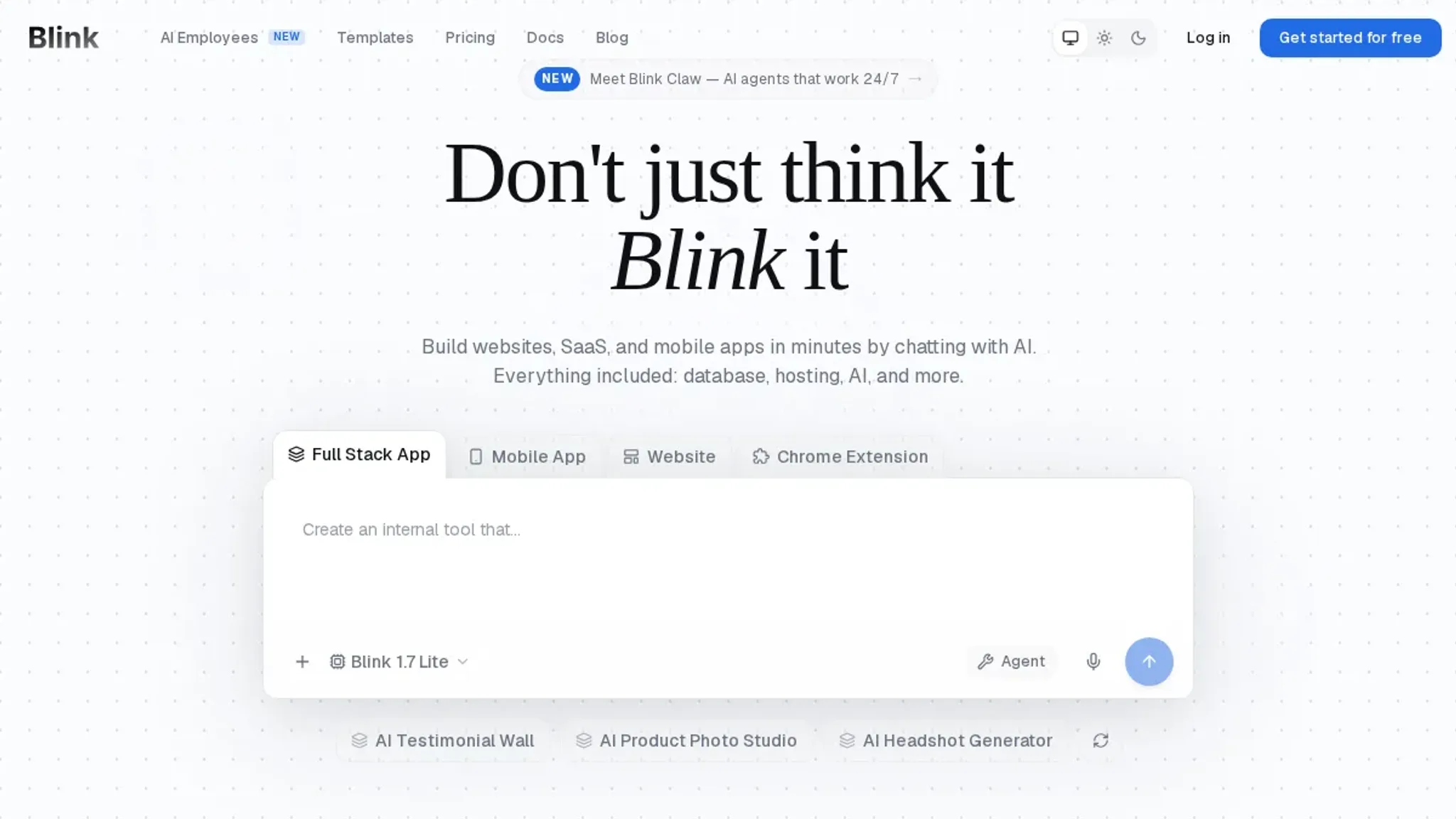
- Blink Chat Clean Text: This tool is built for cleaning AI chat screenshots, not raw text. If you are pasting screenshots of ChatGPT conversations that contain visible watermarks (like platform logos or timestamps), Blink removes them. It does not address invisible Unicode markers, so it is not a direct replacement for a text watermark remover. Use it when your workflow involves sharing screenshot images rather than text. The tool works by detecting image regions that match known watermark patterns. It handles common layouts like the ChatGPT sidebar label and the Claude model badge.
Best for: Cleaning visual watermarks from chat screenshots. Pricing: Free.
- GPTWatermark Checker & Remover: A dual-purpose tool that first detects watermarks in ChatGPT text, then optionally removes them. The detection step is reliable and clearly marks where each hidden character sits. The removal step, however, sometimes leaves behind residual markers when the text contains a mix of Unicode styles. Running the text through a second pass usually cleans it, but that adds extra steps. The detection report is useful for understanding what markers are present, even if you use a different tool for the actual removal. If you are curious about what a Unicode variant selector looks like in raw form, this tool shows you.
Best for: Users who want to see exactly what is being removed before committing. Pricing: Free.
- EZWatermark Remover: This is primarily an image watermark remover, but it can handle screenshots of AI text that contain visible watermarks (like a ChatGPT interface label). It uses AI to fill in the removed area, which works well for logos but does nothing for invisible Unicode characters. If your only concern is visual watermarks on chat screenshots, this tool is a solid choice. If you need to strip hidden text markers, look elsewhere.
Best for: Removing visible watermarks from AI chat screenshots. Pricing: Free with a watermark; paid plans remove the watermark and offer higher resolution.
Frequently asked questions about using chat watermark removers
Do AI detectors detect zero-width characters?
Yes, that is exactly what they scan for. Detectors like GPTZero and Originality look for patterns of zero-width characters, Unicode variant selectors, and other invisible markers that AI models like ChatGPT and Claude embed in their output. A chat watermark remover strips those bytes out so the text reads as it would if written by a person.
How does a chat watermark remover protect my privacy?
The best ones process everything in your browser without uploading your text to a server. AI Watermark Remover runs its removal logic locally using JavaScript, so your content never leaves your device. That means you can paste sensitive drafts, legal documents, or personal writing without worrying about where the data is stored or who has access to it.
Can I use a chat watermark remover for free?
Most tools offer a free tier that handles basic watermark removal on a few thousand characters. AI Watermark Remover is free for standard use, including removal statistics and file metadata cleaning. Paid upgrades add batch processing and deeper detection for users who need to process large volumes of text regularly.
Will a chat watermark remover change the meaning of my text?
No, because the markers it removes are invisible characters that carry no semantic content. Zero-width characters, Unicode variant selectors, and similar markers exist only to identify the source. Stripping them leaves every word, space, and punctuation mark exactly as the AI generated it. The text reads the same, just without the hidden fingerprint.
Does a chat watermark remover also clean document metadata?
It depends on the tool. AI Watermark Remover strips both invisible watermark bytes and document metadata such as author name, last-saved-by fields, and revision timestamps. If you copy text from a ChatGPT conversation and paste it into a word processor, the underlying file may still carry an edit history that ties back to your account. A dedicated remover that also cleans metadata gives you a clean document with no trail beyond the content itself.
How do I verify that a watermark was actually removed?
Paste the cleaned text into a Unicode inspector like Unicode Character Detector or BabelPad. Look for zero-width space (U+200B), zero-width non-joiner (U+200C), or any other invisible codepoints that appeared before removal. If none remain, the watermark is gone. Most chat watermark removers also display a removal summary showing exactly how many markers were stripped.
Does the removal work on text from both ChatGPT and Claude?
Yes. Both models use different watermarking patterns, but they all rely on invisible Unicode characters or whitespace tricks. A good remover handles them all in one pass. AI Watermark Remover supports output from ChatGPT, Claude, Gemini, and others without requiring you to specify the source model.
What should I do if the remover leaves some markers behind?
Run the text through a second pass with the same tool, or switch to a more thorough remover like AI Watermark Remover that handles Unicode variants and em dashes. Some tools only target zero-width characters, so residual markers from other types require a different approach. Checking the output in a Unicode inspector after each pass tells you exactly what remains.
Final verdict: Start with AI Watermark Remover and verify your results
After testing all six tools, one clear pattern emerged. The most reliable approach is to use AI Watermark Remover as your primary tool, since it strips zero-width characters, Unicode variants, and other invisible markers directly in your browser without sending your text to a server. That combination of thoroughness and privacy makes it the strongest starting point for anyone working with AI generated text.
The condition under which you might choose differently is simple. If you are removing watermarks from images rather than text, focus on a dedicated image watermark remover instead. But for text alone, the browser-side processing in AI Watermark Remover gives you a clear advantage.
Your next step is straightforward. Run a sample of your ChatGPT output through the tool, then check the cleaned text against an AI detector to confirm the markers are gone. That quick verification loop will tell you everything you need to know.