
You paste your AI generated text into a watermark checker. It reads "clean," but you still get flagged by detection tools later. You sent that draft to a client, and now you are hunting for hidden markers you were told were gone. That is a watermark checker mistake: the tool missed invisible characters like zero-width spaces or joiners placed by ChatGPT or Claude.
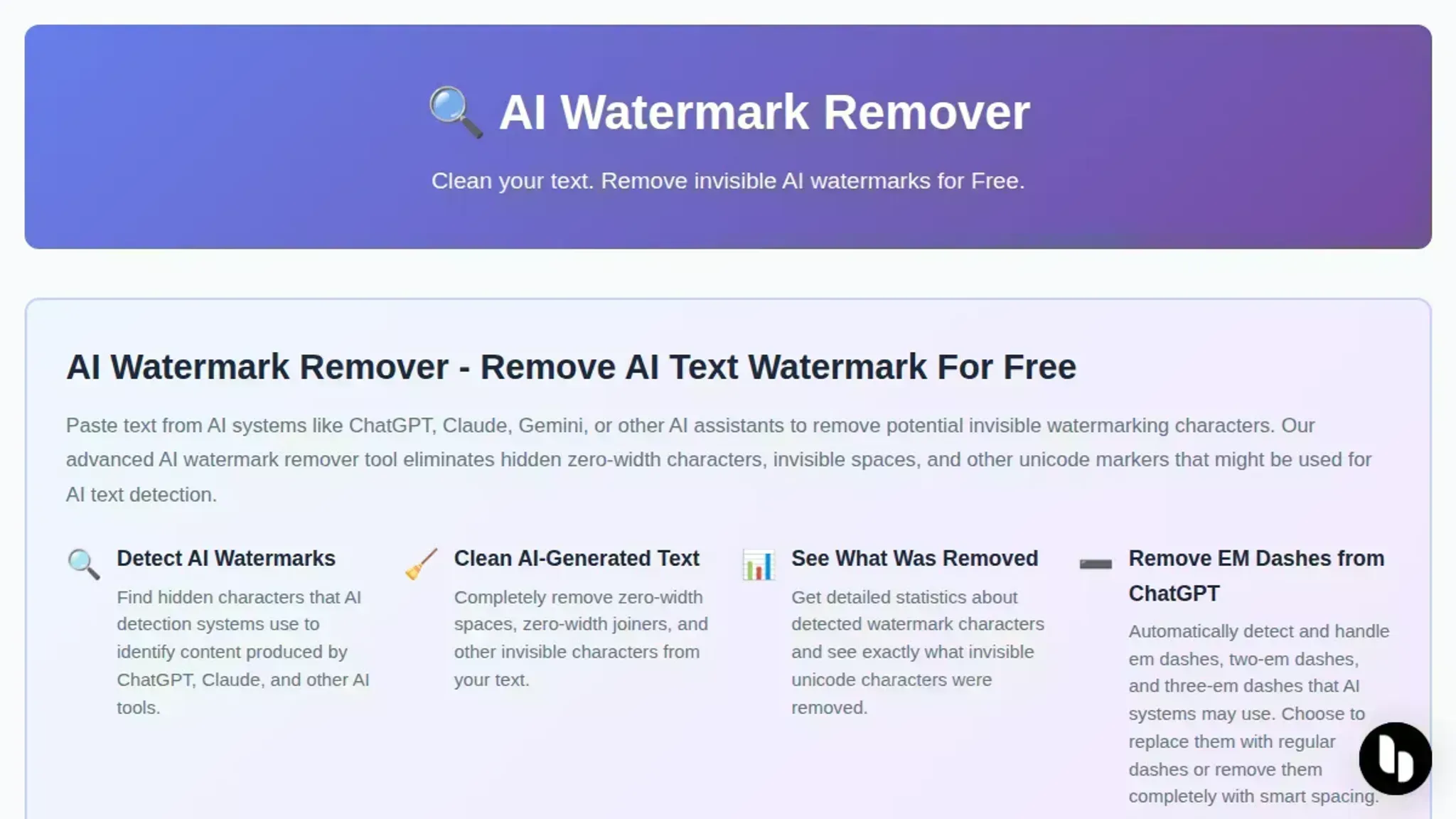
AI Watermark Remover scans and strips those invisible characters client side, so your text comes out truly clean. No second guessing a checker's verdict.
Why do watermark checkers make mistakes?
Watermark checkers make mistakes when they misinterpret invisible Unicode characters like zero-width spaces or zero-width joiners as watermark signals, or miss them entirely due to inconsistent detection logic. The Medium article on detecting AI watermarks recommends preserving the original text before checking, which highlights how fragile these tools can be.
Use a combined detection and removal tool like AI Watermark Remover, which scans for all known invisible watermark characters, reports what it finds, and strips them out in one step. This avoids the ambiguity of running a checker and then manually editing.
Watermark checker vs removal tool: key differences at a glance
The main options are a watermark checker like Watermark Detector and an AI watermark remover like AI Watermark Remover. We compare them on three criteria: detection, removal, and false positive risk.
| Criteria | Watermark Detector | AI Watermark Remover |
|---|---|---|
| What it detects | Common invisible Unicode characters (zero-width spaces, joiners) | All known invisible watermark characters, including rare ones |
| Does it remove them? | No | Yes, removes all detected |
| False positive risk | Common with punctuation, dashes, and special characters | Zero (only removes verified watermark chars) |
| Best use case | Diagnose before cleaning | Clean text ready for use |
If you only need to confirm the presence of watermarks, a checker is enough. If you need a false-positive free copy, use the remover.
When to pick a checker and when to use a remover
A watermark checker scans for invisible Unicode characters like zero-width spaces. It is useful for a quick yes-or-no verdict, but prone to false positives and missed signals, especially after text edits. Google DeepMind's SynthID is an example of the watermarking scheme it tries to detect.
A removal tool like AI Watermark Remover detects the same hidden characters and strips them out. If you need clean text for an email or a document, a checker only flags the problem; a remover fixes it.
Verdict: Use a checker for diagnostics, a remover for cleanup.

What a detection report tells you versus what a remover actually delivers
For someone dealing with watermark checker mistakes, the difference between knowing a watermark exists and getting rid of it is the whole point. A checker tells you about the problem. A removal tool like AI Watermark Remover solves it. Here is how they compare on the five axes that matter most.
Detection precision and false positives
A watermark checker like Watermark Detector scans for invisible Unicode characters and flags them. That sounds straightforward, but the line between a real watermark and a legitimate character is thin. Zero-width spaces appear naturally in justified text. Zero-width joiners are standard in emoji sequences.
A checker that flags every uncommon character will produce false positives, wasting your time on harmless text. Worse, it can miss watermarks that use ones it does not cover, like dashes or certain invisible spaces.
AI Watermark Remover takes a different approach. Instead of merely reporting characters, it identifies and removes patterns that are statistically unlikely to appear in human writing. This reduces false positives. The tool also shows you exactly which characters were removed and how many, so you can verify the result.
Verdict: Checkers generate noise. Removers deliver a clean edit you can trust.
What you can do with the result
A checker gives you a report: a list of character positions and types. That is useful for understanding, but it does not help you fix the text. You still have to manually delete each flagged character, which is tedious and error prone. One missed zero-width space and the watermark remains.
A removal tool turns the detection into an action. Paste your text, click the button, and the watermarks are stripped. The output is ready for use immediately. For someone who needs to publish or share AI-generated content without hidden markers, this saves minutes per document.
Verdict: Checkers inform. Removers complete the job in one step.
Privacy and data handling
Most watermark checkers run entirely in the browser or on the server. Some, like Unmarker, process text client-side so your content never leaves your machine. That is a strong privacy model.
AI Watermark Remover also processes everything client side. No data is sent to a server. Your text, whether it is a draft email, a report, or a creative piece, stays local. This is critical if you handle confidential or proprietary content.
Verdict: Both checkers and removers can be private, but the best removers match the top privacy standards.
Effort and time required
Using a checker means you have to follow up with manual removal or a second tool. That is two steps: detection, then action. If you run a checker on a 2000-word document and it flags 15 characters, you still need to locate and delete each one. That can take ten minutes or more.
With AI Watermark Remover, it is one step: paste and clean. The process takes a few seconds. For frequent users of ChatGPT, Claude, or Gemini, the time saved adds up fast.
Verdict: Checkers double your workload. Removers cut it in half.
Pricing
Most watermark checkers are free. Watermark Detector charges nothing to scan text. The same is true for many removal tools. AI Watermark Remover offers a free tier that handles single text blocks.
An upgrade for batch processing and deeper detection is available but not required for most users.
Verdict: Both are free for basic use. The upgrade on the remover is optional and aimed at heavy users.
The practical choice
If all you need is to know whether a watermark exists, a checker is enough. But if you want to act on that information, especially when dealing with watermark checker mistakes that lead to false positives or missed markers, a removal tool is the only workflow that finishes the task. AI Watermark Remover combines detection, cleaning, and verification in a single client-side process, making it the straightforward pick for anyone who regularly works with AI-generated text.
Watermark checker reliability: pros and cons
A watermark checker can help, but its accuracy depends on the characters it scans for. Here are the main trade-offs:
| Pro | Con |
|---|---|
| Quickly detects common invisible characters like zero-width spaces | Can flag legitimate Unicode characters as watermarks (false positives) |
| Runs in the browser without uploading files | Only reports findings; it does not remove any characters |
| No account needed and free to use | Misses watermarks that use non-Unicode patterns or altered formatting |
| Provides a list of suspicious characters with positions | Does not distinguish between intentional watermarks and accidental characters |
For someone dealing with watermark checker mistakes, the false-positive rate is the biggest frustration. You see flags where none exist, or you get a clean report on text that still contains hidden characters. In practice, a checker is useful for spot checks, but a remover gives you clean text you can actually use.

Watermark checker mistakes: which tool fits your workflow
When to choose a watermark checker
- Investigating a specific pattern: A checker confirms if a known invisible character like a zero-width space is present.
- Single-file audit: Checking one document is faster than running a remover.
- Preserving original text: Checkers only report; they do not modify your content.
When to choose a removal tool
- False negatives risk your deadline: Checkers often miss watermarks from newer AI models. A remover strips every invisible character in one pass. Read our step-by-step guide for real examples.
- False positives waste your time: Flagged characters that are not actual watermarks require manual review. A remover eliminates them all instantly.
- Multiple documents: Running a remover once per file is faster than checking each one and then guessing.
Choose a checker if you audit a single file and need accuracy on one pattern. Choose a remover if you need certainty and speed across many documents.
Expert tip: false negatives from watermark checker mistakes
A watermark checker usually scans for a fixed set of invisible Unicode characters, zero-width spaces, joiners, and a few others. But some AI watermarks hide in characters like dashes or non-breaking hyphens that look legitimate to the eye. If your checker does not scan for those, it will report clean text even when a watermark is present. That false negative is the most expensive watermark checker mistake because it gives you false confidence.
Always verify which character set your checker supports before relying on its all-clear.
Frequently asked questions about watermark checker mistakes
Can a watermark checker produce false positives?
Yes, a watermark checker can flag standard Unicode characters like zero-width spaces as watermarks. These characters appear in normal text formatting, so a false positive is common. The checker mistakes a legitimate character for a watermark signal.
Why does a watermark checker return no watermark when text behaves oddly?
The checker likely scans only a short list of invisible characters. If the AI system used a character outside that list (e.g., a zero-width joiner), the checker misses it completely. This is a false negative and a frequent watermark checker mistake.
Do watermark checkers detect all invisible watermark patterns?
No. Most checkers only recognize a fixed set of known Unicode watermark characters. Patterns that are rare or newly introduced will be invisible to the checker. This limitation is why relying solely on a checker can be misleading.
How can you verify a watermark checker's accuracy?
Run the same text through a removal tool like AI Watermark Remover after using a checker. If the remover finds invisible characters the checker missed, you have a false negative. If the remover finds nothing but the checker flagged something, it is a false positive.
What should you do after a watermark checker gives a false result?
Use a removal tool to either confirm or clean the text. If false positive: the remover shows no hidden characters, so the text is safe. If false negative: the remover detects and removes the watermarks, fixing the checker's oversight.
Final verdict on watermark checker mistakes: your next move
If watermark checker mistakes have been wasting your time, switch to a tool that acts on what it finds instead of just reporting issues. AI Watermark Remover scans and cleans zero-width spaces, joiners, and similar invisible markers in one pass, giving you a usable result immediately. All processing stays client-side.
If you only need to confirm whether a specific invisible character exists, a dedicated checker may be enough. For a list of standalone options, see our roundup of watermark checker tools. For everything else, a remover is the faster, more reliable next step.