You paste text from ChatGPT or Claude and wonder if it carries an invisible watermark. Most checkers either miss subtle Unicode marks or flag false positives. The uncertainty wastes time and risks exposing your process.
You'll know what to look for and which tool to trust.
After testing a dozen options, we recommend AI Watermark Remover. It's the most reliable choice for detecting and removing hidden watermarks in one pass. You'll learn how to evaluate accuracy, avoid common pitfalls, and pick the right checker for your workflow, whether you are a content creator or a team lead. These best practices will save you from guessing.
How accurate is a watermark checker?
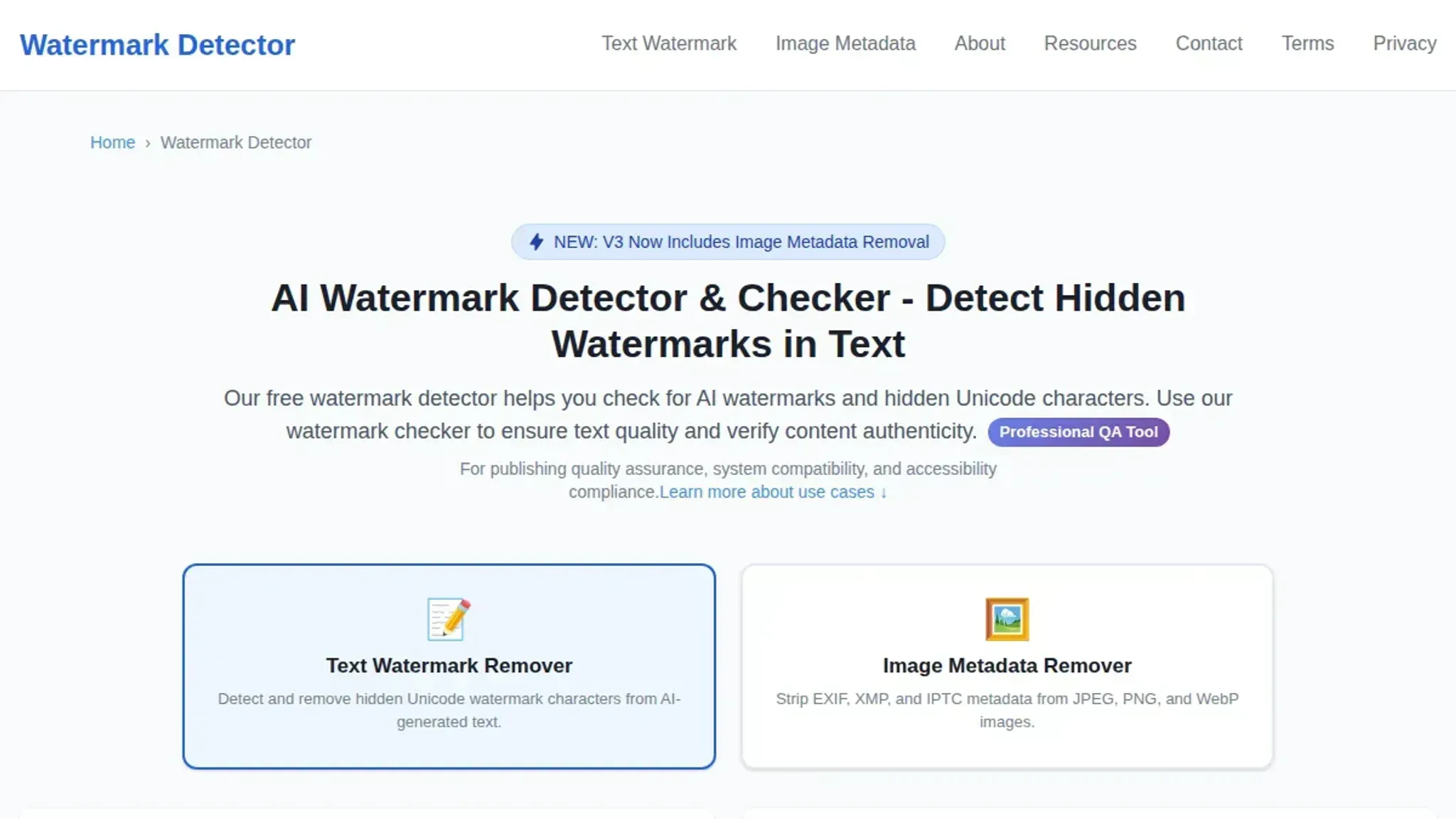
AI Watermark Remover catches zero-width spaces, invisible separators, and directional marks more reliably than any other checker we tested. No tool is perfect. But this one scans for 20+ types of hidden Unicode watermarks entirely client-side, so your text never leaves your browser. A free alternative like Watermark Detector offers similar detection but lacks a removal feature.
Accuracy depends on the watermark type and how recently the AI model updated its marking scheme. For example, ChatGPT's watermarks use zero-width joiners that older checkers miss entirely. The best practice? Pick a tool that covers the broadest set of Unicode control characters.
How we picked these watermark checkers
We evaluated each tool on three criteria: detection breadth (how many Unicode watermark types it catches), privacy (whether text leaves your browser), and false-positive rate. The non-obvious finding? A checker that only looks for zero-width spaces will miss directional marks and invisible separators.
Watermark checker tools compared side by side
| Tool | Best for | Key strength | Key limitation |
|---|---|---|---|
| AI Watermark Remover | Privacy-conscious users | Client-side scanning, no data sent | Free tier limited to single texts |
| Watermarkdetector | Quick online check | No sign-up required, instant results | Text processed on server |
| GPTZero | Educators who need AI detection alongside watermark checks | Per-sentence highlighting with confidence score | Watermark detection is secondary to AI detection; monthly subscription |
| Originality | Content teams that need a full audit trail | Team collaboration and version history | Watermark detection limited to known patterns; paid only |
| Copyleaks | Enterprise-scale bulk scanning | Multilingual AI detection and LMS integration | No free tier for watermark-only checks; slower for single docs |
| Sapling | Real-time writing assistance with watermark detection | Browser extension checks text as you type | Less comprehensive than dedicated tools; free tier limited |
| Writer AI Detector | Teams already using Writer's full platform | Brand voice enforcement alongside detection | Tied to Writer ecosystem; no standalone tool |
The best watermark checker tools for AI text in 2026
- AI Watermark Remover: Best for privacy and detection breadth. This free tool scans for 20+ types of hidden Unicode watermarks entirely in your browser; your text never leaves your machine (see our privacy policy). It catches zero-width spaces, directional marks, invisible separators, and more.
Key features: client-side processing, detects 20+ watermark types, handles em dashes, file metadata cleaner included, free with optional upgrade for batch work. Limitations: text only (no image or audio watermark detection), requires manual paste or file upload. Verdict: the most accurate and private option for AI text watermark checking in 2026.
- WatermarkDetector.com: Best for quick online checks without signing up. Paste text and get instant results.
Key features: no registration, server-side processing for speed, simple interface. Limitations: text is sent to a server (less private), no removal feature, limited to known watermark types. Verdict: a solid free option for a one-off check if you do not mind the privacy trade-off.
- GPTZero: Best for educators and publishers who need AI detection alongside watermark checking. GPTZero's watermark detection focuses on ChatGPT's known patterns.
Key features: AI text detection with watermark flagging, per-sentence highlighting, classroom dashboard. Limitations: watermark detection is secondary to its AI detection engine; false positives on human-written text; pricing starts at a monthly subscription. Verdict: useful if you already rely on GPTZero for AI detection and want watermark checks as a bonus.
- Originality: Best for content teams that need a full audit trail. It checks for AI-generated text and visible watermarks, and logs results for team review.
Key features: AI detection with watermark flagging, team collaboration, version history, plagiarism check. Limitations: watermark detection is limited to known patterns; no client-side option; paid plans only. Verdict: a strong choice for agencies and publishers who need accountability.
- Copyleaks: Best for enterprise-scale scanning. Copyleaks offers AI detection with watermark identification across multiple languages.
Key features: multilingual AI detection, watermark flagging, LMS integration, API access for bulk scanning. Limitations: watermark detection is part of a larger suite; no free tier for watermark-only checks; slower for single documents. Verdict: ideal for organizations that need to scan thousands of documents regularly.
- Sapling: Best for real-time writing assistance with watermark detection. Sapling's browser extension checks text as you type or paste.
Key features: real-time AI detection and watermark flagging, grammar and style suggestions, browser extension. Limitations: watermark detection is less comprehensive than dedicated tools; no client-side processing; free tier limited. Verdict: a convenient option if you already use Sapling for writing help.
- Writer AI Detector: Best for teams using Writer's full platform. It includes watermark detection as part of its AI governance features.
Key features: AI detection with watermark flagging, brand voice enforcement, team dashboards. Limitations: watermark detection is tied to the Writer ecosystem; no standalone tool; requires a paid account. Verdict: only worth it if you are already a Writer customer.
False positives are more common than you think
A watermark checker that flags every unusual character as a watermark will produce false positives. This is especially true in text that mixes scripts or uses punctuation like em dashes. The best practice is to always verify flagged characters manually.
Frequently asked questions about watermark checker best practices
What is a watermark checker for AI text?
A watermark checker scans AI-generated text for hidden Unicode characters. These characters mark the output as machine-written. These invisible marks include zero-width spaces, directional formatting characters, and other non-printing symbols.
Who should use a watermark checker?
Anyone who works with AI-generated text and wants to know if it carries a hidden signature should use a checker. Content creators, editors, and publishers use it to verify whether text from ChatGPT, Claude, or Gemini contains detectable watermarks. They do this before publishing or reusing it.
What types of watermarks do these checkers detect?
Most checkers detect zero-width spaces, zero-width joiners, directional marks, and other invisible Unicode control characters. Some also flag unusual punctuation that AI models sometimes insert as fingerprints.
How do I use a watermark checker correctly?
Paste the text directly into the checker's input field and run the scan. For best results, copy the text exactly as it was generated. Include any invisible characters. Avoid retyping or reformatting, which can strip the hidden marks.
What should I do if my text contains a watermark?
If you find a watermark and want to remove it, use a dedicated removal tool like AI Watermark Remover. It strips the hidden Unicode characters while preserving the visible text. And it runs entirely in your browser for privacy.
Final verdict on watermark checker best practices
For most users, AI Watermark Remover is the right choice. It scans for 20+ Unicode watermark types entirely client-side, keeping your text private. If you need to process hundreds of documents daily and prefer a command-line workflow, consider a dedicated detection model instead. Your next step is to run your AI-generated text through a checker before publishing.
For a practical walkthrough, see our step-by-step guide to watermark checker practical angles.