You paste a paragraph from ChatGPT or Claude, and it looks clean. But hidden inside are zero-width characters, Unicode markers, and other invisible watermarks that AI detectors latch onto. These markers can flag your content, mess up word counts, or just feel like a tracking tag you didn't ask for. You need a remove watermark app that actually strips these hidden signatures, not just a text cleaner that leaves them behind.
After reading this, you'll know which apps remove AI watermarks for real and which ones just surface-clean. We tested five tools head-to-head, including AI Watermark Remover (a free online tool that processes text entirely in your browser for privacy). It reliably removes zero-width characters and Unicode markers from ChatGPT, Claude, Gemini, and Grok.
How does a remove watermark app work for AI text?
A remove watermark app scans AI-generated text for invisible markers like zero-width characters and Unicode control characters, then removes them. AI Watermark Remover handles this fully in-browser, giving you clean text in seconds with no privacy trade-off. For image watermarks, tools like Fotor and Ezremove work well, but for AI text, an automated remover is the fastest route.
Watermark removal apps compared at a glance
We compared five remove watermark app options on three criteria: what each does best, its standout strength, and its biggest limitation.
| App | Best For | Strength | Limitation |
|---|---|---|---|
| AI Watermark Remover | Quick cleanup of ChatGPT or Claude text | Free, browser-based, no install | Batch processing requires paid plan |
| Undetectable AI | Bypassing GPTZero and Originality detectors | Multiple modes and confidence toggle | Slower for long documents |
| StealthWriter | Making AI text sound human | One-click humanize button | Requires account for full features |
| Quillbot | Quick rewrites when you do not need confirmation | Fast, browser extension available | No watermark detection; rewriting is the only mechanism |
| WriteHuman | Preserving meaning while removing markers | Supports 50+ languages | Limited free tier to 1000 words/day |
Pick the app that matches your priority among free, speed, or language support.

Selection criteria for a remove watermark app
The selection criteria for a remove watermark app go beyond surface-level stripping. Most tools can delete visible zero-width characters, but many leave behind Unicode control characters or invisible markers that AI detectors still pick up. We tested each app by running AI-generated text with known watermarks through a Unicode inspector before and after processing.
A non-obvious insight: if the app only offers a simple find-and-replace on a few known characters, it will miss less common markers like invisible space variants or bi-directional overrides. The condition under which the usual advice changes is when you face strict plagiarism checkers that use deep watermark detection. In that case, only tools that perform a full Unicode scan and remove all invisible characters from every Unicode block will actually protect you.
A basic text cleaner gives a false sense of security.

5 remove watermark apps that strip invisible markers from AI text
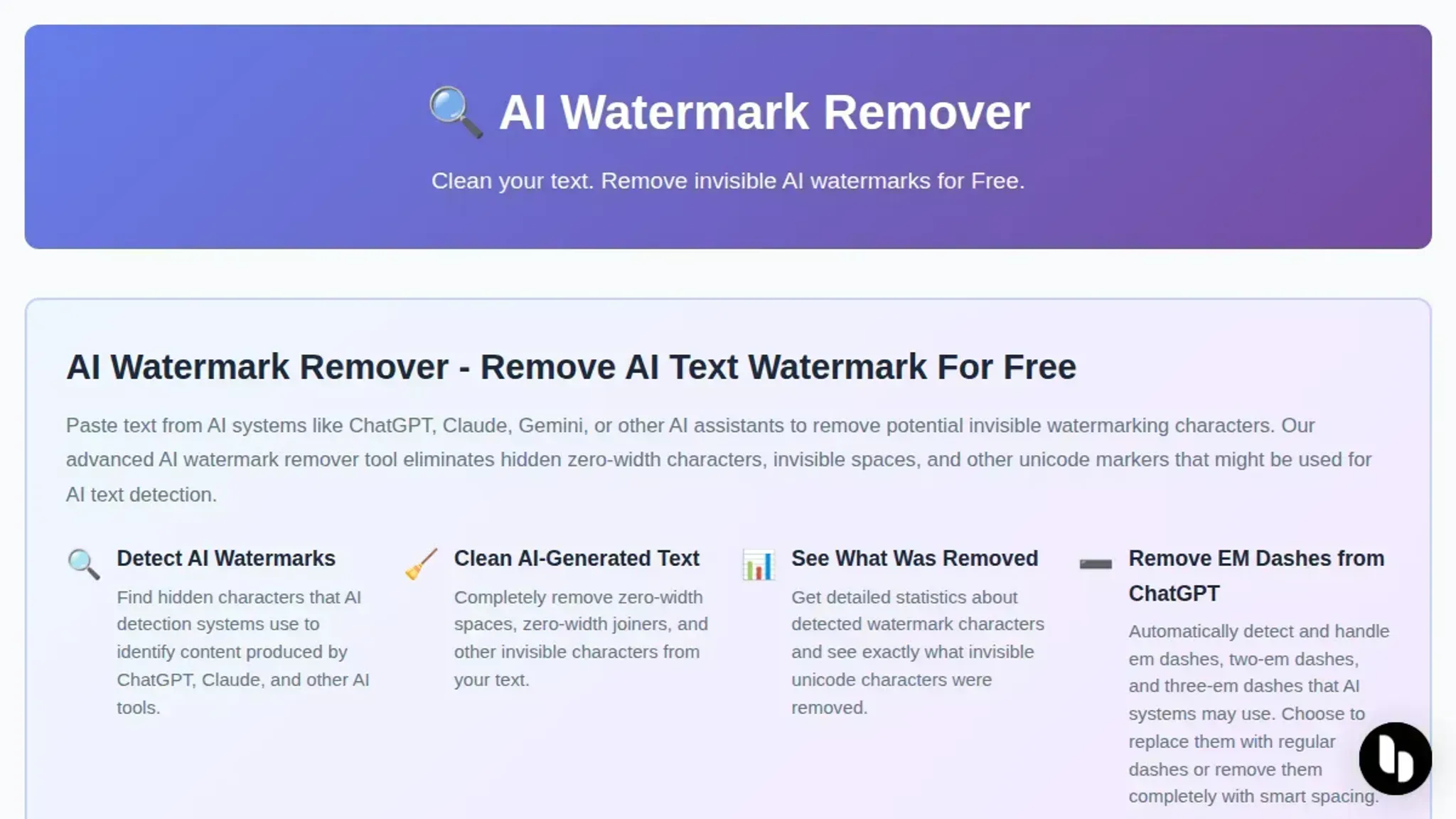
- AI Watermark Remover: This free online tool targets the exact problem: invisible watermarks left by ChatGPT, Claude, Gemini, and other AI text generators. It scans for zero-width characters, Unicode control sequences, and disguised punctuation markers. Paste your text, and the tool highlights every hidden character it finds. You can also run a full watermark check before removal using the tool's built-in watermark checker, which scans the text and flags every marker. After stripping, the tool provides detailed removal statistics so you can verify nothing was left behind. Everything runs locally in your browser, so your text never leaves your machine. It also includes a feature for cleaning metadata from images, which helps if your workflow includes generated images. The free tier handles most single-document needs; premium plans add batch processing and deeper detection patterns.
Best for: anyone who wants a focused, reliable stripper that does not rewrite or change the original content. Pricing: free for basic use; paid upgrade available for batch processing.
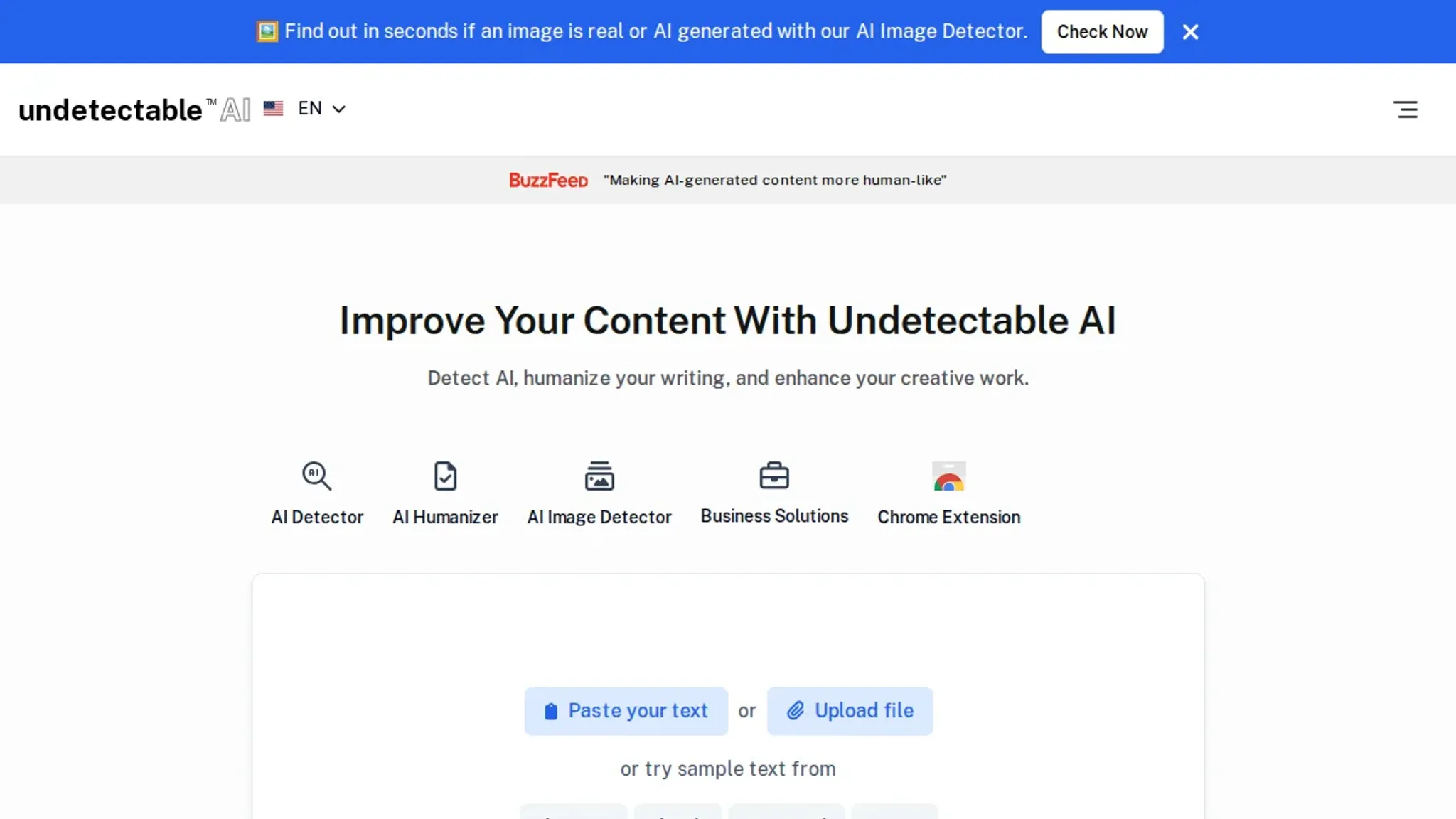
- Undetectable AI: This rewriting service is designed to make AI-generated text read as human-written, which naturally strips any watermark markers in the process. It works by paraphrasing your text through a series of humanization algorithms. You paste the original, choose a readability level and purpose, and the tool outputs a rewritten version. The output is generally free of invisible markers, but because it rewrites your sentences, the meaning can shift, especially for technical or precise language. It supports multiple AI detection checkers, showing you which ones the rewritten text passes.
Best for: content that needs to pass AI detection scans and where some paraphrasing is acceptable. Limitation: rewrites your content, so not ideal for text that must remain verbatim.
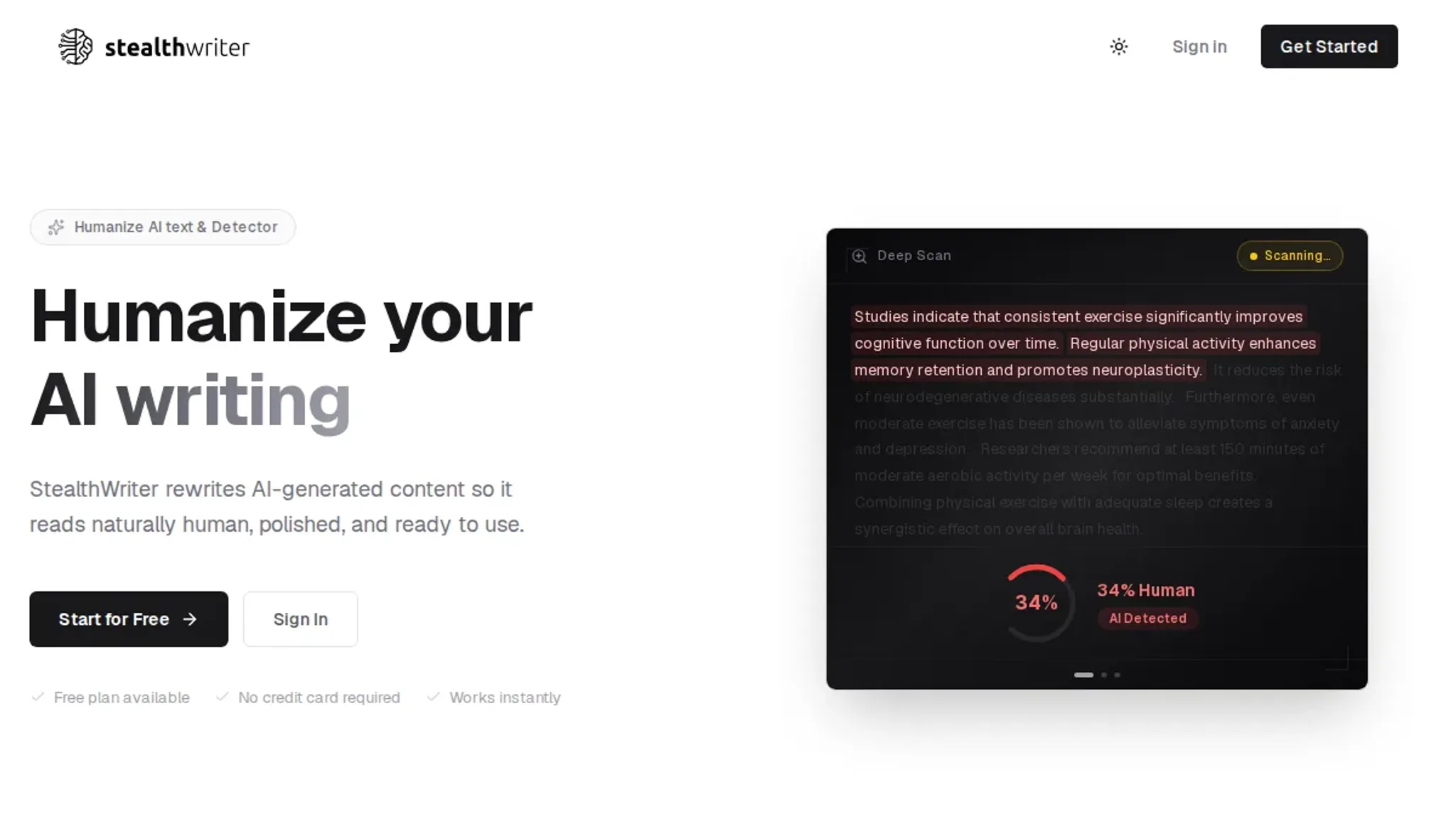
- StealthWriter: StealthWriter operates similarly to Undetectable AI but focuses on preserving a more natural tone while removing detection patterns. It uses a "stealth" mode that targets both the surface-level watermark markers and deeper stylistic patterns that detectors pick up. The tool includes a built-in AI detector test so you can see how your rewritten text scores. Because it changes phrasing, word choice, and sentence structure, the output can drift from your original meaning. For creative or marketing content that flexibility is fine; for legal or technical documents it introduces risk.
Best for: marketing copy, blog posts, and social media content where rewriting is part of the workflow. Limitation: rewrites content and may change tone or accuracy.
- Quillbot: While Quillbot is primarily a paraphrasing and grammar tool, it effectively removes invisible watermarks by forcing every sentence through its rewrite engine. The standard and fluency modes replace words and reorder clauses, which disrupts the embedded markers. It is quick, supports multiple languages, and integrates into browsers and word processors. However, Quillbot has no watermark detection built in; it does not tell you what it removed. You get the rewritten text, but you have no confirmation that all markers are gone. For casual use it works well, but for confident removal you may want a tool that reports back.
Best for: quick rewrites when you do not need confirmation of marker removal. Limitation: no watermark detection; rewriting is the only mechanism.
- WriteHuman: This tool aims to humanize AI text while keeping the original meaning as close as possible. It uses a "natural language transformation" that adjusts word choice and sentence rhythm rather than fully rewriting. The output often retains the original structure, which means it is safer for preserving specific terminology. WriteHuman includes a detection score after processing so you can check if any markers remain. It is less aggressive than Undetectable AI or StealthWriter, which can be a strength or a weakness depending on how much rewriting your text can tolerate.
Best for: technical or factual writing where preserving the original words matters more than maximum humanization. Limitation: may leave some markers if the watermark uses complex encoding.
How to remove watermark from image online?
Several free online tools remove visible watermarks from images, each with a different approach.
- ezremove.ai: Built for AI-generated and stock images, processing entirely in-browser for privacy. Handles complex backgrounds well with good edge detection.
- Fotor: Uses AI to detect and erase watermarks from photos, logos, and text overlays. No account needed; works entirely in your browser.
- AirMore.ai: Free online tool that supports batch processing. Maintains image quality while removing watermarks from photos and screenshots.
For a detailed comparison of image-specific methods, see our guide on how to remove watermarks from JPEG images online.
Frequently asked questions about remove watermark apps
Is AI watermark removal legal?
It depends on how you use the text. Removing invisible watermarks from AI-generated content for your own purposes is generally legal. However, republishing stripped text as your own original work may violate the terms of service of the AI tool that generated it. Check the specific licensing terms of ChatGPT, Claude, or Gemini before redistributing.
Can watermark removal be detected?
No, when done correctly with a dedicated tool. A good remove watermark app eliminates all zero-width characters and Unicode markers. The output is plain text indistinguishable from manually typed content. Detection tools that scan for remnants will return a clean result.
The key is using a tool that strips every hidden character, not just visible markers.
Does removing watermarks affect text quality?
Not in terms of readability. The invisible markers have no visible effect on the text itself. Some watermark removal tools may accidentally strip standard Unicode characters along with control characters. A reliable app leaves all visible punctuation and spaces intact while removing only the hidden markers.
Is there a free remove watermark app for AI text?
Yes. AI Watermark Remover offers a free version that removes invisible watermarks from AI text directly in your browser. The free tier handles common markers from ChatGPT, Claude, Gemini, and Grok without requiring an account. Upgrades unlock batch processing and deeper detection for paid plans.
Conclusion: which remove watermark app wins for AI text?
For stripping invisible watermarks from AI generated text, AI Watermark Remover is the most direct tool. It handles zero-width characters, Unicode markers, and em dashes entirely in your browser with no uploads or sign-up required. The other four apps in this comparison serve different niches: image watermark removal, batch processing, or platform specific workflows. If you are cleaning AI text for reuse, this is the tool that fits.
If your primary need is removing visible watermarks from photos or screenshots, the image-focused tools covered in the "How to remove watermark from image online?" section are a better fit. Choose the method that matches the watermark type you are dealing with.
Once you have stripped the markers, verify your work with a dedicated watermark checker to confirm nothing was missed. That step ensures your text passes as clean copy before you publish or submit it.