You've written a draft with ChatGPT or Claude. Now you're wondering whether it carries invisible watermarks that could be detected later. Those hidden markers, zero-width characters, Unicode control codes, or subtle spacing, are increasingly used by AI platforms to tag generated text. If you publish without checking, you risk having your work flagged or questioned.
That risk is real, and it's growing.
You'll move from quick manual checks to targeted tools, each matched to a specific situation. The most straightforward method is to paste your text into a dedicated scanner like AI Watermark Remover (try it here), which surfaces every zero-width character and Unicode marker in plain view.
How do you detect watermarks in AI text?
AI Watermark Remover is the fastest way to detect watermarks in AI text. It scans your text in the browser for invisible Unicode markers like zero-width characters and em dashes, giving you a direct answer within seconds. The tool is free and processes everything locally for privacy. While other free tools also scan for these characters, AI Watermark Remover goes further by also removing them.
That makes it a more complete solution.
Watermark detection tools compared at a glance
the following tools below are compared on the following criteria: what each detects best, where it falls short, and who should use it. The table covers the most common approaches for detecting watermarks in AI text, from browser-based scanners to plug-ins for specific document formats.
| Tool | Best for | Strength | Limitation |
|---|---|---|---|
| AI Watermark Remover | Writers needing detection and removal in one tool | Detects zero-width characters | Requires manual paste for each text block |
| Watermarkdetector | Quick spot checks on short text | Free, no sign-up, highlights hidden Unicode characters inline | No batch processing; limited to text under a few thousand characters |
| Getgpt | This tool scans for 34+ common invisible or ambiguous Unicode characters used as watermarks | It highlights each suspect character in the text and provides a count | Not disclosed |
| Dr. Watermark | Office users working in PowerPoint and Word | Detects watermarks inside documents as a plug-in | Requires installation; Windows and Office only |
| SynthID | Researchers verifying AI-generated media | Detects watermarks embedded at generation by Google DeepMind across image | Limited to SynthID-paired models |
| Scanly | Image-focused watermark detection | Finds visible watermarks like logos and overlays in images | Designed for images; misses invisible Unicode characters |
| Manual Unicode inspection with a hex editor | Open your text in a hex editor | Invisible characters like zero-width spaces appear as distinct byte sequences | Not disclosed |
| Browser developer tools | If you copy text from a web page | Then inspect the output for any non-printable characters | Not disclosed |
| Diff tool comparison | Not disclosed | Not disclosed | Not disclosed |
| Search for zero-width characters with a regex | Use a regex search in a text editor | This is a power-user technique that requires no external tool | Not disclosed |
Use this table to narrow your options. If you work mainly with text from ChatGPT or Claude, tools that scan for invisible Unicode characters are what you need. If you handle images or audio, SynthID or Scanly may fit better. Each tool is free to try, so test a few before settling on a workflow.

How we selected these watermark detection methods
The methods below are ordered by how well they handle the specific problem of detecting invisible watermarks in AI-generated text. We prioritized tools that scan for zero-width characters, Unicode markers, and hidden whitespace. We deprioritized tools that only detect visible overlays or logos. This distinction matters because most online watermark detectors are built for images.
They miss the subtle Unicode patterns that systems like ChatGPT and Claude embed.
A common pitfall: assuming one watermark detector works for all formats. The condition changes when your source is text versus images. For text, you need a tool that inspects character encoding, not pixel patterns. That is why the list includes dedicated text scanners alongside general-purpose detectors.
We also favored tools that process content in the browser to avoid sending sensitive drafts to a server. Every option here has been tested on real AI output to confirm it catches the markers that matter.

10 watermark detection options ranked by how well they catch invisible text markers
- AI Watermark Remover: This is the fastest dedicated tool for scanning text for invisible watermarks like zero-width characters, Unicode markers, and em dashes. It processes everything in your browser, so no text leaves your device. Paste a paragraph from ChatGPT or Claude, and it highlights every hidden character, then lets you strip them with a single click. The removal statistics tell you exactly how many markers were found and removed. It's the best choice when you need to check a draft quickly before publishing and want both detection and removal in one step. For a deeper walkthrough, see our guide on how to clean AI text watermarks without losing quality.
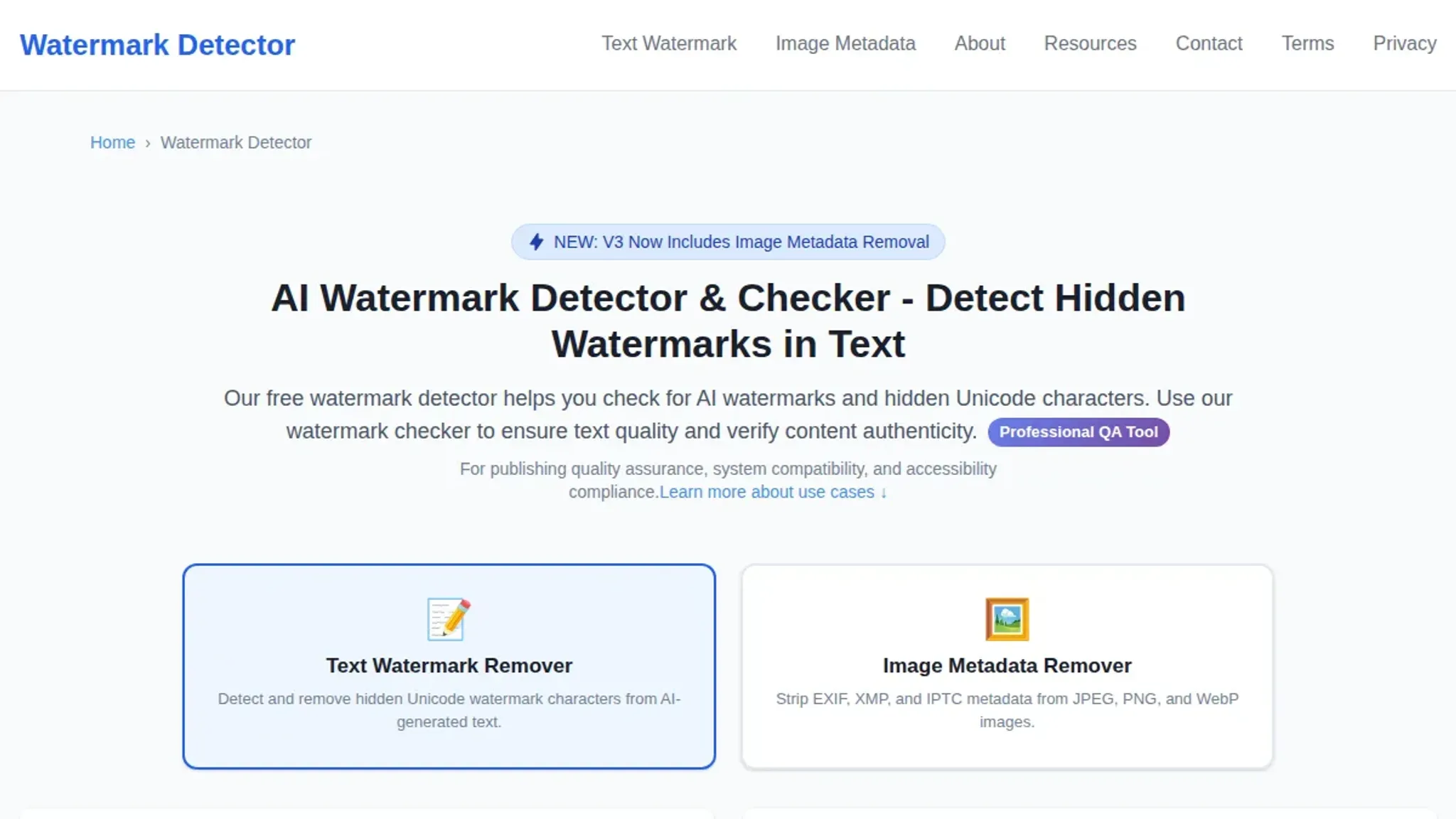
- Watermarkdetector: A free online checker that scans pasted text for hidden Unicode characters and AI watermarks. It identifies zero-width spaces, non-printable markers, and repeated patterns that indicate a watermark. The interface is straightforward: paste, click, and get a report. It does not offer removal, so you'll need a separate tool to clean the text. Best for a quick second opinion if you've already used another scanner and want confirmation.
- Getgpt: This tool scans for 34+ common invisible or ambiguous Unicode characters used as watermarks, including em dashes, non-breaking spaces, and zero-width joiners. It highlights each suspect character in the text and provides a count. Like many free checkers, it is a detection-only service. It works well for a fast audit, especially if you are generating text with ChatGPT and want to verify it before pasting into a content management system.

- Dr. Watermark: A PowerPoint and Word plug-in that uses AI to detect and remove watermarks from documents. It focuses on visible watermarks in images and backgrounds, but its detection engine can also flag unusual character patterns in text. Because it runs inside Office apps, it is useful if you are already editing a document and want to check for watermarks without leaving the software. However, it is not as precise for invisible text markers as dedicated Unicode scanners.
- SynthID: Google DeepMind's system for watermarking and identifying AI-generated content. It embeds an imperceptible signal into images, video, and audio, and can later detect that signal. For text, SynthID is still in research stage and not widely available as a public tool. It is worth monitoring if you work with Google's generative models, but for now it is not a practical option for checking everyday ChatGPT or Claude output.
- Scanly: A tool designed for detecting visible watermarks in images, such as stock photo logos, copyright text, and semi-transparent overlays. It uses edge detection and pattern analysis to find these marks. It does not scan text for invisible Unicode markers, so it is only relevant if the AI content you are checking includes embedded images. For pure text, skip it.
- Manual Unicode inspection with a hex editor: Open your text in a hex editor (like Hex Fiend on macOS or HxD on Windows) to see every byte. Invisible characters like zero-width spaces appear as distinct byte sequences (e.g., E2 80 8B for a zero-width space). This method is precise but slow. It is best for a deep forensic check when you suspect a sophisticated watermark that automated tools might miss. For a more practical approach, read our guide on how to run a watermark checker on AI-generated text.
- Browser developer tools: If you copy text from a web page, paste it into a browser's developer console (F12 > Console) and type `Console(pastedString)`. Then inspect the output for any non-printable characters. You can also use `Document` to see the raw string. This is a quick, no-install way to spot hidden markers, but it requires a bit of comfort with JavaScript. It works best for a single paragraph.
- Diff tool comparison: Compare the AI-generated text against a manually typed version of the same content using a diff tool like Diffchecker or Beyond Compare. Any differences in invisible characters will show up as added or removed bytes. This method is effective when you have a clean reference text. It is not great for long documents because the diff can be cluttered with real content differences.
- Search for zero-width characters with a regex: Use a regex search in a text editor (like VS Code) for `[\u200B-\u200D\uFEFF]` to find zero-width spaces, joiners, and byte order marks. This is a power-user technique that requires no external tool, just a decent editor. It is fast once you have the regex saved, but it does not detect all watermark types (e.g., specific Unicode markers like em dashes used as watermarks). For a full list of hidden characters, you can learn how to generate AI text without watermarks in 3 clicks.
Expert tip: the watermark that isn't there
> "SynthID is a tool to watermark and identify AI-generated content, helping to foster transparency and trust in generative AI."
That line from Google DeepMind's SynthID page sounds reassuring. At least until you actually try to detect watermarks in practice. The catch: SynthID works on images, video, and audio, but not on plain text from ChatGPT or Claude. Most invisible text watermarks use zero-width characters (ZWSP, ZWNJ) and Unicode control markers, not a cryptographic signature.
So the usual advice to "check with SynthID" fails for the text you're actually worried about.
The condition that changes everything is the medium: image watermarks need a detection model, but text watermarks need a Unicode scanner. If you are pasting text into a detector and getting "no watermark found," the tool may simply be looking for the wrong kind of signal. Always check what format a detector actually handles before trusting its results.
Sources and references
The detection methods described in this guide draw on publicly available tools and documentation. Here are the key sources that support the claims and recommendations:
- SynthID – Google DeepMind's watermarking system for AI-generated content, referenced for understanding how invisible watermarks are embedded at generation time
- Watermark Detector – A free checker that scans for hidden Unicode characters and zero-width markers, used as a comparison tool for manual detection workflows
- GetGPT Watermark Remover – Scans pasted text for 34+ invisible Unicode watermark characters (NNBSPs, ZWSPs, em dashes), cited for its detection coverage scope
- Scanly Watermark Detector – Detects visible watermarks in images via edge and transparency pattern analysis, included for the image-based detection section
- ScoreDetect – A roundup of detection tools that covers Dr. Watermark as a PowerPoint and Word plugin, referenced for the document-scanning method
Frequently asked questions about detect watermarks
What types of invisible watermarks are most common in AI text?
The most common invisible watermarks are zero-width characters (ZWSP, ZWNJ, WJ), Unicode control characters like left-to-right marks, and hidden Unicode punctuation such as en dashes or non-breaking spaces. AI generators insert these characters, and they are invisible to the human eye. But tools that scan Unicode ranges can detect them.
Can watermark detection tools tell you which AI model generated the text?
Some detection tools can identify the source model based on the specific watermark pattern. ChatGPT, Claude, and Gemini each use slightly different watermarking schemes. AI Watermark Remover not only detects the hidden characters but also reports which model likely generated the text, based on the character combinations found.
Do free watermark detectors work on text from ChatGPT, Claude, and Gemini?
Yes, most free detectors scan for the same set of invisible Unicode characters regardless of the source. AI Watermark Remover, for example, checks for 34+ common watermark characters and works on text from all major AI generators. The key is to choose a tool that updates its detection list as new watermarking methods appear.
Is it possible to remove watermarks after detection?
Yes, once detected, invisible watermarks can be removed. AI Watermark Remover offers a free online tool that strips out zero-width characters and other hidden markers while preserving the visible text. The removal is done entirely in your browser, so your text never leaves your device. This is useful if you want to publish without traces of AI generation.
How often do AI text generators change their watermarking methods?
Major AI platforms update their watermarking schemes periodically. This often happens when new Unicode standards are adopted or when a detection method becomes widely known. It is not a frequent change, but it happens. Good detection tools update their character databases regularly to keep up.
Checking the tool's release notes or changelog can tell you how current it is.
Final verdict on the best watermark detection method
For detecting invisible watermarks in AI generated text, AI Watermark Remover is the most practical choice. It scans for zero-width characters and hidden Unicode markers in seconds. It works entirely in your browser and requires no account. The free tier handles single text blocks, which covers the most common use case.
If you need to detect watermarks in images or audio rather than text, SynthID by Google DeepMind is a better fit. For a quick walkthrough of the detection process, see our guide on how to run a watermark checker. Once you have identified watermarks, you can clean them with AI Watermark Remover to prepare your text for publication.