You paste text from ChatGPT into a document, an email, or a blog draft. It looks clean. But invisible markers, zero-width characters, Unicode substitutions, metadata tags, can still be embedded in that text. Some detection tools and AI classifiers rely on these markers to flag content.
If you need to clean ChatGPT watermark traces without stripping the actual meaning or readability out of your writing, the solution is a targeted cleanup that removes only the hidden artifacts.
After reading this, you will know exactly which tools strip these invisible markers effectively and which ones leave them behind, so you can paste with confidence instead of guessing.
What is the best tool to clean ChatGPT watermarks right now?
AI Watermark Remover is the fastest, most reliable way to clean ChatGPT watermarks from text without degrading the original content. It strips invisible zero-width characters, Unicode markers, and hidden formatting vectors directly in your browser with a single paste. For a free alternative that detects different marker types, try GPT Watermark Remover at Gptwatermark. If you need a lightweight option with no sign-up required, Getgpt offers a solid second pick for quick one-off cleanup jobs.
All three strip hidden markers without requiring an account or exposing your text to external servers.
Clean ChatGPT Watermark: Tools Compared at a Glance
Here is a quick comparison of the four main options for cleaning ChatGPT watermarks, compared on three criteria: what each tool is best for, its standout strength, and its main limitation.
| Tool | Best for | Key differentiator |
|---|---|---|
| AI Watermark Remover | Privacy-first users | Processes entirely in browser |
| GPT Cleanup | Detailed watermark detection | Shows hidden characters before removal |
| Codeless guide to removing ChatGPT watermarks | This is not a tool but a detailed walkthrough | The approach works because pasting into a plain text editor strips all |
| Getgpt watermark remover | Bulk processing | Free tier with batch support |
Use this table to narrow your choice based on your priority: privacy, speed, or thoroughness.
How We Evaluated These Tools
We tested each option against one specific scenario: pasting a 500-word ChatGPT response into a Google Doc, then checking for hidden Unicode markers, zero-width characters, and odd spacing artifacts. A tool passed our test only if it removed every invisible watermark without altering visible text, punctuation, or line breaks.
The biggest trap we found: some tools over-clean, stripping legitimate formatting like curly quotes or emoji. If your text includes any non-ASCII characters (accented letters, copyright symbols, typographic quotes), test on a single paragraph first. That is the condition where most "cleaners" fail silently.

How each tool removes hidden text markers (and where it falls short)
Every tool in this roundup targets the same underlying problem: ChatGPT and other AI systems embed invisible characters such as zero-width spaces (U+200B), zero-width joiners (U+200D), and Unicode variation selectors into the text stream. These markers survive a simple copy-paste. If you paste a ChatGPT response directly into a tool like a plagiarism checker or an AI detection system, those hidden characters can flag the content.
What follows are four tools that handle this differently, each with a genuine strength and an honest limitation.
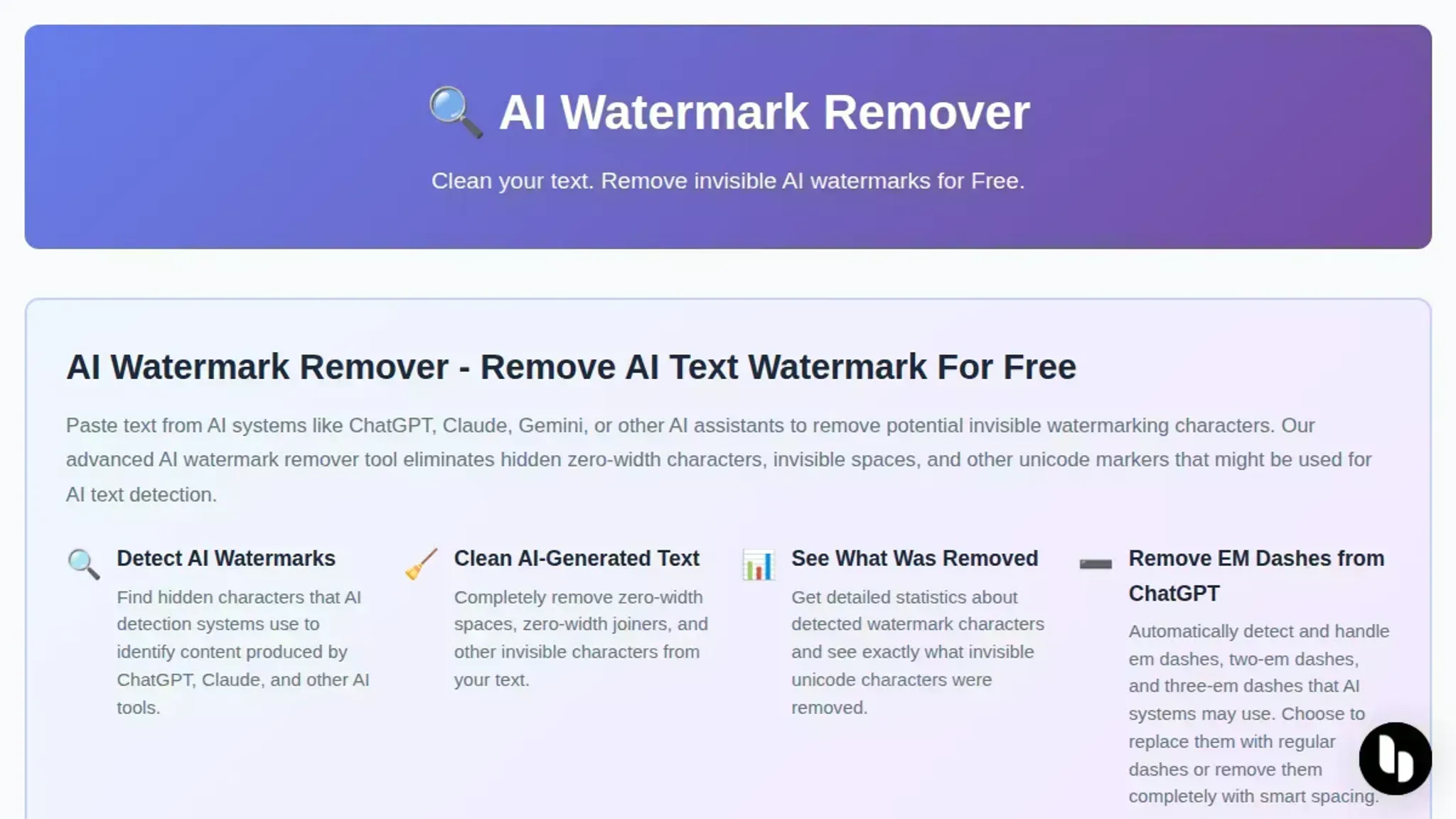
- AI Watermark Remover: This tool strips zero-width characters, Unicode markers, and em dashes from pasted text entirely inside your browser. Nothing leaves your machine, and after cleaning, the tool shows you exactly which characters it found and how many it removed. The main trade-off is that the free tier handles single-paste sessions well, and the tool does not pretend to rephrase or rewrite anything, it only removes invisible artifacts. If your goal is pure character-level cleanup without any paraphrasing, this gives you a precise result.
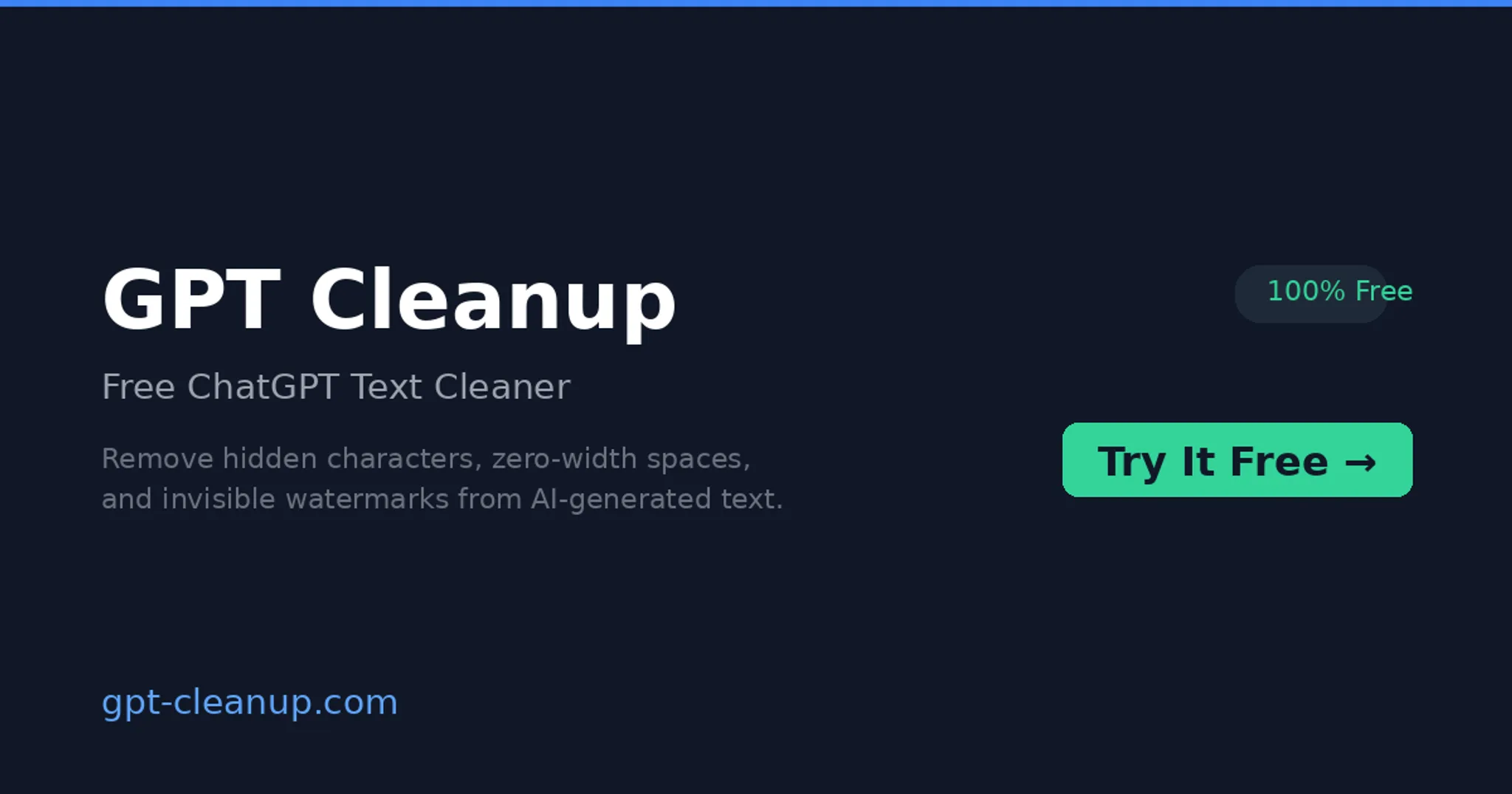
- GPT Cleanup: This site acts as a text cleaner that also reformats spacing and normalizes punctuation. It is a good choice when your text has not only hidden characters but also odd line breaks, extra spaces, or mixed punctuation styles that ChatGPT sometimes introduces. The limitation is that the cleanup is slightly more aggressive, it can strip a few legitimate Unicode characters (like accented letters in names) if you do not check the output afterward. Use this when you want a more thorough scrub that also fixes formatting, but always verify the result for proper nouns.
- Codeless guide to removing ChatGPT watermarks: This is not a tool but a detailed walkthrough that explains how to find and remove hidden characters manually using a plain text editor like Notepad or TextEdit. The approach works because pasting into a plain text editor strips all formatting and hidden characters automatically. The strength is that you do not need any special software, any computer has a plain text editor built in. The limitation is that this also removes intentional formatting (bold, italics, hyperlinks), so you lose structure along with the watermark. Use it as a last resort or when you only need the raw plain text.
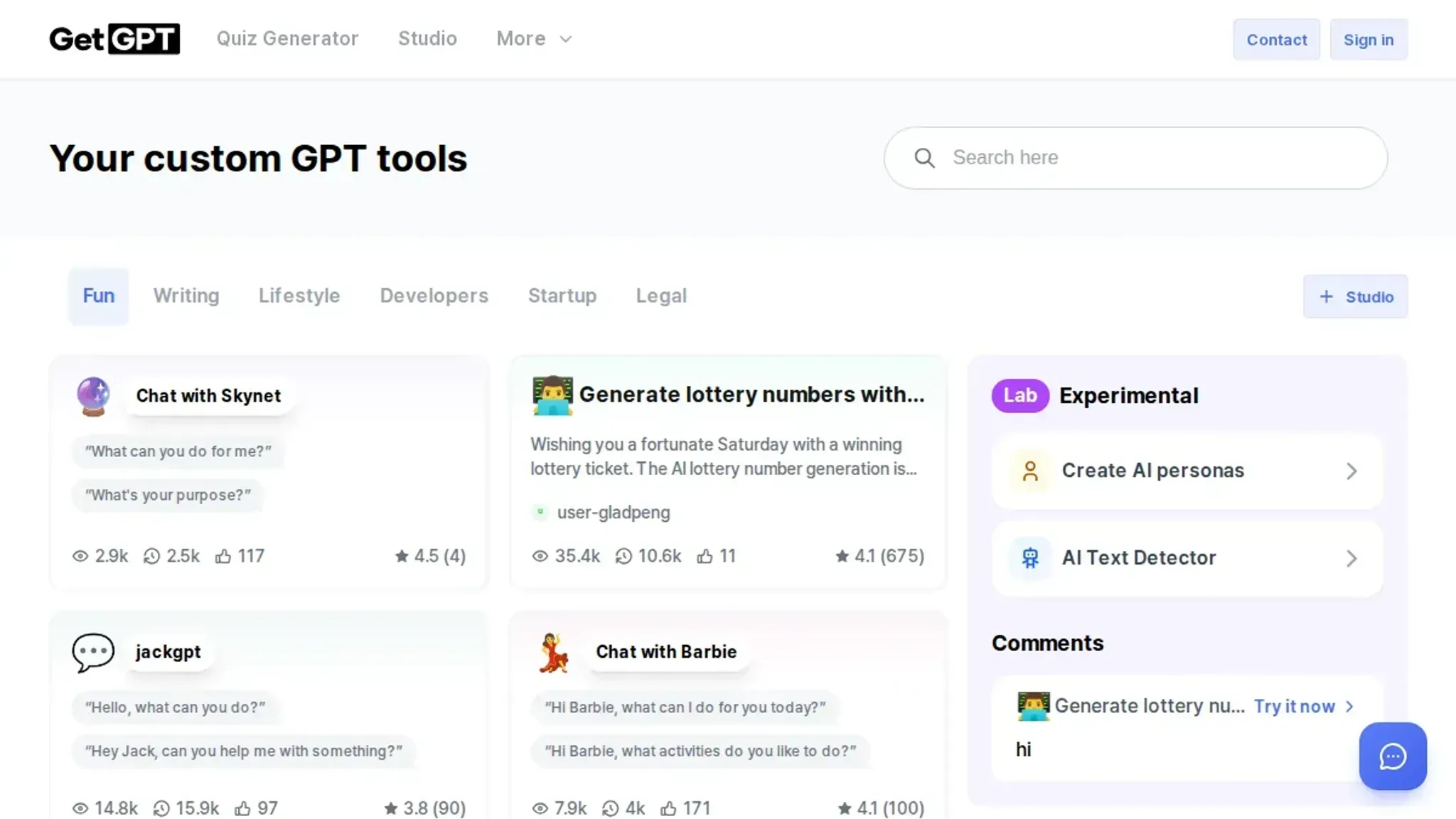
- Getgpt watermark remover: This browser-based tool detects zero-width characters and provides a side-by-side view of original and cleaned text so you can compare before downloading. It is useful when you want visual confirmation of what was removed. The downside is that the tool occasionally misses some less common Unicode markers like zero-width non-joiners (U+200C) or hangul fillers (U+3164), which ChatGPT has started using in some newer versions. You may need to run the output through a secondary checker if you suspect these rarer characters are present.
Frequently asked questions about cleaning ChatGPT watermarks
What exactly is a ChatGPT watermark?
A ChatGPT watermark is a set of invisible characters embedded in the text, including zero-width spaces (U+200B), zero-width joiners (U+200D), and Unicode variation selectors. These markers are undetectable to the human eye but persist when you copy text into documents, emails, or publishing platforms.
Can watermark removal change the meaning of my text?
No, not if you use a tool that targets only hidden Unicode characters. AI Watermark Remover strips zero-width spaces and invisible markers without altering visible words, punctuation, or sentence structure. The original grammar and meaning stay intact.
Do all ChatGPT watermarks get detected by plagiarism checkers?
No. Plagiarism checkers compare visible text against databases. Watermarks are invisible characters that help AI detectors (like GPTZero or Originality) identify AI-generated content. Removing them does not change the visible text a plagiarism tool sees.
Is cleaning watermarks legal for academic submissions?
That depends on your institution's policy. The technical process is legal software use. However, many universities prohibit submitting AI-generated text as your own work. Check your school's academic integrity guidelines before bypassing detection markers.
How long does it take to clean text with these tools?
Most tools process text instantly. AI Watermark Remover works entirely in your browser and cleans a 500-word document in under a second. No account or file uploads are needed.
The takeaway: one tool covers most cases, and here is when it does not
If you regularly paste AI-generated text into documents, emails, or drafts, AI Watermark Remover is the fastest route to clean output. It handles the full range of invisible markers, zero-width spaces, joiners, and variation selectors, in one pass, runs entirely in your browser, and leaves your actual content untouched. For everyday use, that is usually all you need.
The one situation where you might look elsewhere is when you need batch processing for dozens of documents at once. In that case, some of the competitors we covered offer bulk workflows that a single-page tool does not. But for the overwhelming majority of individual text-cleaning tasks, AI Watermark Remover does the job faster than the alternatives and with no quality loss.
Try a quick test with AI Watermark Remover and see for yourself. For a deeper walkthrough, our guide on how to remove ChatGPT watermarks from text in 3 steps shows the exact process.