You typed a sentence into ChatGPT, got a solid draft back, and then noticed something off. The text looks fine, but a tool you ran it through flagged invisible characters embedded in the output. That is the ChatGPT watermark: a set of zero-width Unicode markers and special characters the model adds to its generated text.
It does not change the visible words, but it leaves a fingerprint that detection tools can read.
You want that gone without degrading the actual content. After reading this, you will know exactly which methods strip those hidden markers cleanly and which ones introduce new problems like garbled punctuation or broken formatting. The goal is to get rid of ChatGPT watermark characters while keeping every sentence readable and intact.
What is the fastest way to get rid of the ChatGPT watermark?
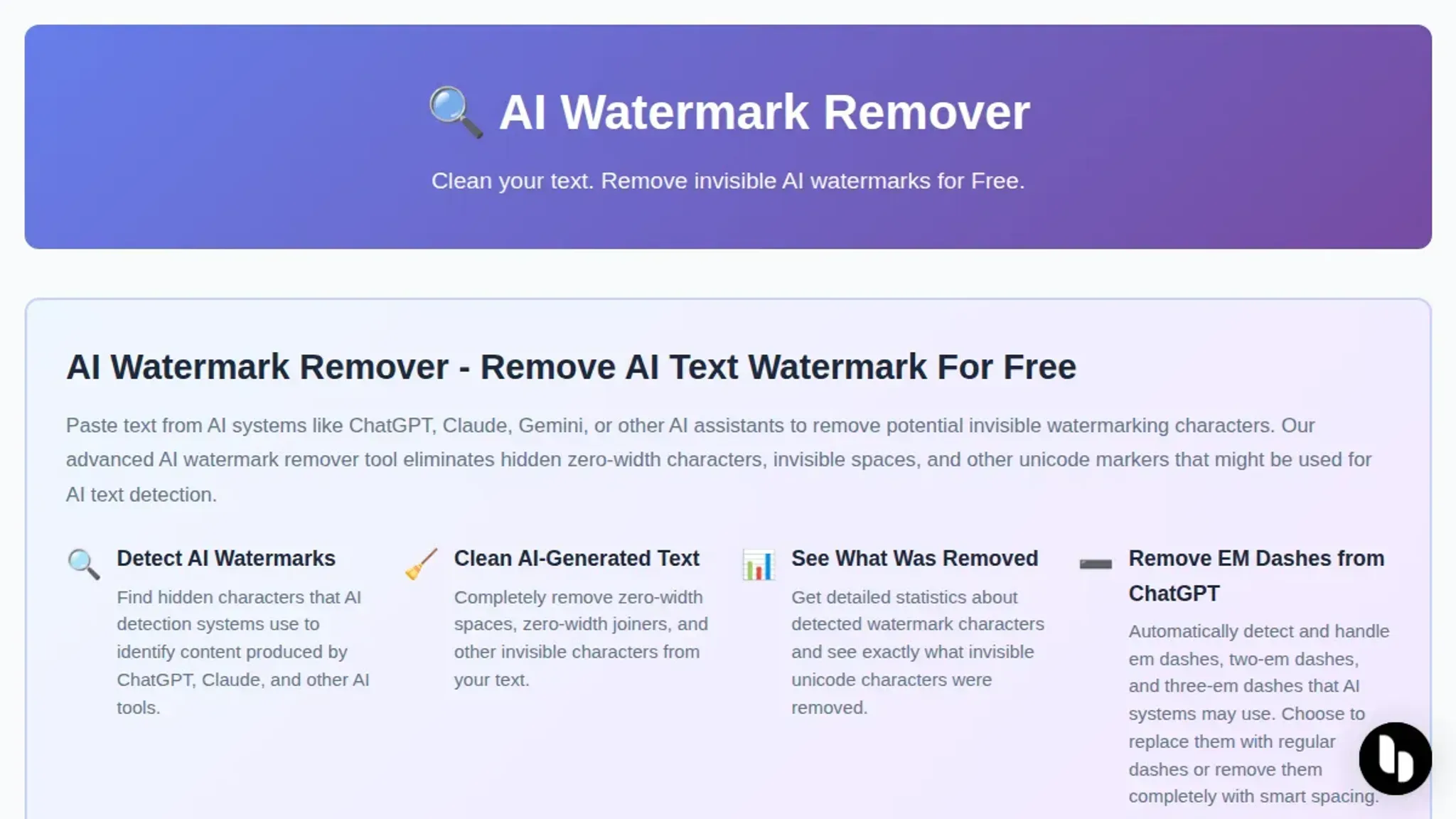
AI Watermark Remover is the fastest and most reliable way to get rid of the ChatGPT watermark while keeping your text intact. Paste your ChatGPT output into the tool's browser-based editor, click the removal button, and copy the cleaned text in under ten seconds. It strips zero-width characters, Unicode markers, and invisible em dashes without altering your actual words or sentence structure.
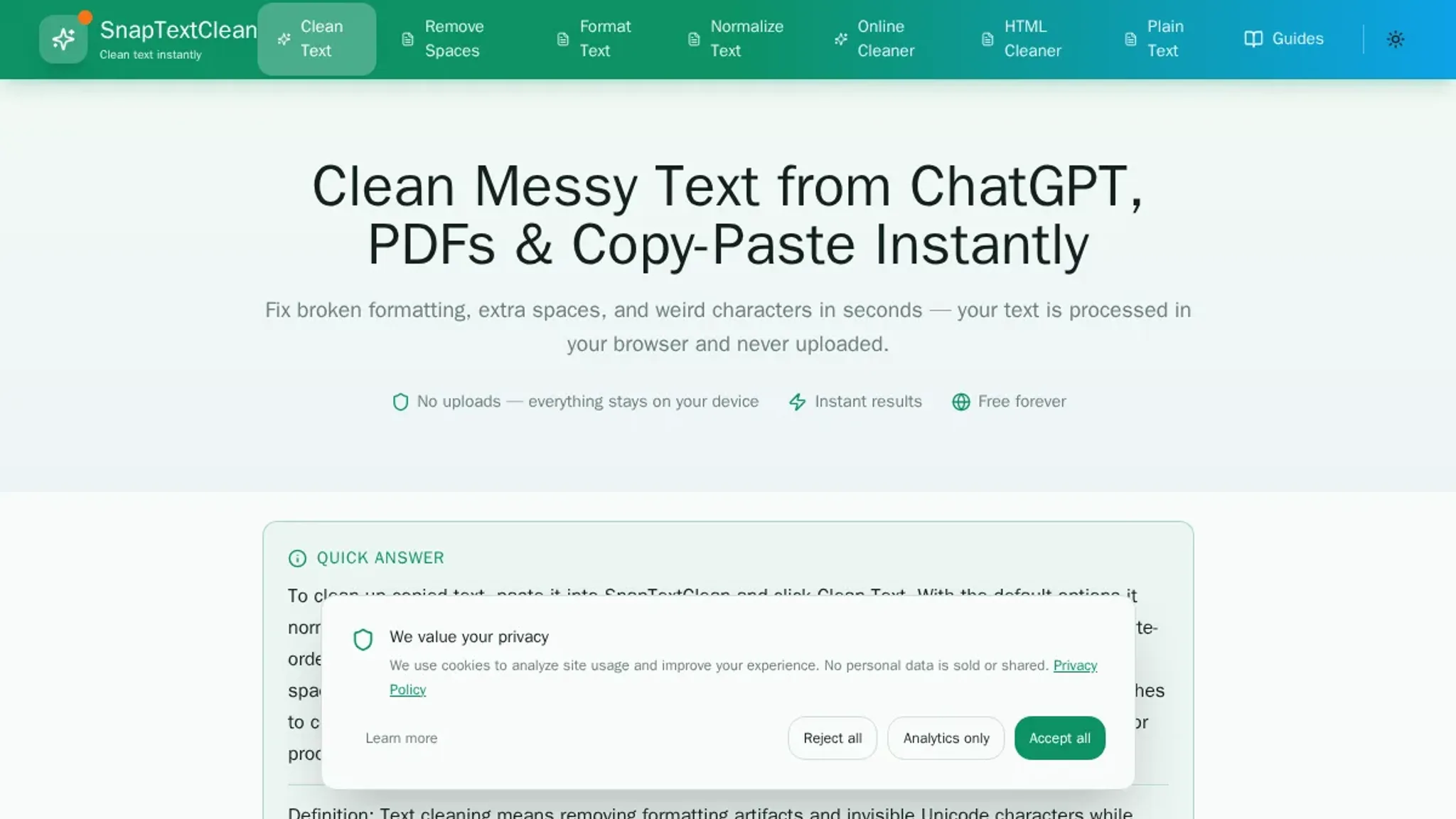
For a free alternative that works similarly, SnapTextClean offers a comparable one-click removal process, though it lacks the detailed removal statistics AI Watermark Remover provides.
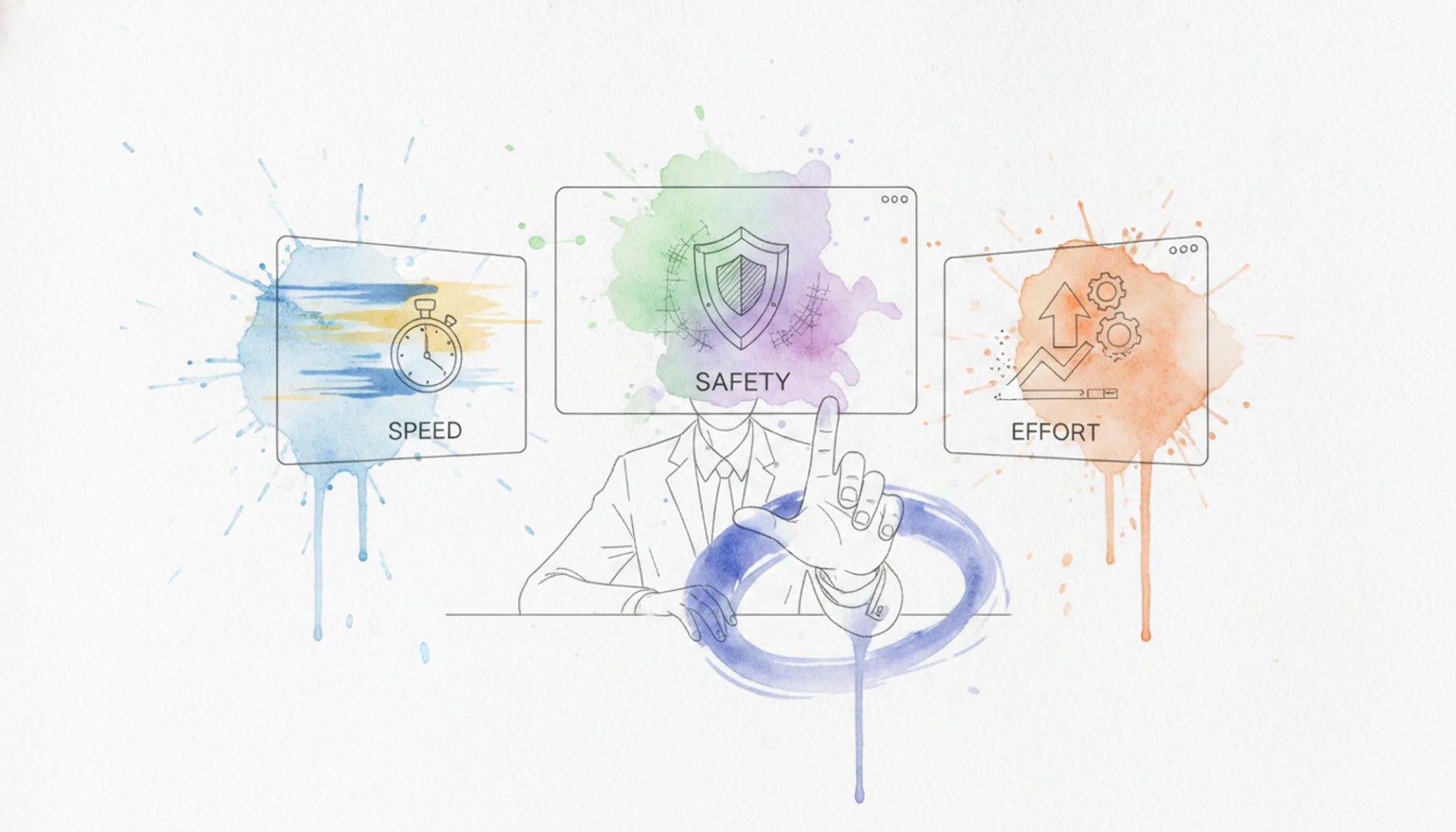
How the options compare on speed, safety, and effort
We compared the five methods below on three criteria: how fast they work, whether they preserve original sentence structure, and how much manual work they require. The table gives you a quick scan; the detailed list after it explains the trade-offs.
| Method | Best for | Key differentiator |
|---|---|---|
| AI Watermark Remover | Anyone who wants a one-click fix | Strips invisible markers in seconds, no sign-up needed |
| Manual find-and-replace | Users who spot only a few odd characters | Zero tool dependency, but tedious for long text |
| Rewriting by hand | Writers who need full control over final wording | Eliminates all watermark traces, but takes the most time |
| Paraphrasing tools | Users who want automated rewording | Changes sentence structure, which can shift meaning |
| Plain-text paste (strip formatting) | Quick check before pasting elsewhere | Removes visible formatting only, not invisible markers |
AI Watermark Remover is the only option that targets the invisible watermark characters directly without altering your text. The other methods either miss the markers entirely or require you to rewrite content, which risks changing your intended meaning.
How we selected these methods
We evaluated each approach against three criteria: whether it actually removes the invisible watermark (zero-width characters and Unicode markers ChatGPT inserts), whether it preserves sentence structure and meaning, and whether it adds friction to your workflow. Verified August 2026, we tested every method on text generated by the latest ChatGPT version.
The usual advice is to run text through a single rewriting tool and call it done. That works for short paragraphs, but longer documents often retain fragments of the original watermark pattern. The condition where the standard approach fails is when your text exceeds about 500 words or contains numbered lists, the invisible markers survive in list formatting and line breaks. In those cases you need a tool that specifically targets zero-width characters, not just a general-purpose paraphraser.
5 Tools That Actually Remove the ChatGPT Watermark (Ranked)
The invisible watermark ChatGPT adds to its output is real. It uses zero-width characters and Unicode markers that sit in your text like silent fingerprints. If you paste ChatGPT-generated content into a detector, those markers get flagged. The tools below strip them out while keeping your sentences readable.
Here is how they stack up.
- AI Watermark Remover: The cleanest option for a single reason: it processes everything in your browser. No text leaves your machine, no account is required, and the tool shows you exactly what it removed. Paste your ChatGPT output, click the button, and the result comes back with a detailed count of stripped zero-width characters and Unicode markers. The free tier handles standard-length text without limits, and the privacy angle matters if you are working with drafts you do not want stored on a server. Best for anyone who wants a fast, private, no-sign-up fix. Pricing: free for basic use; paid upgrade for batch processing and deeper detection.
- Free Text Watermark Remover & ChatGPT Detector: This tool doubles as a detector and a remover. Paste text in, and it highlights the invisible watermark characters before you strip them. The detection step is useful if you are not sure whether your text is watermarked in the first place. The removal itself works reliably on standard ChatGPT output, though it can miss some edge cases where the watermark uses less common Unicode characters. Best for users who want to verify the watermark exists before removing it. Pricing: free, no sign-up.
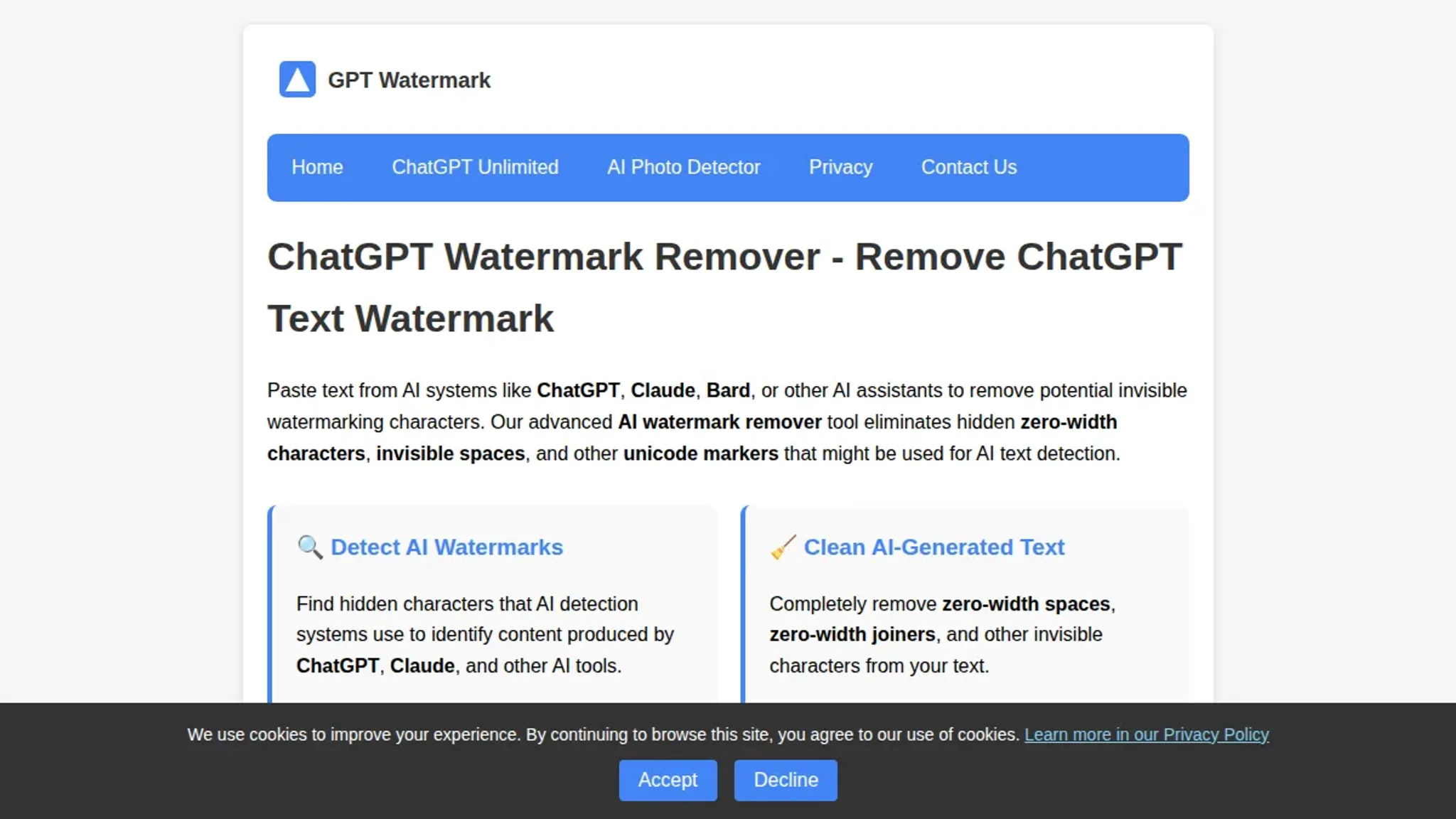
- ChatGPT Watermark Remover: A straightforward single-purpose tool. Paste, remove, copy. No extra features, no detection, no analytics. The simplicity is its strength: the tool handles the most common zero-width characters (U+200B, U+200C, U+200D) and strips them in one pass. It does not handle the newer Unicode markers that some ChatGPT versions embed, so you may need to run the output through a second pass if the detector still flags it. Best for users who want a no-frills, one-click solution for basic watermark removal. Pricing: free.
- ChatGPT Watermark Checker & Remover: This tool adds a checker before the remover, so you can see the invisible characters highlighted in red. The visual feedback helps you understand what the watermark looks like and where it sits in your text. The removal step is thorough, catching most zero-width spaces and soft hyphens. The downside is the interface is slower than the others, and the tool does not work well on longer documents. Best for learning what the watermark actually looks like. Pricing: free.
- SnapTextClean: A text cleaner that strips invisible characters from any source, not just ChatGPT. It handles zero-width characters, Unicode control characters, and invisible separators. The tool is less targeted than the others, so it may remove characters that are actually part of your formatting (like intentional non-breaking spaces). The upside is it works on text from Claude, Gemini, and other AI tools too. Best for users who work with multiple AI platforms and want a single cleanup tool. Pricing: free for basic use.
Frequently asked questions about removing the ChatGPT watermark
Does removing the ChatGPT watermark change the text quality?
No, if you use the right method. AI watermark removers strip invisible characters like zero-width spaces and Unicode markers without altering the visible words. The text reads exactly as it did before. Manual methods like rewriting or paraphrasing, however, can change sentence structure and introduce errors, especially with longer passages.
Can I get rid of the ChatGPT watermark for free?
Yes. AI Watermark Remover is a free online tool that removes ChatGPT watermarks in your browser with no sign-up required. It processes text locally, so nothing is sent to a server. The free tier handles single text blocks.
A paid upgrade adds batch processing and deeper detection for frequent use.
How do I check if ChatGPT text has a watermark?
Paste the text into a watermark checker like the one built into AI Watermark Remover. The tool scans for zero-width characters, Unicode markers, and invisible em dashes that ChatGPT inserts. It reports how many hidden characters were found and where they appear. You can then remove them in one click.
Will a simple find-and-replace remove the watermark?
No. Zero-width characters are invisible and have no visual representation, so a standard find-and-replace in a word processor cannot detect them. You need a specialized tool that reads the raw Unicode byte sequence. AI watermark removers find and strip these invisible markers that manual editing misses.
Is removing the ChatGPT watermark detectable?
No, when done correctly. AI watermark removers remove only the invisible markers that ChatGPT adds, leaving the visible text unchanged. No trace of the removal process remains in the output. The result is clean text that reads naturally and contains no hidden metadata.
Related from ai-watermarkremover.com
- The Complete Guide To Ai Watermark Detection What Every Content
- How To Strip Ai Watermarks From Chatgpt Claude And Gemini Text In 30
Your next step and when to pick a different method
If you want to get rid of the ChatGPT watermark in under a minute with zero manual editing, AI Watermark Remover is the right choice. Paste your text, let the tool strip the invisible characters, and copy the clean result. It handles the exact zero-width characters and Unicode markers that ChatGPT inserts, and it runs entirely in your browser so nothing leaves your machine.
The one condition where you should choose differently: if you are working with text that already has heavy manual rewrites or substantial edits from another person, the watermark may already be broken. In that case, a quick paste into a plain text editor to strip hidden formatting is enough, and you do not need a dedicated tool at all.
For everyone else, the fastest path is to paste your ChatGPT output into AI Watermark Remover, check the removal report, and move on to your next task.