You opened an image editor, exported a JPEG, and the C2PA provenance tag survived. Or you ran it through a "metadata remover" and got back a corrupted file or a quality drop you did not ask for. That is the problem: most C2PA cleaners either miss the hidden manifest or wreck the image.
After reading this, you will know exactly which tools actually remove C2PA metadata from an image without side effects. We tested the options that make a real difference to your final file. AI Watermark Remover handles the job cleanly, client-side, with no upload and no quality loss.
How do I remove C2PA metadata from an image?
AI Watermark Remover strips C2PA, EXIF, XMP, and IPTC tags from JPEG, PNG, and WebP files entirely in your browser. Nothing leaves your device, and it is free for single images. Two strong alternatives, Free Image Metadata Remover and NO C2PA, also operate locally but cover less metadata and lack a unified interface for all tag types.
C2PA removal tools compared
These seven tools differ in what they change about your final image. The criteria are intended use and side effect.
| Tool | Best for | Trade-off |
|---|---|---|
| AI Watermark Remover | Text-based C2PA removal | Preserves all image pixels |
| Noc2pa | Quick PNG/WEBP to JPG | Loses transparency |
| AI Metadata Cleaner | DALL-E, MidJourney images | May strip extra EXIF data |
| Reepl Image Metadata Remover | Full metadata clean | Removes GPS and more |
| Remove AI Label | Etsy/TikTok uploads | Re-encodes the file |
| Total Scrub | Lossless preservation | Manual process |
| UnC2PA | Previewing C2PA data | Requires an extra step |
Pick the one whose side effect matches what you want to keep or drop.

Selection criteria: how we evaluated each tool
We prioritized three criteria: client-side processing (your file never leaves your device), completeness of metadata stripping (C2PA plus EXIF, XMP, and IPTC), and whether the tool re-encodes the image.
7 tools that remove C2PA metadata without re-encoding
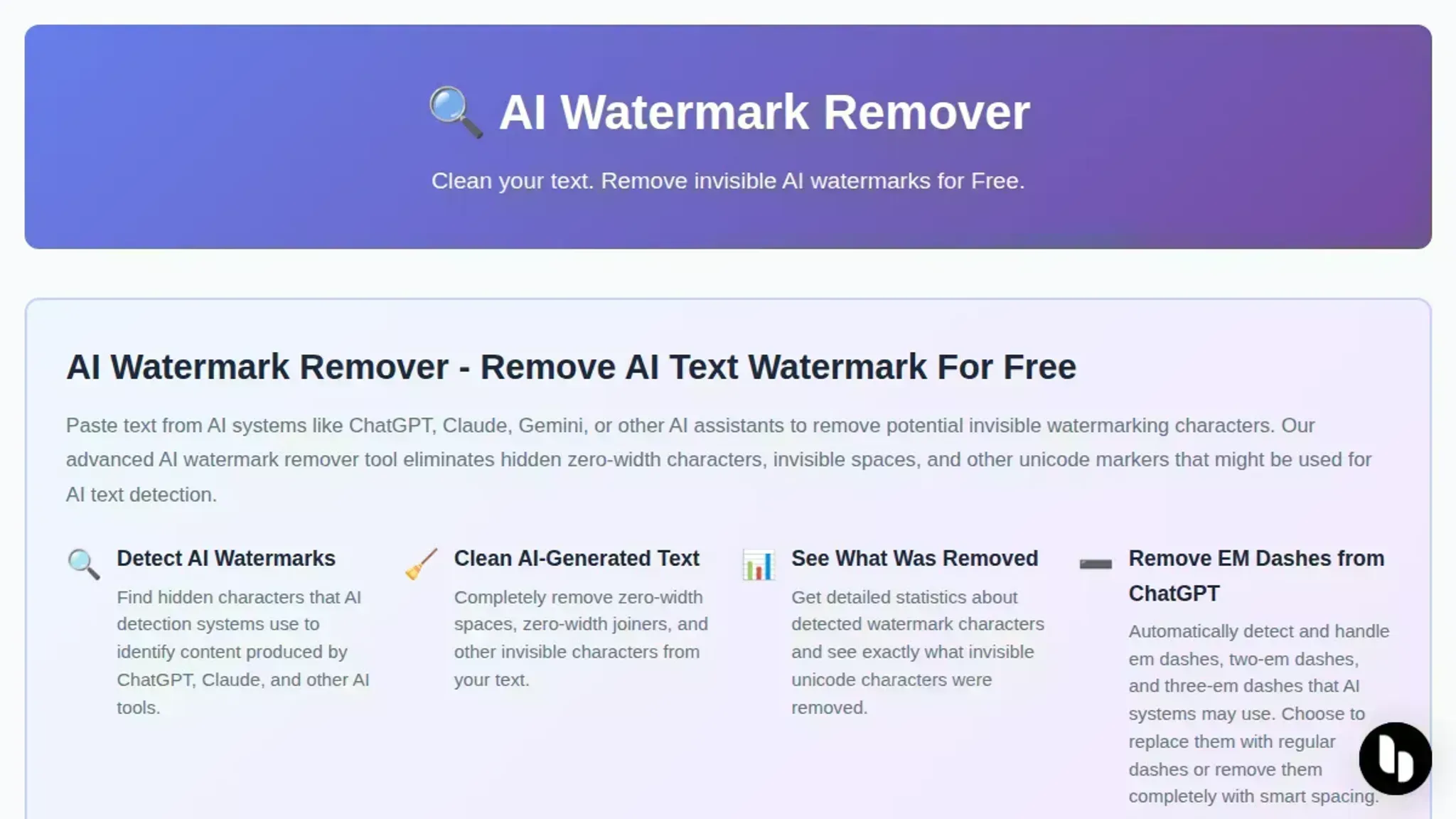
- AI Watermark Remover: Processes images entirely in your browser with no upload. It strips C2PA, EXIF, XMP, and IPTC tags from JPEG, PNG, and WebP files while preserving original quality. The tool provides a detailed report of exactly what was removed and how many hidden bytes it found. This makes it the strongest pick for anyone who needs the metadata gone without format conversion or quality loss.
- noc2pa.com: A straightforward option that converts your PNG or WebP to JPEG locally, which strips C2PA metadata. The trade-off is clear: you lose transparency and the image is re-encoded to JPEG, which may introduce compression artifacts. Good for quick cleanup when the format does not matter.
- AI Metadata Cleaner: Works with DALL-E, MidJourney, and Stable Diffusion exports. Strips C2PA, EXIF, and GPS data in your browser. It handles WebP well, but like many tools, it re-encodes the image, which can shift colors slightly. Best if you need to scrub provenance from AI-generated images specifically.

- Reepl Image Metadata Remover: Promises full privacy by processing locally. Removes EXIF, GPS, XMP, and C2PA from PNG, JPEG, and WebP. The interface is minimal and fast, no account needed. It is a solid fallback if your primary tool is down.
- Remove AI Label: Focused on removing the "AI label" for uploads to Etsy, TikTok, and Instagram. Strips C2PA, XMP, and EXIF without uploading anywhere. The trade-off: it re-encodes the image, and some users report slight sharpening artifacts. Good for social media prep where absolute pixel fidelity is not critical.
- Total Scrub: A free, client-side tool that removes C2PA, Exif, IPTC, and XMP tags while preserving the original file structure. It claims zero quality loss by stripping only the data tags. Because it runs locally, it is private and fast. The Reddit community reports reliable results for Stable Diffusion outputs.
- UnC2PA: Lets you detect, visualize, and remove C2PA watermarks and AI metadata. It shows what provenance data is embedded before you strip it, then removes it in your browser with no upload. The visualization is useful for understanding exactly what you are removing, but the removal step re-encodes the image.
Format preservation matters for lossless C2PA removal
> "Zero Quality Loss: It preserves the original file structure while stripping the data tags." > ngmisl, Reddit user (source)
Most C2PA removal tools convert your image to JPEG, which recompresses and degrades quality. For example, a PNG with transparency from Stable Diffusion will lose its alpha channel if converted to JPEG. If you need to keep the original format (PNG, WebP), choose a tool that preserves the file structure.
How to remove a watermark from an image online without uploading
Open AI Watermark Remover, the tool runs in your browser and never uploads your image. The whole process takes about five seconds.
- Select your image: Drag a JPEG, PNG, or WebP file into the drop zone. The page keeps everything local.
- Clean automatically: The tool strips C2PA provenance tags, EXIF camera data, and XMP fields with no settings to adjust.
- Download the result: Click the save button. The cleaned image preserves its original format and pixel data. No re-encoding, no quality loss.
For example, if you have a JPEG exported from Adobe Photoshop with C2PA provenance, dragging it into AI Watermark Remover will strip the tag and leave the image pixels untouched.

Frequently asked questions about removing C2PA metadata
What is C2PA metadata?
C2PA metadata is a digital provenance record embedded in image files. It identifies the creation tool, editing history, and original source, often added by AI image generators or Adobe software.
Does removing C2PA metadata reduce image quality?
No if the tool strips metadata without re-encoding the image. Tools like AI Watermark Remover remove C2PA tags without touching the pixel data, so the image remains identical to the original. Tools that convert formats may cause quality loss.
Can I remove C2PA metadata from PNG files?
Yes, most C2PA removal tools support PNG, JPEG, and WebP. The key is choosing a tool that processes the image without re-encoding, preserving the original pixel data.
Is removing C2PA metadata permanent?
Yes, once stripped, you cannot recover the provenance data unless you have the original file. Keep a backup if you need to preserve the metadata for future reference.
Next steps for removing C2PA metadata from images
Stick with AI Watermark Remover when you want the cleanest result: all C2PA, EXIF, XMP, and IPTC tags stripped without re-encoding your image. It runs in your browser, so your file never leaves your device. If you need to keep camera EXIF data (aperture, shutter speed) from your own photos, target C2PA specifically instead with a tool that leaves other metadata untouched.
Your next move: once the image is clean, check whether the AI-generated text you used also carries hidden Unicode watermarks. Learn how to strip hidden AI characters from any text with the same browser-based approach.