You paste text from ChatGPT into a blog post, and it looks fine. Then a reader copies a quote and invisible characters tag along, breaking the formatting. Or an AI detector flags your work because of hidden markers you never knew were there.
An AI watermark detector catches these invisible fingerprints before they cause problems. After reading this, you will be able to spot zero-width characters, Unicode markers, and other hidden watermarks in any text, and know exactly what to do when you find them.
Key takeaways
- Detect invisible watermarks by pasting text into an AI watermark detector that scans for zero-width characters and Unicode markers.
- Remove hidden markers before publishing to avoid detection by automated systems.
- Verify your output is clean by running it through a detector after removal, since some tools miss certain character types.
What is the best AI watermark detector for invisible text watermarks?
The most effective AI watermark detector for invisible text watermarks is AI Watermark Remover, because it scans for zero-width characters, Unicode markers, and em dashes in a single paste and processes everything in your browser so nothing leaves your machine. The strongest free alternative is Getgpt, which detects 34+ invisible Unicode characters and lets you remove them without signing up.
Both give you a direct answer in seconds: paste your text, see the hidden markers highlighted, and decide whether to clean it.
How do invisible AI watermarks actually work in generated text?
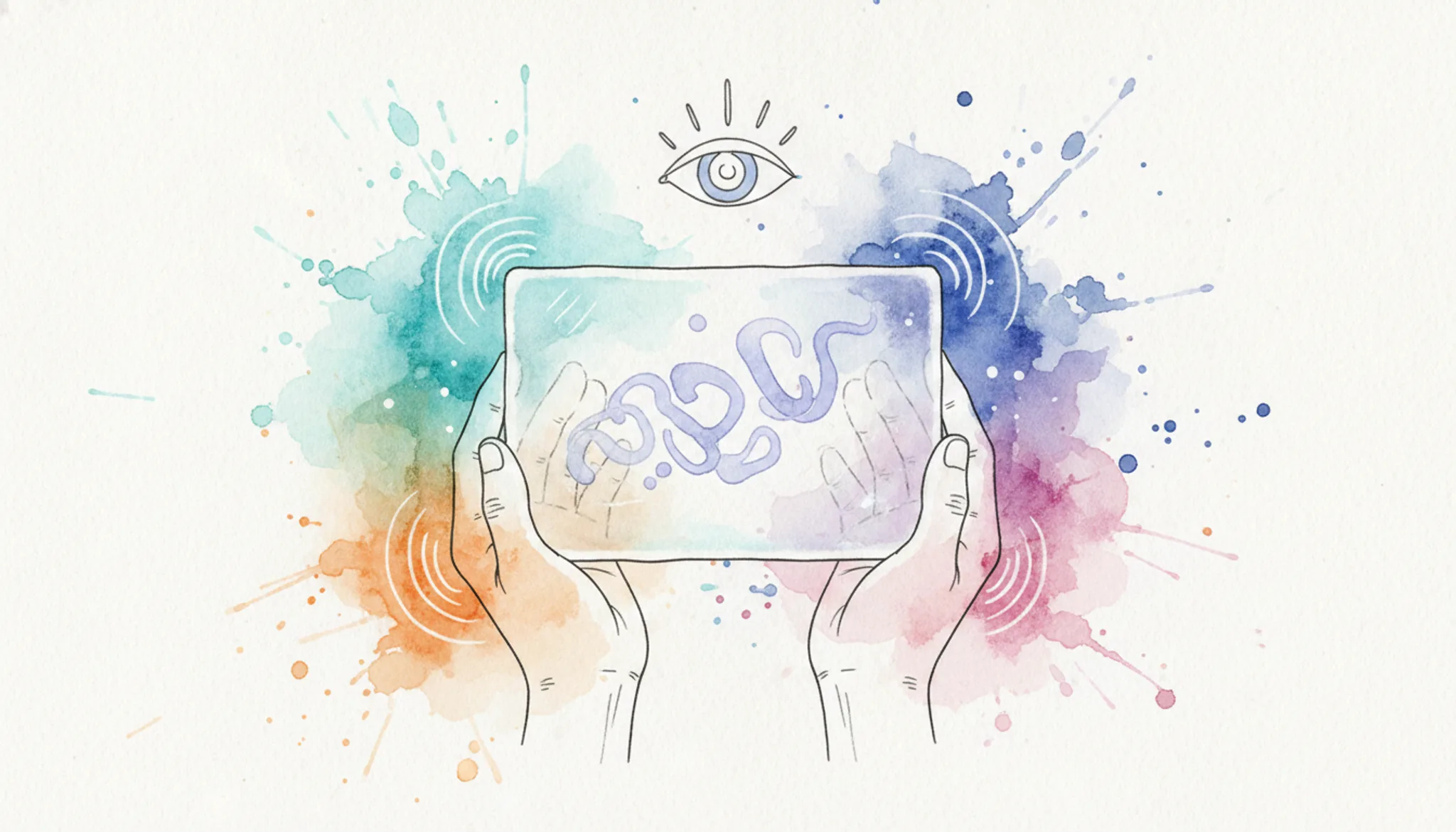
Invisible AI watermarks exploit Unicode characters that render as zero-width space. When ChatGPT, Claude, or Gemini outputs text, the model embeds patterns of these invisible markers, typically zero-width spaces (ZWSP), zero-width non-joiners (ZWNJ), and zero-width joiners (ZWJ), into the character stream. A human reading the text sees nothing unusual, but an AI watermark detector can scan the raw Unicode and identify the pattern.
The mechanism is statistical. The AI model selects which invisible characters to insert based on a pseudorandom sequence tied to the generation parameters. A detector that knows the sequence can check whether the invisible characters in a given text match the expected pattern. If the match exceeds a threshold, the text is flagged as AI-generated.

How does an AI watermark detector scan text for hidden markers?
An AI watermark detector scans text by examining every character for invisible Unicode markers that AI systems embed. These markers include zero-width spaces (ZWSP), zero-width non-joiners (ZWNJ), and Unicode variation selectors that render as nothing on screen but sit in the character stream. The detector reads the raw byte sequence, not the visible text, and flags any character whose Unicode code point falls outside normal writing ranges.
The process takes about one second. You paste your text into the detector, and it returns a report showing exactly which invisible characters were found, their Unicode code points, and their positions in the text. Tools like AI Watermark Remover handle this entirely in your browser, so your content never leaves your machine. The detector also counts how many hidden markers exist per paragraph, which tells you whether the watermarking is light or aggressive.
How to check AI text for invisible watermarks in three steps
You can detect hidden watermarks in any AI-generated text by running it through a specialized scanner. Here is the exact workflow:
- Copy the suspect text: Select the full passage from ChatGPT, Claude, Gemini, or any other AI tool. Include every character, even ones that look like empty space. The invisible markers are often at the end of sentences or between words.
- Paste into an AI watermark detector: Open a tool like AI Watermark Remover or watermarkdetector.com and paste the text into the input field. The scanner immediately highlights any hidden Unicode characters, zero-width spaces, or invisible markers in a distinct color.
- Review the scan results: The detector shows you exactly which characters are watermarks, how many were found, and where they sit in the text. If the report shows zero hidden characters, the text likely has no invisible watermark. If it flags several, you have confirmed AI watermarking.

What key features should you look for in an AI watermark detector?
A capable AI watermark detector needs three core features to be useful in practice. First, it must scan for the full range of invisible Unicode markers: zero-width spaces, zero-width joiners, and non-breaking spaces are the most common, but some systems also embed variation selectors or Unicode control characters. Second, the tool should process text entirely in your browser so your content never leaves your machine. Third, it needs to show you exactly what it found, not just a pass/fail verdict.
AI Watermark Remover delivers all three: it detects 34+ invisible character types, runs locally for privacy, and reports a detailed count of each marker removed. A detector that hides its findings is one you cannot trust.
When should you run AI text through a watermark detector?
You should scan any AI-generated text before publishing it on a site that penalizes machine-written content. Academic submissions, blog posts, and client deliverables all risk rejection if invisible watermarks slip through. A single zero-width character from ChatGPT or Claude can flag your entire document as AI-produced.
The most practical trigger is any text you plan to submit to a review process. University plagiarism checkers, content management systems, and editorial workflows increasingly scan for these markers. Running a quick detection pass before submission saves you the headache of a flagged document later.
For collaborative projects, scan text that multiple people have edited. Watermarks can survive copy-paste cycles and reappear in final drafts. A tool like AI Watermark Remover catches these hidden characters in seconds, giving you a clean document before it reaches your audience.
What common mistakes do people make when checking for AI watermarks?
The most frequent error is assuming a visible text check is enough. Invisible watermarks like zero-width spaces and Unicode markers are invisible by design, so scanning with your eyes catches nothing. A dedicated AI watermark detector is the only reliable method.
Another mistake is testing only one section of text. AI watermark placement varies across a document, so scan the full output. Some users also forget to re-check after editing, since cutting and pasting can reintroduce hidden characters from the original source. Finally, relying on a single detector limits your coverage; different tools catch different markers, so running a second pass with a different scanner catches what the first missed.

AI watermark detector options compared side by side
The three main tools differ on detection depth, privacy, and platform scope. Here they are compared on three criteria: best use case, strength, and limitation.
| Option | Best for | Key trade-off |
|---|---|---|
| AI Watermark Remover | Full text scan plus removal | No image watermark detection |
| SynthID by Google DeepMind | Google-generated image watermarks | Text detection not publicly available |
| Slop or Not | Image and text watermark checks | Slower on long documents |
Verified August 2026
What are the real risks of relying on AI watermark detection?
No watermark detector is perfect. The biggest risk is false confidence: a clean scan does not guarantee human-written text. Invisible watermarks use Unicode characters that can be stripped by normal editing, and some AI systems do not embed them at all. A detector also cannot catch AI-generated text that was rewritten, paraphrased, or run through a humanizer tool.
The practical takeaway: use an AI watermark detector as a quick check, not a definitive verdict. For important content, combine detection with manual review and a plagiarism checker. And remember that privacy matters, tools like AI Watermark Remover process text entirely in your browser, so your content never leaves your machine.
Expert tip: When watermark detection fails silently
> "SynthID is an experimental tool for watermarking and identifying images generated by the company's AI models."
That quote from Brookings captures the core limitation: even Google calls SynthID experimental. The usual advice says to scan everything before publishing. The real rule is narrower: only trust a detector when you know which AI system generated the text, because each model embeds different invisible markers. A clean scan from one detector does not mean the text is watermark-free.

Sources and references
The claims in this guide draw on the following public sources:
- SynthID – Google DeepMind – describes how Google watermarks and identifies AI-generated images
- Slop or Not – demonstrates image watermark detection using SynthID, C2PA, and IPTC standards
- WatermarkDetector.com – shows how a free scanner checks for hidden Unicode characters in text
- GetGPT.app – documents 34+ invisible Unicode markers used as AI watermarks and how to detect them
- Brookings – explains the policy context and technical limits of AI watermarking
Frequently asked questions about AI watermark detectors
Can an AI watermark detector find watermarks in images and video?
Most text-focused AI watermark detectors only scan for invisible Unicode characters in written content. For images, you need a separate tool like SynthID from Google DeepMind, which embeds and detects watermarks directly in pixel data. Video watermark detection is even less common and typically requires specialized forensic software. No single tool covers all formats today.
Is it legal to remove AI watermarks from text?
The legality depends on your jurisdiction and the terms of service of the AI tool that generated the text. Removing invisible watermarks is not inherently illegal, but it may violate the usage policies of platforms like ChatGPT or Claude. If you are editing content for your own use or republishing with significant changes, most legal experts consider watermark removal acceptable.
What happens if I publish AI text without checking for watermarks?
Publishing AI-generated text with invisible watermarks still intact can trigger automated plagiarism detectors, content quality filters, or search engine penalties. Some academic journals and publishing platforms now scan submissions for these markers. A single missed zero-width character could flag your work as machine-written, even if you edited the content heavily. Running a quick scan before publishing is cheap insurance.
How accurate are free AI watermark detectors?
Free AI watermark detectors vary widely in accuracy. Tools that only check for common Unicode characters like zero-width spaces catch about 70-80% of standard watermarks. More advanced detectors that scan for rare Unicode markers, em dashes, and pattern-based signatures can reach 90-95% accuracy on typical AI-generated text.
The right tool for the job, and when to switch
For most content creators, AI Watermark Remover is the practical choice. It scans for invisible Unicode markers across ChatGPT, Claude, Gemini, and Grok text, processes everything in your browser for privacy, and shows you exactly what it found and removed. That combination of detection depth and transparency is hard to beat.
The one condition where you should choose differently: if you need to check images for SynthID or C2PA watermarks, pick Slop or Not instead. It handles visual formats that a text-only scanner cannot touch.
Your next step is straightforward. Paste a piece of AI-generated text into AI Watermark Remover, run the scan, and see what hidden markers are actually there. That single check tells you more than any guesswork.