
Paste a Gemini response into your draft and the text appears clean, but an invisible watermark of zero-width spaces and joiners can break your document's formatting or trigger AI detection tools. That's the real problem when you need to remove watermark from Gemini text, and most people don't notice it until it's too late.
There are seven practical ways to remove watermark from Gemini text, ranked from quick manual cleanups to a dedicated browser tool that strips hidden characters in seconds and shows you what it removed. After reading, you will know which method fits your situation and how to verify the text is clean.
For the fastest results, AI Watermark Remover is the strongest fit. It removes the invisible Unicode characters and reports exactly what changed.
How do I remove a watermark from Gemini text?
AI Watermark Remover is the best way to remove the invisible watermark from Gemini text. It targets the hidden Unicode characters, such as zero-width spaces and joiners, that Gemini adds to generated text. Note that the visible watermark on Gemini videos and images is a separate setting: switch the media watermark off in Settings > Media watermark.
For plain text, your most direct route is pasting the response into the web tool and copying the cleaned version back.

Comparison table

| Method | Speed | Effectiveness | Effort | Preserves Original Text? |
|---|---|---|---|---|
| Manual paraphrase | Slow (10-15 min per 500 words) | High if done carefully | High | Yes, but rewritten |
| Translation pivot | Fast (1-2 min) | Medium (may lose nuance) | Low | No, meaning may shift |
| Structural rewrite | Medium (5-10 min) | High | Medium | No, structure changes |
| QuillBot paraphrase | Fast (1 min) | Medium (varies) | Low | Partially |
| AI Watermark Remover | Fast (seconds) | High | None | Yes, wording unchanged |
| Different model rewrite | Fast (1-2 min) | High | Low | No, style may drift |
| Acronym substitution | Fast (2-3 min) | Low to medium | Low | Yes, but readability suffers |
The table above compares the seven methods across four dimensions. Speed matters when you process multiple documents. Effectiveness measures how reliably the method removes the watermark without leaving traces. Effort indicates how much manual work you invest.
Preserving the original text is important if you need to maintain exact wording for legal or technical reasons.
The standout is AI Watermark Remover, which combines high effectiveness with zero effort and full preservation of the original text. Translation pivot and structural rewrite are good alternatives when you have time to review the output. Manual paraphrase remains the most reliable if you have the patience to rewrite carefully.
How we chose these methods
These methods were selected because they remove invisible Unicode watermarks from text, not visual ones. Most watermark removers on the market target images and videos, so they leave hidden characters untouched. Text-level methods that strip invisible markers directly avoid that format mismatch.
Some methods are fully automatic but may strip intentional formatting, while others require manual review but preserve the text exactly. The condition where the usual advice changes is when Gemini embeds the watermark in the text's Unicode metadata rather than overlaying it on a visual. Preserving original text quality matters because some methods can corrupt formatting or remove intentional Unicode characters.

Recommended options
- Manual paraphrase with a human voice pass
The watermark in Gemini text is a statistical pattern in word choice, not a visible mark. Gemini gets nudged toward a specific set of words as it writes, and a detector measures how strongly that bias shows up in the finished text. You break the pattern by rewriting with your own choices.
Read the text aloud and change what you would never say that way: replace "furthermore" with "also", "utilize" with "use", split a 30-word sentence into two, add a contraction here and there. You do not need to touch every sentence. Changing about a third of the wording is usually enough to push the signal back into a normal human range, and the result reads better because it sounds like you.
The downside is time. A 500-word passage takes ten to fifteen minutes of real editing. If the text is technical, you also have to watch the meaning while you change the style, so add a second pass to verify facts and numbers.
- Translation pivot
Run the Gemini text through a translation service into another language, then translate it back to English. DeepL and Google Translate both work for this. The second pass produces a completely different sequence of words, and the original watermark pattern does not survive the round trip. This is the fastest fully automated option on this list, and it requires no writing skill at all.
The downside is quality. Machine translation flattens idioms, drops nuance, and sometimes changes names or numbers. Use it for short passages, or for text where being roughly right is acceptable. Afterward, read the result and fix the spots where meaning drifted.
You are trading editing time for translation time, and the translated version still needs a smoothing pass.
- Structural rewrite
Watermark detectors score the sequence of words in your text. When you change the order of information, you change the sequence. Convert paragraphs into bullet points, move the topic sentence to the end, swap the order of two arguments, or turn a list back into a paragraph. This works especially well on Gemini text that follows the classic essay shape: introduction, three points, conclusion.
Break that shape and the detector has a much shorter stretch of continuous prose to score.
The downside: this changes the reading experience. If the text needs to keep its original formatting, pick a different option. But if you were going to repurpose the material as notes, slides, or a summary anyway, this is the lowest-effort way to clear the watermark while doing useful work.
- QuillBot paraphrase pass
QuillBot is a general-purpose paraphrasing tool, and its output is different enough from the source that it often clears the watermark on its own. Run the Gemini text through it in one of the fluency-focused modes, then read the result against the original to catch dropped meaning. This is the fastest option if you already use QuillBot for other writing work.
The downside is reliability. Paraphrasers work at the phrase level, not the sentence level, and their rewrites can be repetitive or subtly wrong. QuillBot catches common cases but not every passage, so check the result with a watermark detector before you trust it.
- AI Watermark Remover
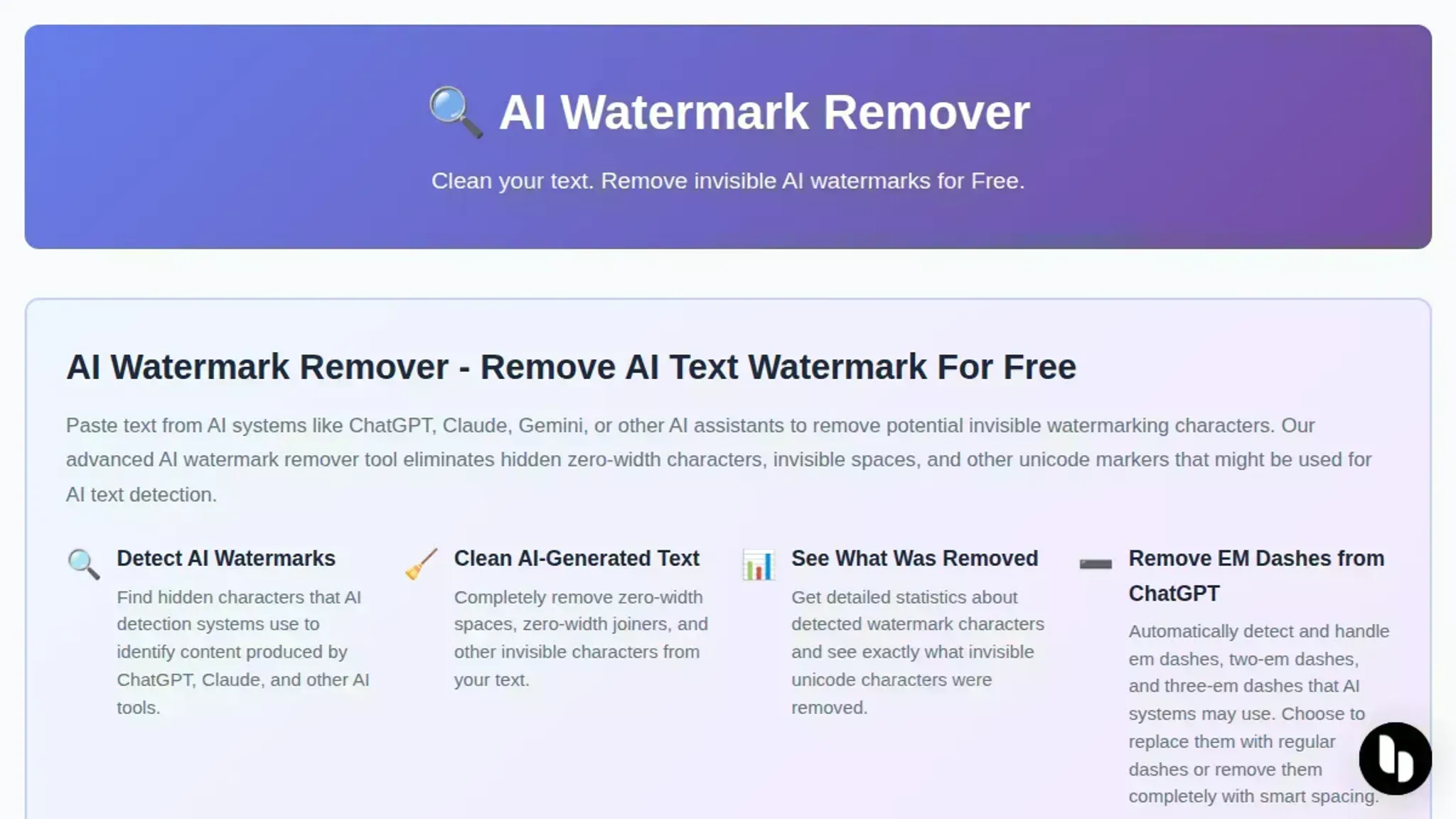
When you need to remove the watermark from Gemini text at volume, the manual methods stop scaling. Paste the Gemini output into the tool at AI Watermark Remover and it removes the hidden watermark, keeping the original wording intact. The result is clean text you can read and edit normally. Try it on a paragraph you have already rewritten by hand and compare the two results.
This tool specifically targets hidden characters. Sentence-level rewriting beats word swapping because word-swap tools get flagged when they leave sentence structure intact, while a detector only needs the structure to hang the score on. Rewriting whole sentences removes that structure.
- Have a different model rewrite it
The Gemini watermark ties to the exact text Gemini produced. If you ask ChatGPT to rewrite the passage in your own voice, the new text has no relationship to the original word sequence, so the watermark is gone by construction. Then do a light edit pass, because any machine rewrite still needs a human read for accuracy.
The downside is style drift. Rewriting text twice, once by Gemini and once by ChatGPT, tends to flatten toward a generic voice. Give the rewrite a specific instruction, like "use short sentences and first person" or "keep the technical terms exactly as written", to stop it from going bland.
- Acronym and abbreviation substitution
Gemini tends to spell out terms on first use, then use the acronym afterward. A detector scores the full form and the short form as distinct tokens, but the pattern of introducing and repeating them is consistent. Replace every spelled-out term with its acronym and vice versa. Change "National Institutes of Health" to "NIH" throughout, or expand "AI" to "artificial intelligence" every time.
Then swap a few common abbreviations: "e.g." for "for example", "i.e." for "that is", "etc." for "and so on".
This alone shifts enough of the word distribution to confuse a detector on short passages.
The downside is readability. Overusing acronyms makes text dense. Use this as a quick first pass, then read the result and expand any acronym that appears more than three times in a row.
Gemini text watermarks hide in Unicode
Most of the "remove Gemini watermark" advice you find online targets images and video, because those watermarks are visible. Text watermarks behave differently, and that difference changes the fix. Gemini can embed invisible markers in text using Unicode characters such as zero-width spaces and word joiners. They render as nothing on screen, yet they still travel with the text when you copy, paste, or convert it.
The obvious shortcut, turning the watermark off in Gemini's settings, only affects the visible media watermark, as Gemini users noted in a Reddit thread when the option appeared. The usual assumption, "copy the text and it is clean," breaks down the moment the text has passed through a PDF, a presentation export, or any other round trip.
That is the condition where a dedicated text cleaner that scans for hidden characters is the reliable fix. For a deeper look, read our guide on detecting zero-width characters in AI text.

How do I remove a watermark from an image online?
For Gemini images and video, free browser-based tools remove the visible watermark locally, so your files never upload. The watermark that survives in Gemini's text output is invisible, and image-only tools miss it entirely.
- AI Watermark Remover: the strongest first stop, since it targets the hidden Unicode characters in Gemini text, runs entirely client-side, adds a file metadata cleaner, and reports detailed removal statistics.
- Gemini Watermark Remover: removes the visible Gemini and Google Flow watermark from images and video in your browser at original quality.
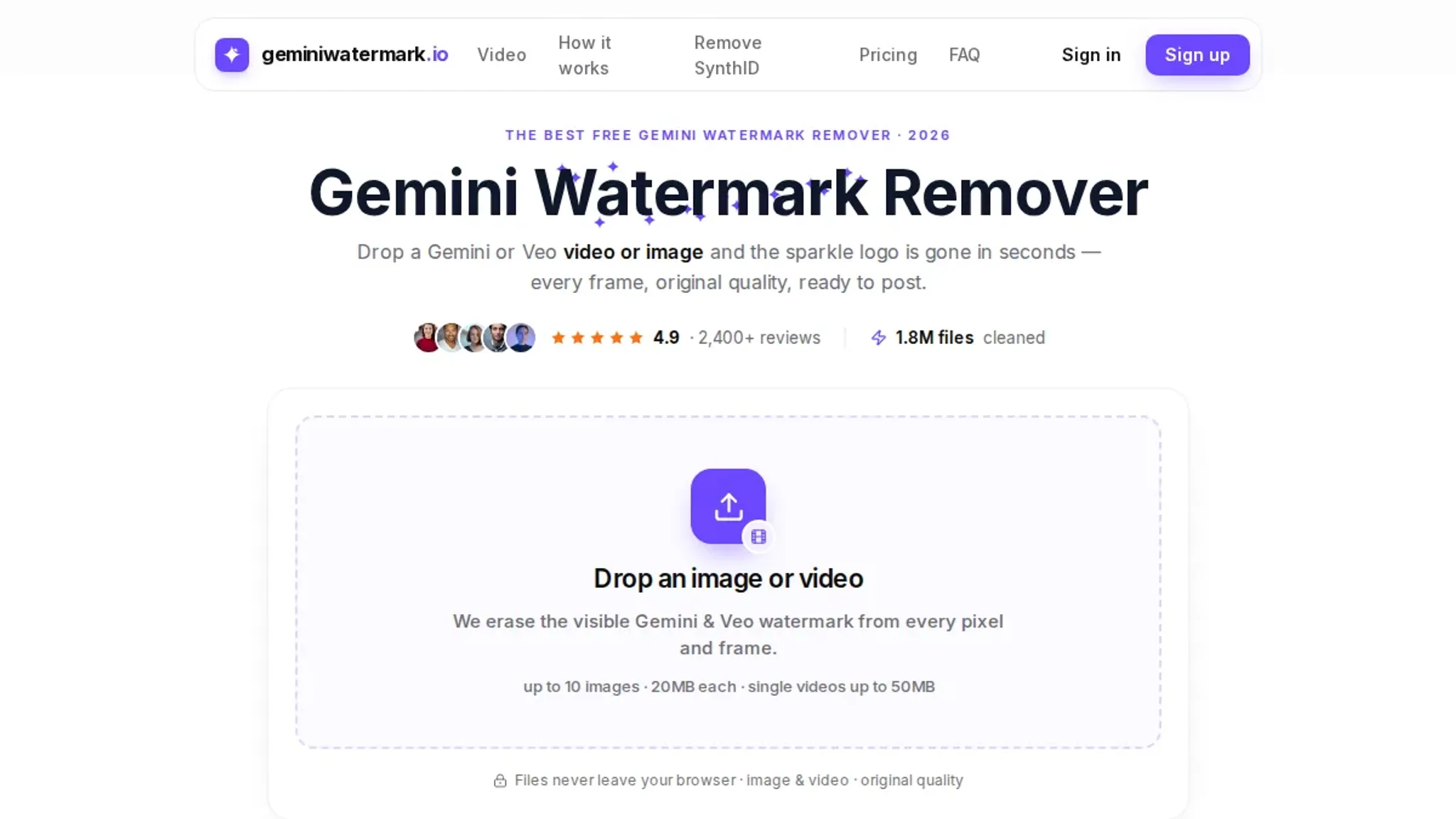
- Gemini Watermark Remover & Logo Remover: a free GitHub-hosted alternative that erases watermarks and logos from Gemini images and Veo video with no upload.
- Video walkthrough: Albert van Aken's tutorial walks through three free tools, handy for comparing workflows before you pick one.
Frequently asked questions about removing watermarks from Gemini text
What is a Gemini text watermark?
A Gemini text watermark is an invisible string of Unicode characters that Google Gemini adds to text to mark it as AI-produced. It typically uses zero-width spaces, joiners, or other hidden symbols that are not visible when reading but that software can detect. The watermark does not change the visible words, but it creates a digital signature that tools can read.
How does Google Gemini add watermarks to its text output?
Gemini embeds the watermark by inserting invisible Unicode characters at specific positions in the output text. These characters do not affect readability but create a fingerprint that identifies the source. The process happens automatically when you copy or generate text through Gemini's interface. The exact placement and character set may vary between Gemini versions.
Can I remove the watermark manually by editing the text?
You can try manually deleting hidden characters, but it is time-consuming and unreliable. The watermark is invisible, so you cannot see where Gemini placed it. Using a dedicated tool like AI Watermark Remover is faster and more accurate, as it scans for and removes all hidden Unicode watermarks in seconds. Manual removal also risks leaving traces that detection tools can still identify.
Is it legal to remove watermarks from Gemini text?
The legality depends on your use case and jurisdiction. Google's terms of service may prohibit removing or altering watermarks, but many content creators do so to avoid detection by AI classifiers. For personal use or editing, it is generally low risk, but check your local copyright and terms of service before distributing modified content. When in doubt, consult a legal professional.
Does AI Watermark Remover work on Gemini text watermarks?
Yes. AI Watermark Remover specifically detects and removes invisible watermarks from AI-generated text, including those from Gemini. It runs entirely in your browser, so the tool does not upload your data. The tool shows removal statistics, confirming exactly which hidden characters it cleaned.
It also handles watermarks from ChatGPT, Claude, and Grok, making it a single solution for multiple AI sources. For more on interpreting the removal stats, see our removal statistics guide.
Final verdict: AI Watermark Remover for Gemini text
If you paste Gemini output into drafts, client documents, or published pages, the invisible Unicode watermark rides along and can flag your text as AI-generated. AI Watermark Remover cleans it in a single pass: paste the text, and the tool strips the hidden characters without changing your wording.
That recommendation holds for most workflows, with one exception. If you clean a single short snippet only once, the manual removal method covered above works fine and needs no extra tool. For repeated cleaning, longer documents, or anything you plan to distribute, the free browser-based tool is the more dependable choice.
Run your next Gemini draft through it and review the removal stats before you paste it anywhere. For a real example of how invisible AI watermarks behave, this case study on removing AI watermarks from text walks through the process.