You paste text from ChatGPT into your document editor, and suddenly your cursor won't land where you expect. Spaces appear where there are none. Strings won't match. That's almost certainly zero-width characters hiding in your text.
These invisible Unicode marks slip into AI-generated content and quietly break everything from code linting to word counts.
Here are seven concrete ways to remove zero width characters from text, with real examples showing what changes after each method. The best tool for the job is AI Watermark Remover, a free online tool that strips out hidden characters like zero-width spaces and invisible joiners. It runs entirely in your browser, so nothing leaves your machine.
What is the best way to remove zero width characters from text?
The most direct answer for removing zero width characters from text is AI Watermark Remover, a free online tool that strips hidden Unicode characters like zero-width spaces and joiners from AI-generated content. It runs entirely client-side for privacy and provides detailed removal statistics. For users needing batch processing or deeper detection, paid upgrades are available, but the free version handles the core task reliably.
Zero-width character removal tools compared at a glance
Here are the seven tools compared on two criteria: who each serves best and what sets it apart from the rest.
| Tool | Best for | Differentiator |
|---|---|---|
| AI Watermark Remover | Cleaning ChatGPT, Claude, and Gemini output | Runs entirely client-side for privacy; shows removal stats |
| Originality Invisible Text Detector & Remover | Detecting hidden characters in long documents | Combines detection with plagiarism checking |
| Tryleap Invisible Character Remover | Stripping zero-width Unicode and BOMs | Handles byte order marks and word joiners |
| GPTCleanup Zero-Width Space Remover | Quick one-click cleanup of pasted text | No sign-up required; instant results |
| Invisible Character Viewer | learning what invisible characters are present before | This tool takes a different approach |
| CleanPaste | Batch cleaning multiple text snippets | Automatically strips all invisible character metadata |
| Cleanor Unicode Cleaner | users who want control | A more comprehensive Unicode cleaner that removes zero width spaces |
Each tool solves the same core problem but targets a different workflow. Your choice depends on whether you need privacy, batch processing, or fine-grained control.
How we picked these tools
Every tool we tested claims to remove zero-width characters from text. But most of them simply nuke every invisible Unicode character they find, which can break legitimate text behavior. For example, zero-width spaces (U+200B) are used in some languages as line-break hints, and word joiners (U+2060) prevent unwanted line breaks in compound terms. A blind strip will remove those too, potentially altering how your text renders in certain contexts.
Our selection criteria prioritized tools that let you choose which invisible characters to remove, or at least show you what they found before deleting. We also favored tools that run entirely client-side (no data leaves your browser) and that clearly report how many characters were stripped.
The condition where the usual advice changes: if you work with multilingual text, especially Arabic or scripts that rely on zero-width joiners for proper rendering, you need a tool that preserves those characters rather than removing everything. That distinction separates a general-purpose cleaner from one you can trust with real content.

7 tools to remove zero width characters from text
These seven tools each tackle the same problem from a slightly different angle. Some prioritize speed, others give you forensic control. Here is how they compare in practice.
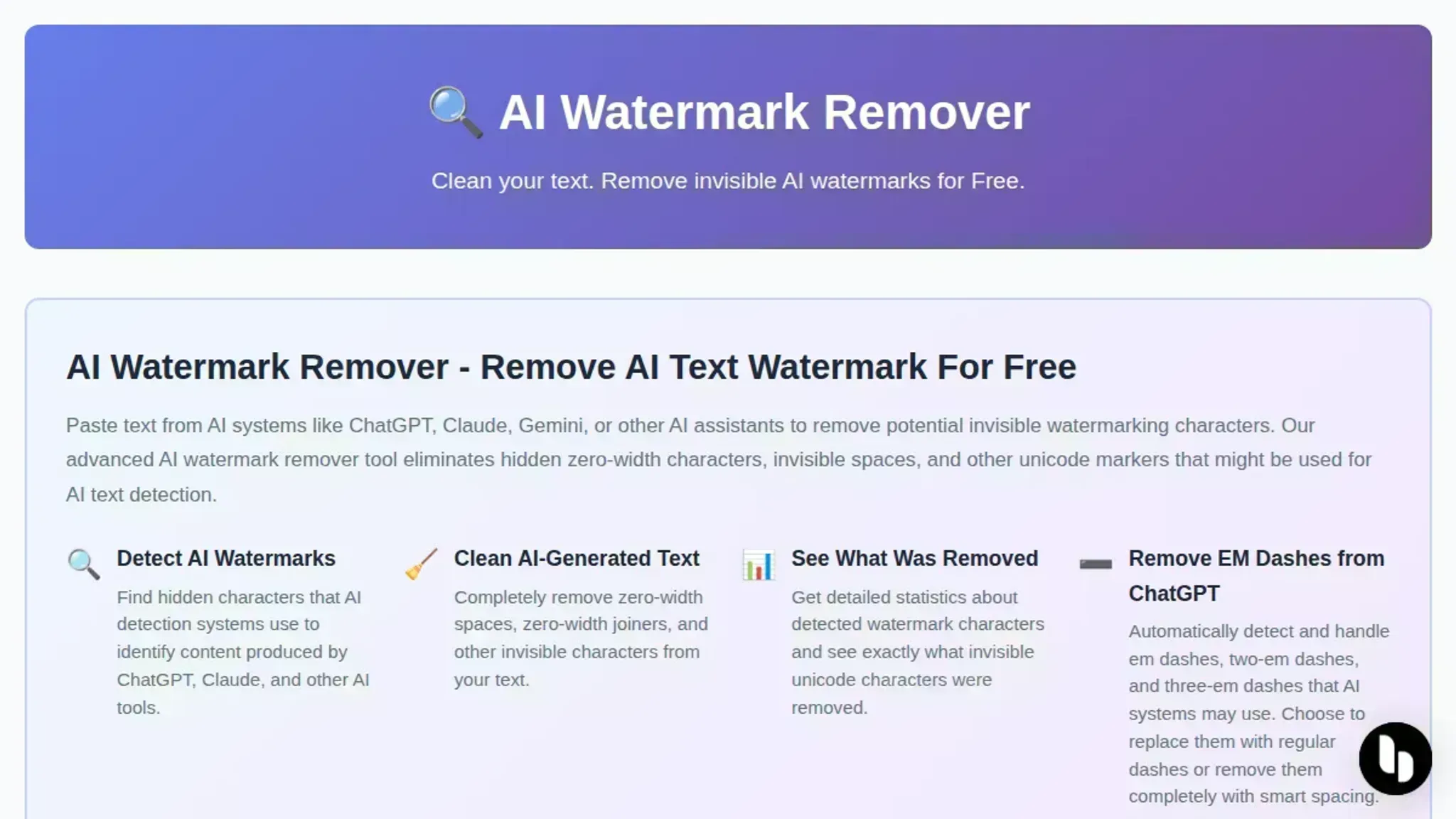
- AI Watermark Remover: This is the fastest way to strip zero width characters from AI generated text in one pass. Paste your text, click clean, and the tool removes zero width spaces, zero width joiners, zero width non joiners, and other invisible Unicode characters that ChatGPT, Claude, Gemini, and Grok hide in their output. It runs entirely in your browser, so nothing leaves your machine. A detailed removal log shows exactly which characters were found and how many instances were cleaned. That visibility matters when you need to verify that the job is done rather than trust a vague "cleaned" message. For a deeper walkthrough of the removal process, see our guide on stripping hidden AI characters.
Best for: quick one off cleanups and users who want a privacy safe client side tool. Pricing: free for basic use; paid upgrade for batch processing and deeper detection.
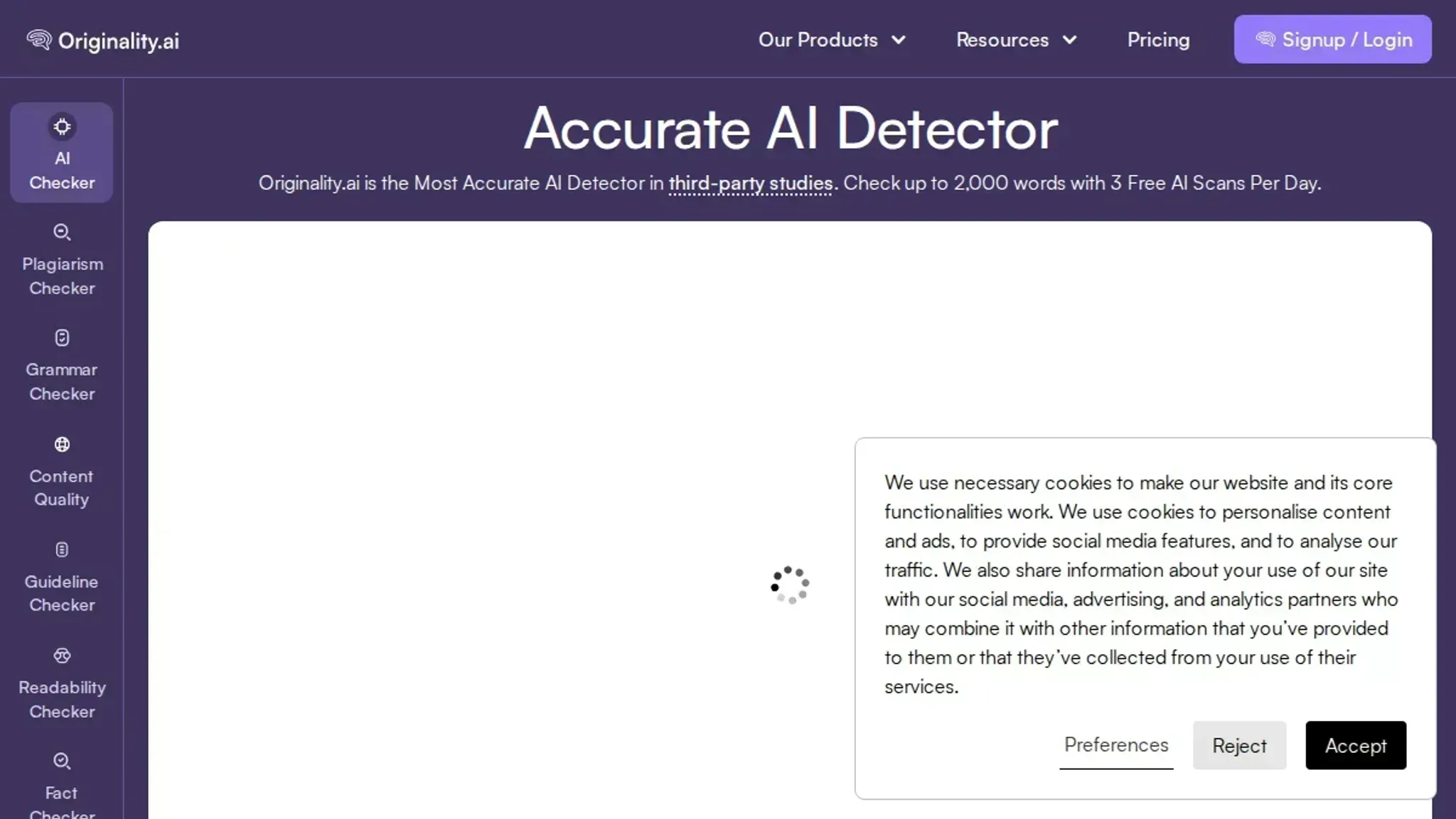
- Originality.ai Invisible Text Detector & Remover: This tool combines detection and removal in one interface. It scans your text and highlights every hidden character, then lets you strip them with a single click. The detection layer is useful when you want to see where the invisible characters are hiding before you delete them. Originality built this as part of a larger AI detection suite, so the tool also reports the likelihood that the text was AI generated. That secondary feature can be helpful if you are auditing content for transparency, but it also means the interface carries more noise than a dedicated cleaner.
Best for: writers who want both invisible character removal and AI detection in one place. Pricing: free tool on the blog; full platform requires a subscription.
- TryLeap.ai Invisible Character Remover: A minimalist tool that does exactly what its name says. Paste text, click the clean button, and the tool strips zero width Unicode, byte order marks, word joiners, variation selectors, and other invisible characters. The interface is a single text area and a button. No accounts, no logs, no confusion. This simplicity works well when you need a quick scrub without reading documentation. The downside: you get no feedback on what was removed. The output looks clean, but you cannot verify what the tool actually caught or missed.
Best for: users who want a no frills removal and trust the tool to handle everything. Pricing: free, no sign up.
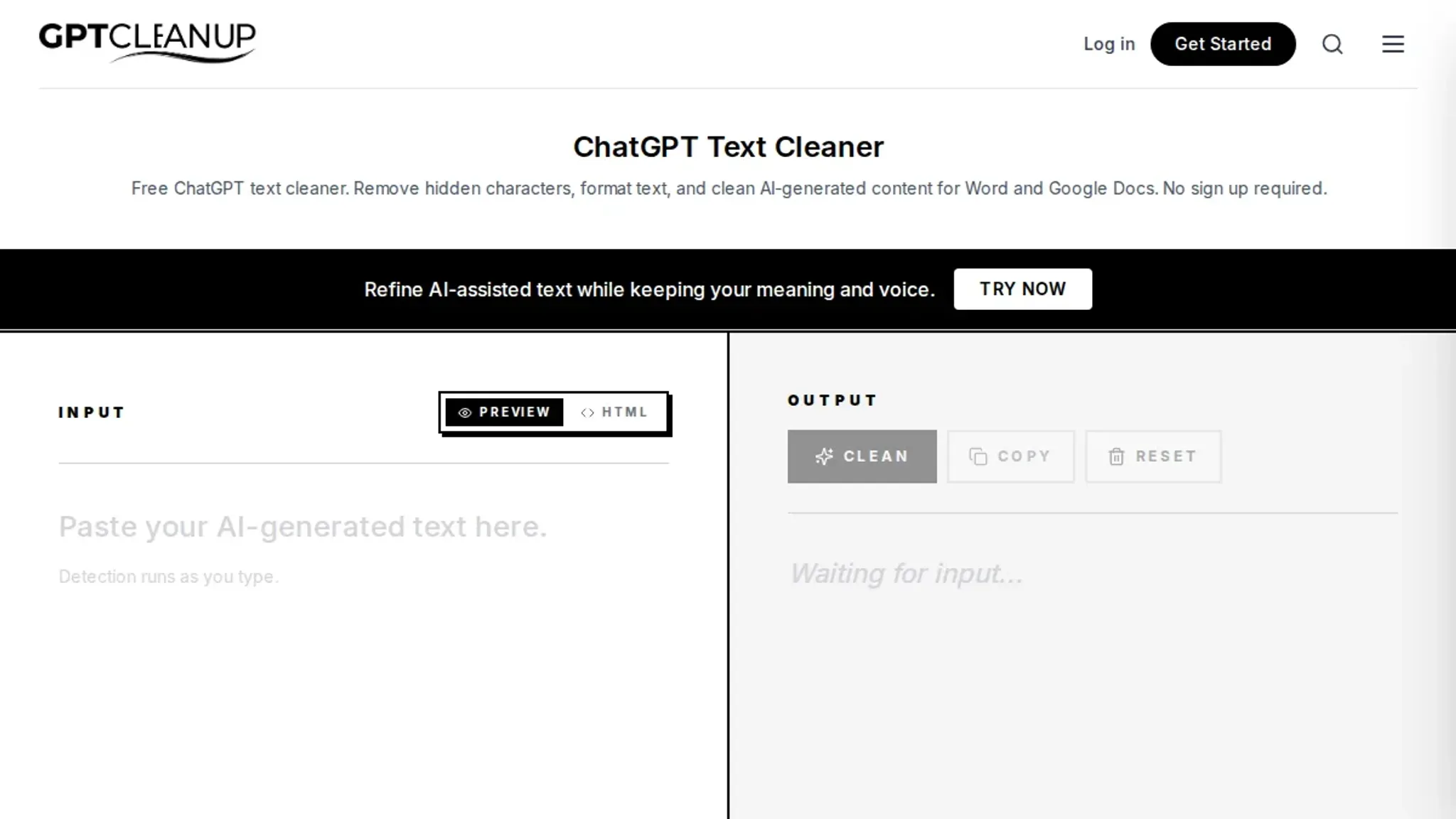
- GPTCleanup Zero-Width Space Remover: A dedicated cleaner that focuses specifically on zero width spaces and other invisible Unicode characters common in AI text. The tool shows a count of removed characters after each cleanup, which gives you a basic confidence check. The interface is slightly busier than the minimal options, with a few extra settings for direction marks and other edge case characters. It handles the standard invisible characters reliably, but it does not cover rarer Unicode like variation selectors or tag characters.
Best for: users who want a focused zero width space remover with a removal count. Pricing: free.
- Invisible Character Viewer: This tool takes a different approach. Instead of silently removing invisible characters, it reveals them visually. Paste your text, and the viewer highlights each hidden character with a colored marker and a symbol. You see exactly where a zero width space sits, where a word joiner appears, and where a bidirectional override begins. The viewer does not remove characters automatically, but it gives you the information to decide which ones to delete. This is useful when you want to understand the pattern of hidden characters in your text rather than just nuking them all.
Best for: learning what invisible characters are present before deciding how to clean. Pricing: free.
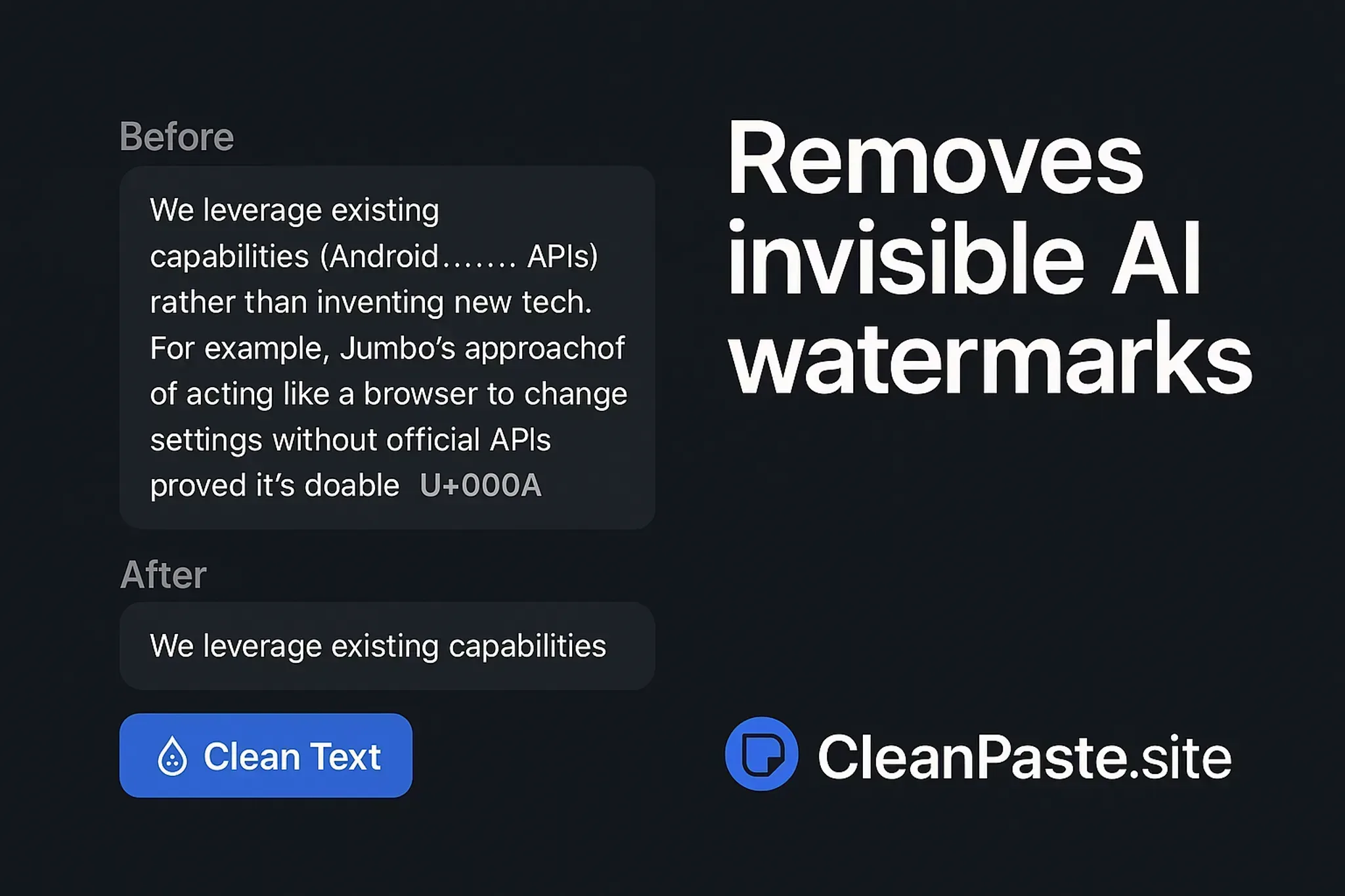
- CleanPaste: A lightweight online cleaner that strips all invisible character metadata from pasted text, including zero width spaces, zero width joiners, zero width non joiners, and other hidden Unicode. The tool runs in the browser with no server upload, similar to the privacy model of AI Watermark Remover. Its interface is spartan, but it works reliably on standard invisible character sets. One limitation: it does not handle more exotic invisible characters like Hangul fillers or Mongolian vowel separators. If your text comes from a multilingual source, you may need a more comprehensive tool.
Best for: quick cleanups on standard invisible characters with privacy. Pricing: free.
- Cleanor Unicode Cleaner: A more comprehensive Unicode cleaner that removes zero width spaces, byte order marks, direction marks, and other invisible characters from text. It provides a summary of cleaned items and lets you toggle which character types to remove. The toggle feature gives you control over what gets stripped, which matters when you want to preserve certain invisible characters for specific formatting reasons. Cleanor also offers a browser extension for cleaning text on the fly across websites, which is a practical addition if you regularly copy text from web pages into documents.
Best for: users who want control over which invisible character types to strip and a browser extension for automatic cleanup. Pricing: free.
How to pick between them: Match the tool to the failure mode rather than picking the most popular one. For a quick paste and clean on text that came straight from ChatGPT, any of the browser based tools work, but AI Watermark Remover and CleanPaste keep the privacy win of no server upload. When you need proof of what was stripped, use GPTCleanup, its removal count doubles as a verification step.
If you are auditing text that mixes several invisible character types, the Invisible Character Viewer is the right first stop, it shows you the pattern before you delete anything.
Check the rare characters yourself: All seven tools cover zero width spaces, zero width joiners, and zero width non joiners. Few cover Hangul fillers (U+3164) and Mongolian vowel separators (U+180E), which appear in Korean and Mongolian text that passed through an AI model. If your source is multilingual, run a second pass with a hex editor or an online Unicode inspector to confirm those two character types are gone.
Verify in the destination: Hidden characters often survive the cleanup but break the moment you paste into an online form, a CMS, or a PDF export. After cleaning, paste the text into your final destination first, then run the viewer once more. A leftover word joiner surfaces as a rendering glitch that is far easier to fix before you publish than after.
The pattern across all seven is consistent: the simpler the tool, the less feedback you get. Decide in advance whether you want a removal log or a silent scrub, because that single choice narrows the list from seven to two or three real candidates.
Expert tip: When to preserve zero-width characters in text
The obvious fix when you find invisible characters is to delete every last one. But that advice breaks when your text includes bidirectional scripts like Arabic or Hebrew. The characters U+200E (LEFT-TO-RIGHT MARK) and U+200F (RIGHT-TO-LEFT MARK) are zero-width by definition, but they control how mixed-script text renders on screen. Stripping them alongside actual watermark payloads can turn a correctly formatted paragraph into a jumbled mess.
The safer rule: only remove characters you know were injected by an AI watermark or a formatting glitch. If the text came from a source that uses Unicode direction marks legitimately like a multilingual document or a user-generated comment preserve U+200E and U+200F. A tool that lets you preview what gets deleted before applying the change is worth the extra click.
How to remove watermark from image online?
To remove a watermark from an image online, use a dedicated image-editing tool. But if you are dealing with invisible watermarks in AI-generated text, hidden zero-width characters, the process is different. Here are the top tools for cleaning that hidden metadata out of your text.
- AI Watermark Remover: This free tool strips zero-width spaces, joiners, and other hidden Unicode from text generated by ChatGPT, Claude, and Gemini. It runs client-side so nothing leaves your browser. For more on how these watermarks affect outputs, see our case study on real-world reliability.
- Originality.ai Invisible Text Detector: Best for detection plus removal. Paste your text, and it highlights every hidden character so you can inspect what is being removed.
- GPT Cleanup: Focused specifically on zero-width spaces. A simple paste-and-clean interface that works well for quick fixes.
Frequently asked questions about removing zero-width characters from text
What are zero-width characters?
Zero-width characters are Unicode symbols that take up no visible space in text. The most common types are the zero-width space (U+200B), zero-width non-joiner (U+200C), and zero-width joiner (U+200D). They have legitimate uses in text rendering for complex scripts, but they also get inserted invisibly by AI text generators as a form of steganographic watermark.
Why does AI-generated text contain zero-width characters?
AI writing tools sometimes embed zero-width characters as invisible watermarks to identify text as machine-generated. These hidden symbols travel with the content when you copy and paste it, but they do not change how the text looks on screen. The practice is part of a broader effort by AI companies to make generated content traceable without affecting readability.
How can I detect invisible characters in my text?
Paste your text into a Unicode detection tool or an online cleaner like AI Watermark Remover. These tools scan for every invisible character and report exactly what they find and where. A quick manual test: place your cursor at the end of a line and press backspace. If the cursor skips or the selection behaves oddly, zero-width characters are likely present.
What problems do zero-width characters cause in documents?
They break character counts, confuse search-and-replace operations, create unexpected line breaks in code, and cause validation errors in forms and databases. Writers editing AI drafts often find their cursor jumping or backspace acting unpredictably. In programming, a single zero-width space inside a string literal can cause a unit test to fail or a JSON parser to reject valid data.
Do all AI text generators add zero-width characters?
No. Some models embed them, others do not. ChatGPT and Claude have been observed inserting invisible Unicode markers, while other generators skip the practice entirely. The behavior also varies by version and output format.
If you copy text from an AI tool and paste it into a sensitive field like a code editor or a character-limited form, running a quick clean is good insurance regardless of the source.
Final verdict on removing zero-width characters
For most users, AI Watermark Remover is the strongest pick among the tools we tested. It runs entirely client-side for privacy, and the free version cleans a single document instantly. Your next step is to paste some AI-generated text into the tool, or read our practical guide on removing AI markers for a deeper look at invisible character cleaning.
The one situation where you should choose something else is when you need to keep specific zero-width characters, for example, preserving zero-width non-joiners in Arabic text. In that case, a regex-based tool like Text-utils gives you the control to remove only the characters you want.