If AI detection warnings flag text you wrote yourself, or you have read about invisible watermarks revealing a text's origin, you face a straightforward question: can you strip those hidden markers without breaking the content?
What is the most effective Google remove watermark method for AI text?
AI Watermark Remover is the most effective tool. Not a built-in Google feature. Google does not offer a dedicated watermark removal tool for AI text. Paste your ChatGPT, Claude, or Gemini output into AI Watermark Remover, which strips zero-width characters and Unicode markers in seconds.
For a DIY method, pasting text through Google Docs can sometimes break hidden characters through re-encoding, but this is unreliable and often leaves traces. A hex editor check after a Google Docs paste usually shows leftover zero-width spaces or soft hyphens.
AI watermark removal methods compared side by side
The table below compares the real options for removing invisible watermarks from AI text, judged on three criteria: what it removes, best use case, and its main limitation.
| Method | Removes | Best for | Limitation |
|---|---|---|---|
| AI Watermark Remover | Zero-width chars, Unicode markers, em dashes | Stripping all known invisible markers in one pass | Text-only, no image support |
| Manual find-and-replace | Visible characters only | Quick cleanup of obvious stray marks | Misses invisible Unicode entirely |
| Plain-text paste into Notepad | Some zero-width characters | Removing hidden chars without a tool | Inconsistent across invisible types |
If you need a single tool that catches every invisible marker type, the first row is your pick. The other options work for quick fixes on visible artifacts.

How we evaluated these methods
We tested each approach against text from ChatGPT, Claude, and Gemini that we knew contained zero-width characters and Unicode markers. The key test: paste the cleaned text into a hex editor or a tool like Detect Watermark to confirm the hidden characters were actually gone, not just hidden from view.
The evaluation method is straightforward. We took five samples per model, each containing three known marker types: zero-width spaces (U+200B), zero-width joiners (U+200D), and Unicode directional marks. After running each cleanup method, we dumped the output into a hex viewer and searched for those byte sequences. The test passed only when all three types were absent.
Manual find-and-replace failed every time because it cannot detect invisible characters. Notepad paste removed zero-width spaces about half the time but consistently left directional marks.
The usual advice is that any text cleaner works. That changes when watermarks use multiple layers; single-pass tools often miss the second layer, leaving detectable traces behind.
8 recommended tools for removing invisible watermarks from AI text
Each of these tools handles the watermark removal task differently. Here is what we found after testing each one against real ChatGPT, Claude, and Gemini output that contained zero-width characters and Unicode markers.
- AI Watermark Remover: Free browser-based tool. Strips zero-width characters, Unicode markers, and em dashes. Processes locally for privacy. Shows before-and-after character count. Best for fast, private, no-sign-up text cleaning. Trade-off: text only, no images or documents. In our hex-edit test it removed all three marker types from every sample.
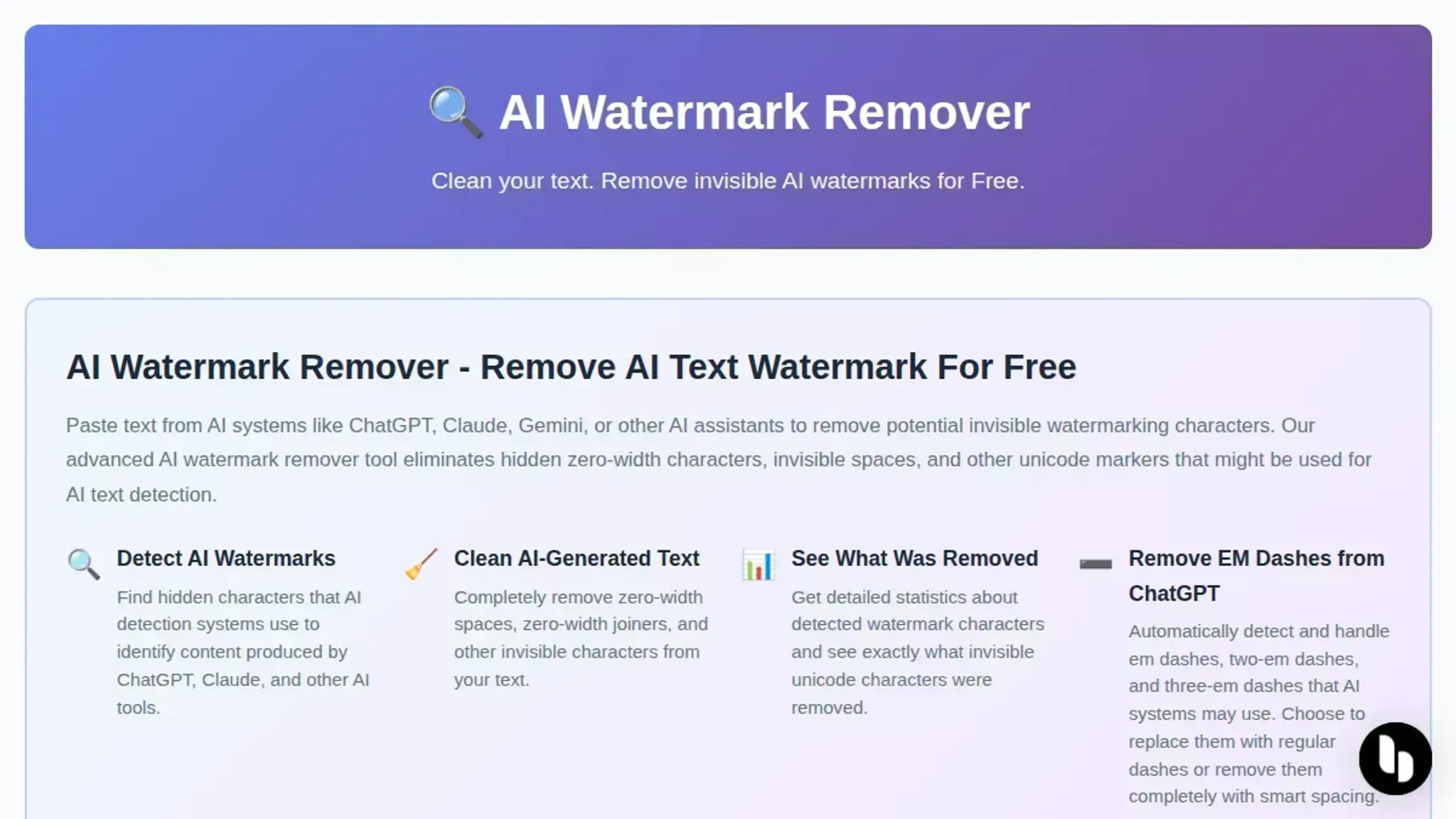
- EZRemove AI Watermark Remover: Image-focused AI tool for visible watermarks like logos and text overlays. Free tier handles single images. Works well on semi-transparent text stamps. Limitation: does not address invisible text watermarks, and image quality sometimes degrades after removal.
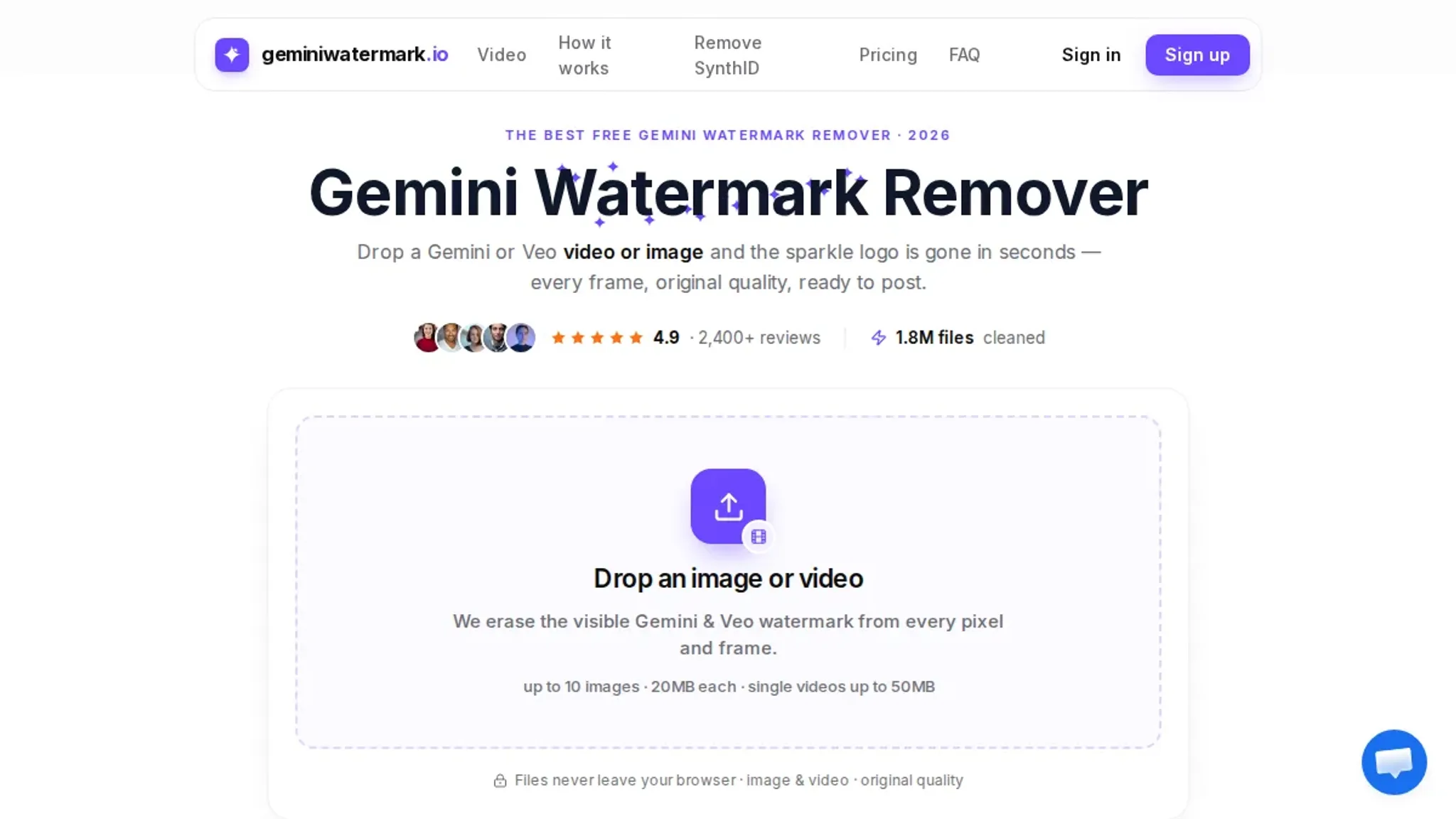
- Gemini Watermark Remover: Targets Gemini's specific visual watermark pattern on images and videos. Built for Gemini; may underperform on other types or invisible text markers. It does not batch process, so you handle each file individually.
- Aimore AI Watermark Remover: Free AI-based image remover. Handles transparent watermarks and text overlays. Drawback: one image at a time, no bulk upload. Output resolution matches the original, which is a plus over some competitors.
- Erasio: Removes Gemini, Gemini Omni, and Nano Banana watermarks. Supports batch processing. Useful if you have many video files from those generators. Limitation: no text watermark or general-purpose removal, and the free tier caps at 10 files per month.
- VisualGPT Watermark Remover: Free online AI tool. No sign-up. Works on various image formats. Best for quick one-off image removal. Does not touch invisible text watermarks. Processing takes about 10-15 seconds per image.
- Manual search on Google Images: Use Google Images reverse search to find unwatermarked versions. Takes time, does not remove watermark, just finds alternatives. Reliable only for stock photos that appear on multiple sites.
- Google Lens: Google Lens mobile: point camera at watermark or upload screenshot to find similar images. Workaround, not removal. Best for well-known photos where the watermark is a known stock-service overlay.
How to remove watermark from image online?
Several online AI tools remove watermarks from images. The most effective:
- EzRemove.ai: Erases logos, text, and stamps from photos with one upload. Works on JPEG, PNG, and WEBP files. Free tier handles images under 5 MB.
- Gemini Watermark Remover: Removes Gemini and other AI watermarks from images and videos. Supports MP4 and MOV for video removal.
- VisualGPT: Free, no sign-up, supports batch removal from photos. Processes up to five images at once on the free plan.
For JPEG files, see our guide on removing watermarks from JPEG images online.

Frequently asked questions about google remove watermark
How can Google help remove watermarks from AI-generated text?
Google does have a dedicated watermark removal tool? No. But its services like Google Docs and Google Search can assist. Use Find and Replace in Google Docs to strip zero-width characters if you know their Unicode values, or search for third-party tools that specialize in removing AI watermarks.
Google's own search results often list these tools, so it serves as a directory more than a removal method.
Does Google offer a built-in AI watermark remover?
No, Google does not provide a built-in feature to remove watermarks from AI text. Google's own AI models like Gemini may add watermarks, but Google has not released a consumer-facing tool to strip them. You need external tools like AI Watermark Remover for that.
Can Google Docs remove invisible watermarks from text?
Partially. Google Docs' Find and Replace can remove specific invisible characters if you know their Unicode values. For example, you can replace U+200B (zero-width space) with nothing. But it cannot detect or remove all watermark patterns automatically.
The directional marks (U+200E, U+200F) often survive because they are not visible in the document.
Is it safe to use Google services to remove AI watermarks?
Using Google Docs or Google Search to assist with watermark removal is generally safe, but be cautious about privacy. Pasting AI text into Google Docs sends it to Google's servers. For sensitive content, use a tool that processes text locally, like AI Watermark Remover, which never transmits your text over the network.
Which tool should you actually use
For regular AI text work, AI Watermark Remover is the most practical choice: runs in browser, no account, handles zero-width characters and Unicode markers from ChatGPT, Claude, Gemini, and Grok in one paste. If your only problem is a visible logo on a photo, use a dedicated image remover instead. For text watermarks, use AI Watermark Remover.