You have heard that ChatGPT text might carry invisible watermarks. The problem is that detection in practice is messy: some tools flag normal punctuation, others miss real watermarks, and nobody explains what you are actually looking for. The practical angles of detection matter more than the theory, because your decision to trust or scrub a passage depends on knowing what these tools can and cannot find.
You will know which signals to check, how to interpret results, and when detection is reliable enough to act on. For a quick hands-on test, try AI Watermark Remover, it scans pasted text for invisible Unicode characters and gives you a clean report of what was found.
What is the most practical way to detect ChatGPT watermarks?
The most practical way to detect ChatGPT watermarks is to paste your text into a free Unicode scanner, such as the tool at getgpt.app, which checks for 34+ invisible characters like zero-width spaces and em dashes. This direct answer works because it catches the watermark type most commonly used by ChatGPT: hidden Unicode characters embedded between visible words. The scanner runs in your browser, no upload needed, and highlights each suspect character in about one second.
Watermark detection tools at a glance
When choosing a watermark detector, the detection method determines what signals it catches, speed affects your workflow, and privacy decides whether your text stays on your machine. The table below compares four real tools on these three criteria.
| Tool | Best for | Strength | Limitation |
|---|---|---|---|
| Free Text Watermark Remover & ChatGPT Detector | Quick Unicode scan | Detects 34+ invisible characters; instant results | Only checks for Unicode watermarks, not statistical patterns |
| AI Watermark Detector & Checker | General AI text watermark check | Identifies hidden characters from ChatGPT, GPT-4, Claude | No batch processing; single-paste only |
| How To See ChatGPT Watermark tool | Browser-based instant detection | Runs entirely in browser; no server upload | Limited to visible watermark characters only |
| AI Watermark Remover | Detection plus removal in one step | Scans for zero-width spaces, joiners, em dashes; client-side privacy | Detection is bundled with removal; no standalone detection mode |
Use this table to pick the tool that matches your priority. If you need the widest character detection, the Free Text Watermark Remover covers 34+ types. If you prefer a tool that never sends your text to a server, both the How To See ChatGPT Watermark tool and AI Watermark Remover run client-side. If you want detection and removal in one visit, AI Watermark Remover is the only option.
For a general-purpose check that works across multiple AI models, the AI Watermark Detector & Checker is a solid choice. No single tool catches every watermark type, so consider running a secondary check if the content is critical.

First checks: spotting invisible Unicode watermark characters
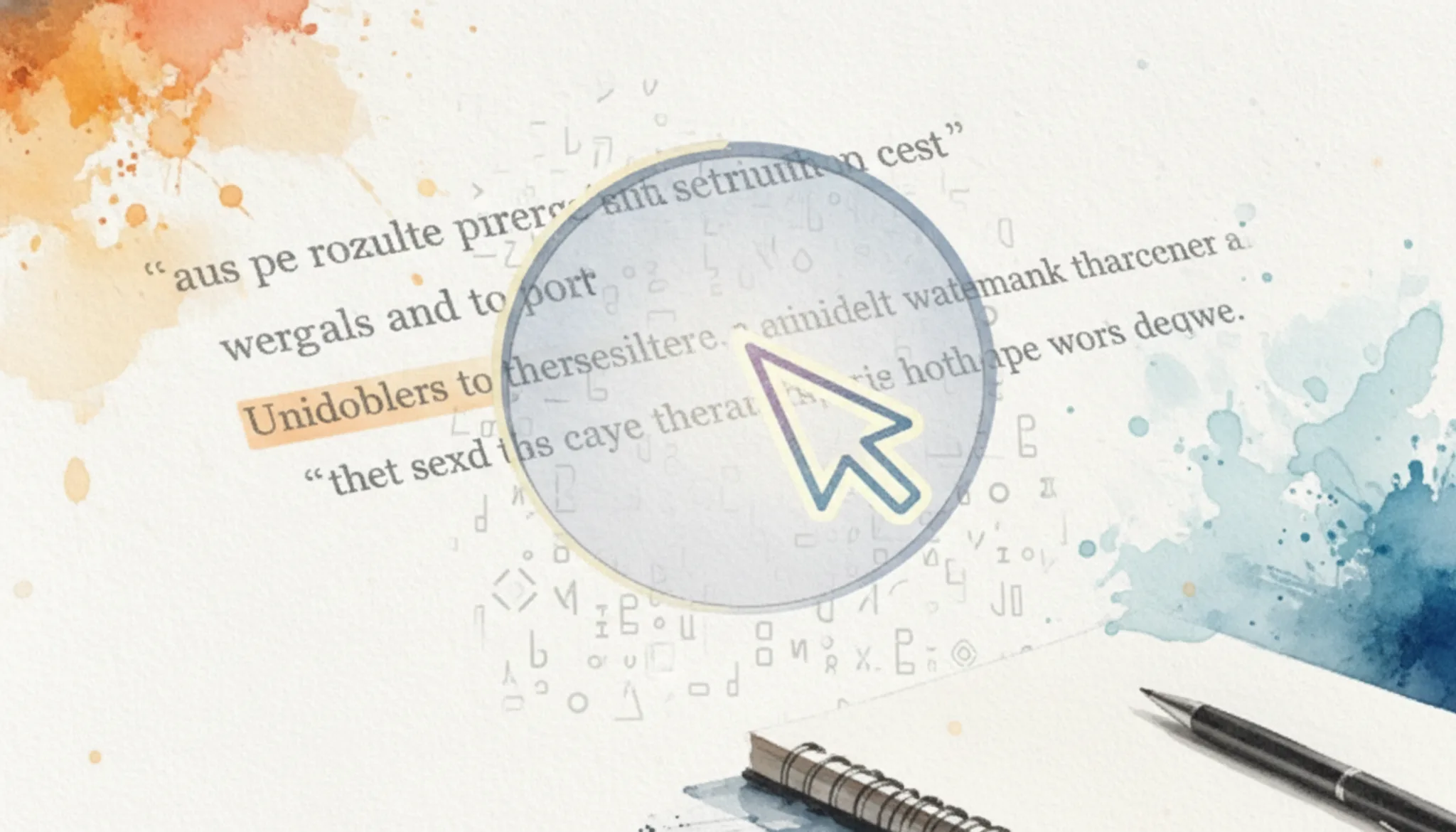
The most common ChatGPT watermark is not a visible pattern but invisible Unicode characters embedded in the text. Tools like Free Text Watermark Remover & ChatGPT Detector scan for 34+ such characters, including zero-width spaces and joiners. The first group of checks is simply whether these hidden markers are present at all, because they are the easiest to detect and remove.
If you want a deeper walkthrough, our guide on how to detect AI watermarks in any text covers the full process. For now, run through these observable checks on any suspect text.
- [] Paste the text into a dedicated detection tool like AI Watermark Remover and look for an explicit "watermark characters found" count.
- [] Check for characters near punctuation: zero-width spaces (U+200B), zero-width non-joiners (U+200C), and zero-width joiners (U+200D) are common markers.
- [] Use a text editor with "show all characters" enabled (Notepad++ or VS Code) to visually spot invisible markers between words or after periods.
- [] Count the number of spaces in a paragraph versus expected sentence spacing; a surplus often indicates hidden watermark characters.
- [] Look for unusual non-breaking spaces (U+00A0) or non-standard dashes that look identical to normal ones but carry a different Unicode code point.
Skipping this group leaves the most detectable watermark layer untouched, and nearly all automateddetectors will flag your text on this basis alone.
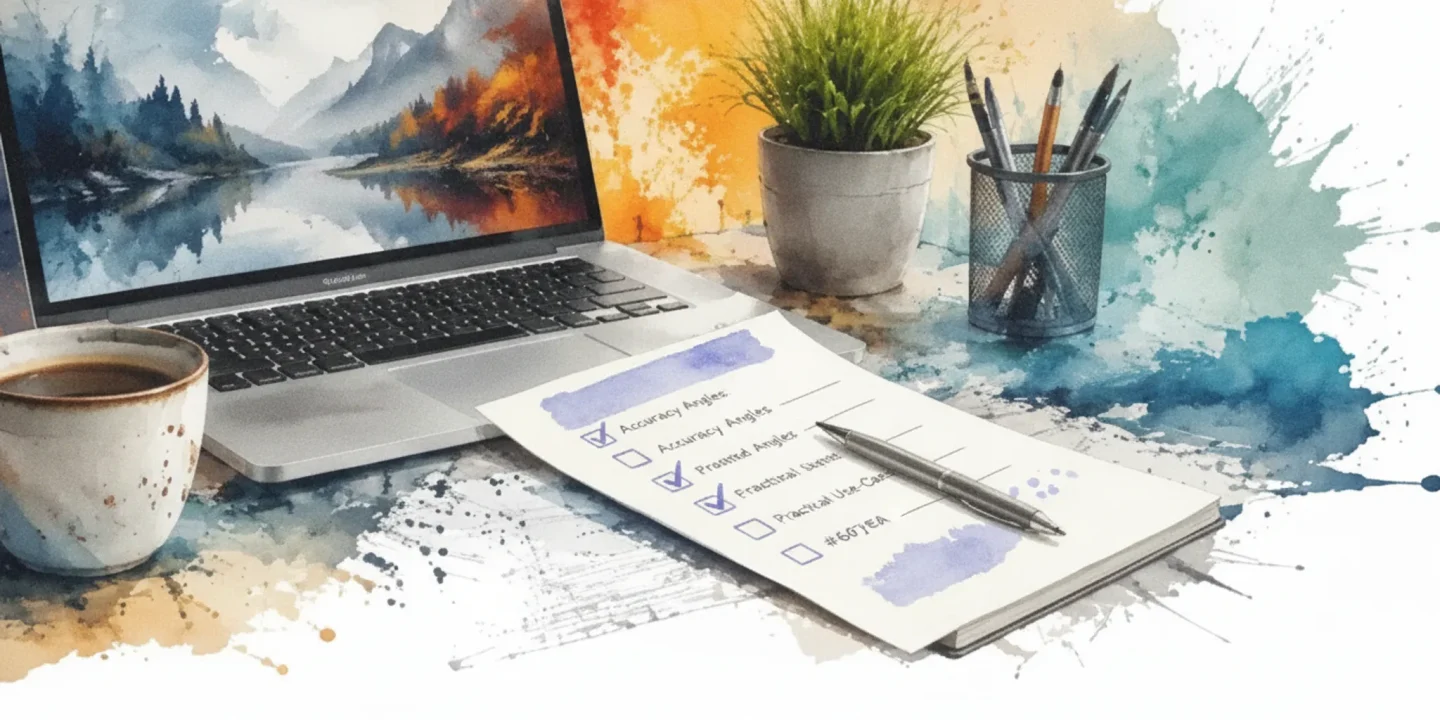
ChatGPT watermark detector practical angles checklist
Work through these checks in order. Each one tests a different practical angle that detection accuracy depends on. Mark each task done only when you can confirm the pass signal.
| Task | Why it matters | Done |
|---|---|---|
| Scan your text with a Unicode character scanner (like the one at Getgpt) and note every invisible character found. | Invisible watermarks (zero-width spaces, joiners, non-breaking spaces) are the most common detection vector. If your scanner misses them, your detection is blind to the simplest signal. | |
| Run the same text through a client-side detection tool that processes everything in your browser (no data upload). | Many detection services send your text to a server. If you are checking sensitive content, server-side tools leak your data. Client-side tools like AI Watermark Remover keep the text local, so you can verify privacy is not a trade-off. | |
| Test detection on a known watermarked sample (paste a paragraph directly from ChatGPT without editing). | A known positive tells you the tool actually finds the watermark. If it returns a false negative on a fresh ChatGPT output, the tool is unreliable for your use case. | |
| Compare detection results from at least two different tools (one Unicode scanner, one statistical detector like GPTZero or Originality). | Different detection methods catch different signals. Unicode scanners find invisible characters; statistical detectors look at word patterns. If only one tool flags the text, the watermark type may be narrow. | |
| Edit the text manually (delete a few sentences, rephrase one paragraph, then rescan). | Watermarks that survive editing are stronger signals. If the detection score drops to zero after minor rewording, the watermark was fragile and may not matter for your workflow. | |
| Test detection on a code snippet generated by ChatGPT (e.g., a Python function) and compare with a prose paragraph. | Watermark detection algorithms often perform differently on code because of repetitive syntax and short lines. Some detectors flag code as low probability since the statistical patterns differ from natural language. If your workflow includes code, you need to know whether the detector handles it. | |
| Translate the ChatGPT output into another language (e.g., Spanish or French) using a human translator or a reliable translation service, then scan the translated text. | Watermarks embedded in the original language may not survive translation. If the detector still flags the translated text, the watermark is language-agnostic. If it drops to zero, the watermark is language-specific and easier to bypass. | |
| Convert the text to a different format (e.g., copy into a plain text editor, save as PDF, then extract text back) and scan the extracted text. | Format conversions can strip invisible characters or alter spacing. A watermark that survives a PDF round-trip is more robust. If the detector fails after conversion, you know the watermark was fragile. | |
| Test detection on a short snippet (one sentence) vs a long passage (500+ words). | Many statistical detectors require a minimum text length to produce a reliable score. Short texts often return false negatives or inconclusive results. Knowing the minimum length your detector needs saves you from misinterpreting results on brief outputs. |
After you finish the table, one more check: if you found a watermark you want to remove, run the text through a dedicated remover that cleans invisible characters and preserves formatting. The step-by-step guide on cleaning AI watermarks without losing formatting walks through exactly that process, including what to do when the watermark is mixed with normal punctuation.
After you finish the table, run one more check: take a sample that your detector flagged as watermarked and ask a colleague to rewrite it by hand without looking at the original. Scan the rewritten version. If the detector still flags it, the watermark is structural (e.g., sentence length patterns). If it clears, the watermark was lexical and easily removed.
This test separates surface-level patterns from deeper statistical signatures.
After-publish checks: verifying your watermark removal actually worked
Removing invisible Unicode characters is only half the job. The text still needs to hold up against detection tools that look for statistical patterns, burstiness, and perplexity anomalies. A clean character table does not guarantee the content will pass as human-written. Run the output through multiple detectors and real-world tests before publishing.
Start with tools that check for leftover invisible characters, then move to statistical AI detectors that score the text. Each check below is a single pass/fail action you can verify in under a minute.
- [] Paste the text into a Unicode inspector like the Free Text Watermark Remover & ChatGPT Detector, which scans for 34+ invisible characters (ZWSP, NNBSP, em dashes). Pass if zero flagged.
- [] Run the cleaned text through two different AI detectors (e.g., AI Watermark Detector & Checker and another statistical detector). Pass if both score below 50% AI probability.
- [] Check the text's burstiness manually by reading its sentence length variation. AI-generated text often has uniform sentence lengths; break up any repetitive patterns.
- [] Test the text in a real-world context by asking a colleague to read it and guess whether it is AI-written. If they cannot tell, the removal passed that test.
- [] Use AI Watermark Remover's own removal statistics to confirm that the tool reported zero remaining invisible characters. The tool runs entirely client-side, meaning your privacy is protected by its privacy policy.
Skipping these checks means you risk publishing text that detection tools can still flag, which defeats the purpose of removing the watermark.
The Unicode blind spot in watermark detection
Most "ChatGPT watermark detectors" you find online share a single, narrow approach: they scan for invisible Unicode characters such as zero-width spaces, joiners, and non-breaking spaces. That approach works when the text still carries those characters. But it misses the entire category of statistical watermarks, where a model's word choices are biased toward a secret pattern, leaving no visible artifact to scan for. These two methods detect different things entirely, yet most tools and users treat them as interchangeable.
If you are testing text that has been lightly edited, rephrased, or run through a text cleaner, those Unicode characters are likely gone. The detector returns a clean result, but you cannot know whether the text was originally AI generated. The usual advice changes when the text has been through any editing step. At that point, a Unicode-only scan gives you a false negative, and its confidence score becomes misleading.
For a meaningful check, look at both signal types. If you only have a Unicode scanner, treat a clean result as inconclusive, not proof of human authorship. The real takeaway: the tool matters less than knowing what you are actually measuring. A detector that finds invisible characters is not the same as one that detects an AI writing pattern, and confusing the two leads to wrong conclusions.
This is the practical angle most guides skip.

Frequently asked questions about ChatGPT watermark detection
Can you detect ChatGPT watermarks without a dedicated tool?
Yes, you can spot some watermarks manually by looking for unusual characters. Open the text in a plain-text editor and enable a "show hidden characters" or "show all symbols" option. Zero-width spaces and joiners appear as faint dots or special markers, but this method only catches the visible-at-edit-level Unicode characters, not statistical patterns.
How long does a typical ChatGPT watermark scan take?
Most free Unicode scanners return results in under a second for text up to several thousand characters. The scan runs on your browser, so there is no upload delay. Tools that also check for statistical watermark patterns may take slightly longer, usually 2 to 5 seconds, depending on the text length and the tool's processing.
What should you do if a detector finds a watermark?
First, note which characters were found and where they appear. Then use a specialized tool like AI Watermark Remover to strip those invisible characters from your text. After removal, run the cleaned text through the same detector again to confirm no flagged characters remain. If the detector still reports watermarks, the text may contain a statistical pattern rather than a Unicode-based one.
What types of watermarks do different AI tools use?
ChatGPT, Claude, Gemini, and Grok each use slightly different approaches. The most common is invisible Unicode characters such as zero-width spaces and joiners. Some tools also embed statistical patterns in word choice or sentence structure. A Unicode scanner catches the first type but misses the second, which requires a statistical detector.
Does removing a watermark guarantee your text passes all detectors?
No. Removing invisible Unicode characters ensures those specific markers are gone, but a detector that checks for statistical patterns in writing style may still flag the text. For the most reliable result, use a tool that cleans Unicode watermarks and then run the output through a statistical AI detector separately to see if adjustments are needed.
Translation often breaks Unicode watermarks. A zero-width space inserted after an English word may not survive a machine translation pass, because the translator splits and recombines sentences. If you suspect a text was AI-generated and then translated, a Unicode scanner will likely find nothing. You would need a statistical detector that compares sentence-level patterns against known AI writing distributions in the target language.
Do watermark detectors affect text readability?
No. Invisible Unicode characters are zero-width by design, so they do not change how the text renders in browsers, word processors, or PDFs. You can paste watermarked text into any editor and read it normally. The only exception is plain-text editors that show hidden characters, where the markers appear as faint glyphs, but even then the visible words remain untouched.
Bottom line: scan for invisible watermarks, then verify removal
The most reliable path is also the simplest: run a Unicode scan on suspect text, remove any invisible characters, then verify the cleaned text is clean. AI Watermark Remover handles all three steps in one pass through its client-side scanner, and it gives you a count of what it found and removed so you know the job is done. That verification step is what most quick checks skip, and it is the one that matters most.
If you are working with purely visual detection for a rapid assessment, a manual scan for unusual characters can work well enough. But the invisible characters are the real watermark signal, and only a dedicated Unicode scanner catches them. For anything you plan to publish or submit, a scanner is the safer choice.
The next step after detection is removal. Run your cleaned text through a second scan to confirm nothing was missed, then publish or share with confidence. You will know exactly what was in your text and what is gone.