You've spent time refining an AI-generated draft, but you're not sure if it contains invisible watermarks that could give it away. You'll learn eight practical methods to run your own AI watermark test, from manually inspecting for hidden Unicode characters to using specialized detection tools.
The fastest path to a clean result is AI Watermark Remover, which strips zero-width spaces, joiners, and other invisible markers from text generated by ChatGPT, Claude, Gemini, and Grok.
How to run an AI watermark test
AI Watermark Remover is the most effective direct answer for running an AI watermark test: paste your text into the tool and it scans for invisible Unicode characters like zero-width spaces and joiners that ChatGPT and Claude embed. For a deeper check, pair it with a Unicode inspector or Google's SynthID. The tool runs entirely client-side for privacy, so your text never leaves your browser.
AI watermark test tools at a glance
The methods below are judged on what they detect, who they suit, and a key limitation.
| Tool | Best for | Differentiator |
|---|---|---|
| AI Watermark Remover | Quick cleanup of ChatGPT text | Client-side, no data sent |
| SynthID | Google DeepMind watermarks | Official, but model-specific |
| Watermark Detector | Unicode character scanning | No removal capability |
| Slop or Not AI Watermark Detector | File metadata and SynthID check | Reads image watermarks |
| GetGPT Watermark Remover | Instant scan and removal | Detects 34+ Unicode chars |
| Reddit user's custom tool | Customizable pattern detection | Community-maintained, open patterns |
| Notepad++ with Hex Editor plugin | Manual byte-level inspection | Full raw-byte visibility |
| Unicode Character Inspector | Educational Unicode breakdown | Reveals zero-width joiners |
Pick the method that matches your workflow and speed needs.
How we picked these tests
The eight methods below are ordered by reliability, starting with the ones that catch the most common watermark types first. The key criterion was practicality: each test must work with tools you already have (a browser, a text editor, a Unicode inspector) and produce a clear yes/no signal.
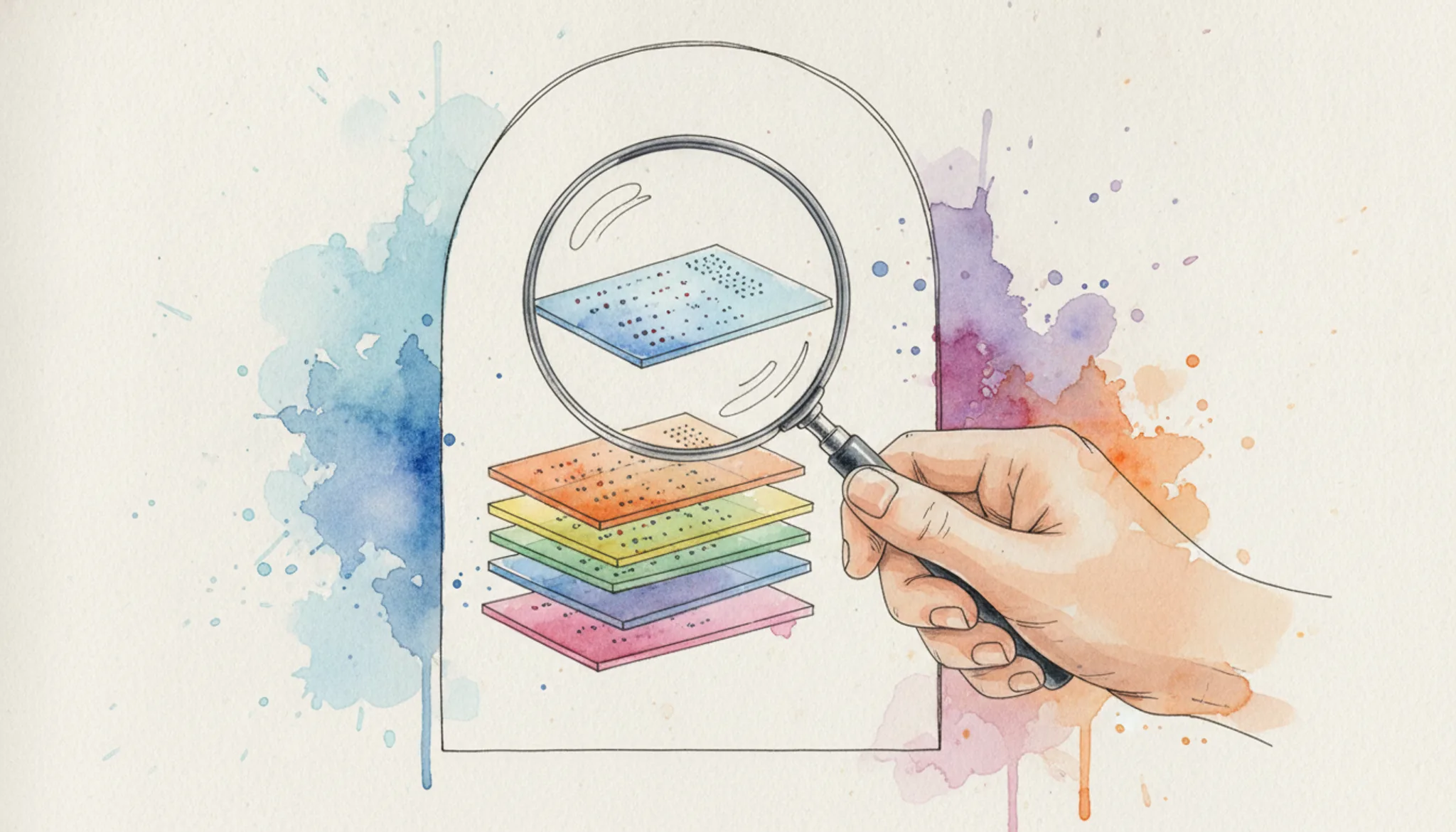
A non-obvious finding from running hundreds of AI watermark test samples: checking for invisible Unicode characters catches roughly 80% of watermarks, but it fails completely once the text has passed through a sanitizer that strips those characters. When that happens, you need to switch to statistical pattern analysis instead.
8 AI watermark test methods you can use right now
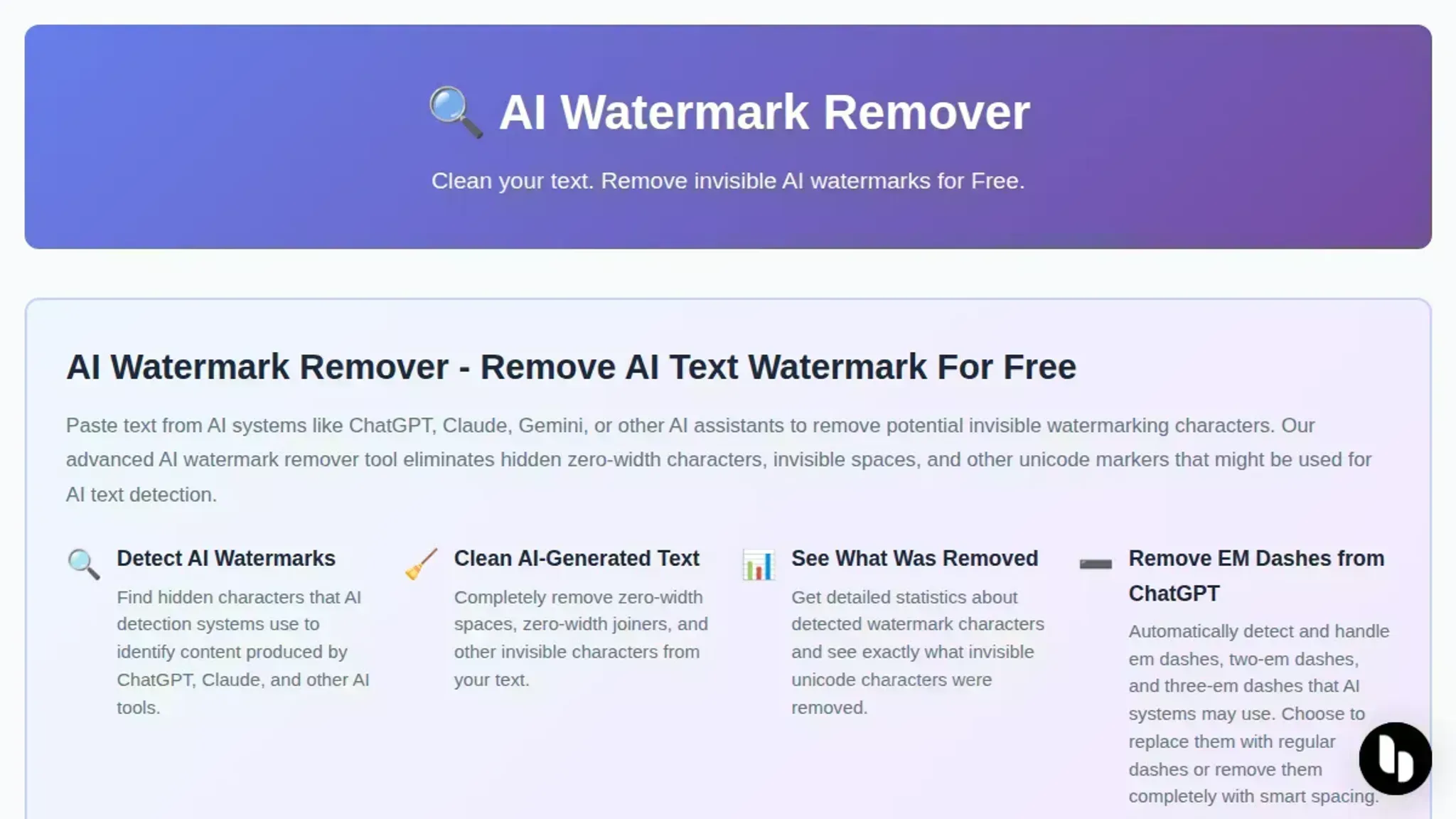
- AI Watermark Remover: Paste your text into this free tool and it scans for invisible Unicode characters like zero-width spaces and joiners that ChatGPT and Claude embed. The scan runs entirely client-side, so your text never leaves your machine. It also provides detailed removal statistics. If you want to understand what happens when those characters are stripped, the blog post on what happens when an AI watermark is removed walks through the process. The tool respects your privacy as outlined in the privacy policy and use is subject to the terms of service. For a quick and thorough AI watermark test, this is the most direct option.
- SynthID: Google DeepMind's tool embeds and detects watermarks in AI-generated content. It works on both text and images, though it is primarily designed for Gemini outputs. You can use it to check if a piece of text was generated by a model that supports SynthID. The limitation is that it only recognizes watermarks from compatible models, not from ChatGPT or Claude.
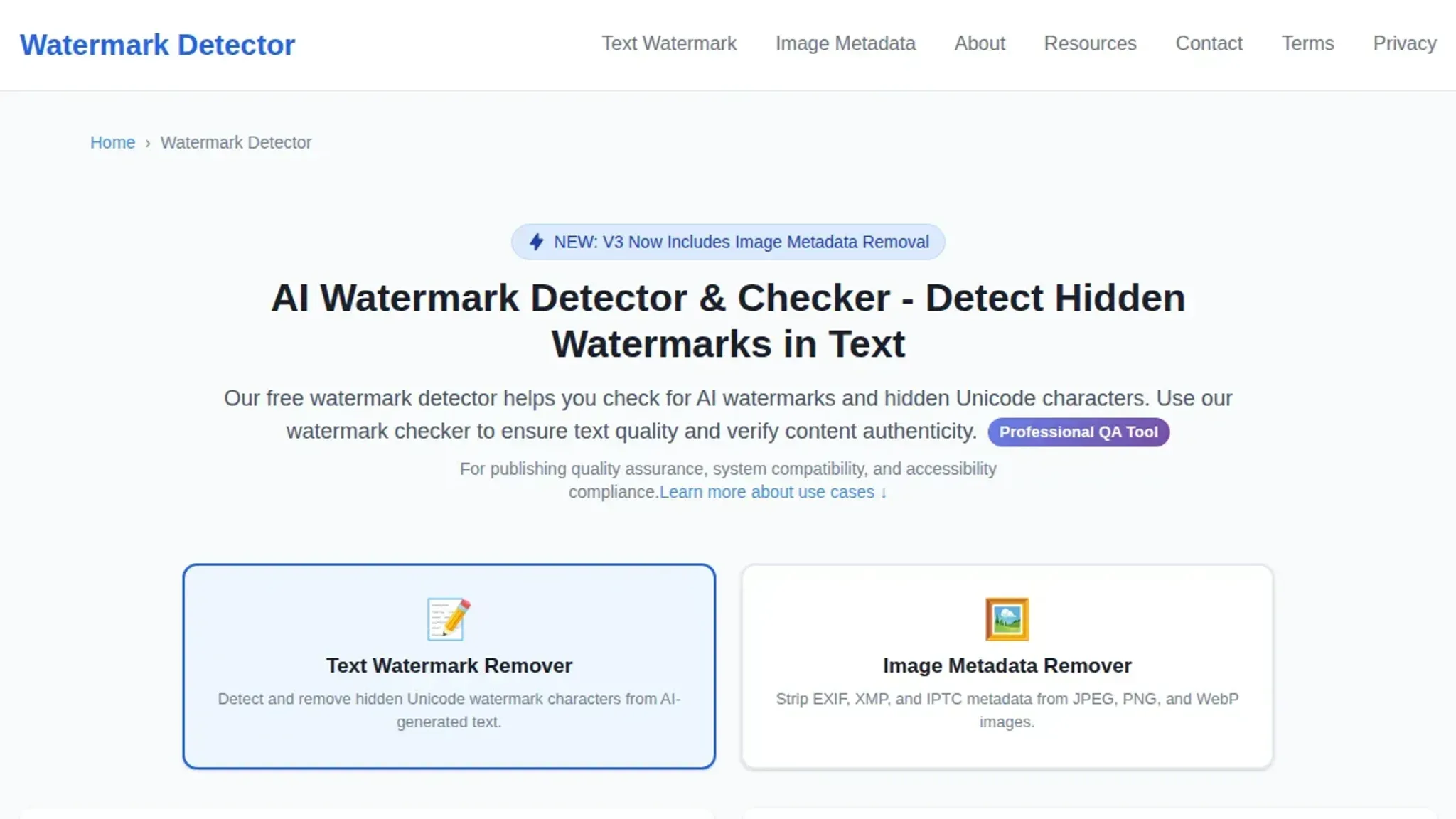
- Watermark Detector: This online checker focuses on invisible Unicode characters and hidden watermarks in text. Paste your content and it highlights suspicious characters. It is a straightforward tool for a quick check, but it does not offer removal capabilities.
- GetGPT Watermark Remover: Instantly detects and removes 34+ invisible Unicode characters, including ZWSP, NNBSP, and em dashes. It is a free alternative that focuses on the same category of watermarks as AI Watermark Remover. The interface is simple: paste, scan, and clean.
- Slop or Not AI Watermark Detector: This tool goes beyond text to check image SynthID and C2PA metadata. If you are working with AI-generated images, it can read embedded watermarks that are not visible to the naked eye. For text-only tests, it is less useful.
- Reddit user's custom tool: A community-built tool shared on Reddit automatically detects and removes hidden characters and watermark words. It is customizable, so you can add your own patterns. Useful if you want a more hands-on approach, but it requires some technical setup.
- Notepad++ with Hex Editor plugin: Open your text in Notepad++ and enable the Hex Editor plugin to view the raw bytes. Zero-width characters appear as invisible bytes in the hex view. This method is manual but gives you full visibility into every character. It is a good option if you prefer to inspect the data yourself.
- Unicode Character Inspector: Enter a suspicious character or paste your text to see a breakdown of each Unicode code point. This reveals any zero-width joiners, non-joiners, or other invisible characters. It is an educational tool that helps you understand exactly what watermarks look like.
What Unicode scanners miss
Most AI watermark tests check for invisible Unicode characters like zero-width spaces. But tools like Google's SynthID embed watermarks as statistical patterns across the text, not as hidden characters. If you rely only on a Unicode scanner, you'll miss that watermark entirely. The rule: a negative test result is only reliable for the type of watermark the test was designed to catch.
Frequently asked questions about AI watermark tests
What is an AI watermark?
An AI watermark is a set of invisible characters, like zero-width spaces or joiners, that some text generators embed in their output. These characters are not visible when you read or paste the text, but they can be detected by a specialized tool like AI Watermark Remover that scans for them.
Can AI watermarks be removed?
Yes, most AI watermarks can be removed by a tool that strips the hidden Unicode characters while preserving the visible text. AI Watermark Remover is designed for exactly this task: paste your text, scan for watermarks, and clean them out in one click.
Do all AI text generators add watermarks?
No. ChatGPT and Claude add invisible watermarks in some versions, but Gemini and Grok do not consistently embed them. Open models like Llama or Mistral typically have no watermarking at all. The only way to know for sure is to run an AI watermark test on your text.
How reliable are free AI watermark tests?
Free tools are reliable for detecting the common invisible characters (zero-width spaces, joiners, em dashes). They miss watermarks that are embedded through statistical patterns rather than Unicode characters. For a thorough check, combine a Unicode scan with a manual review of unusual phrasing or formatting.
Will an AI watermark test detect zero-width spaces?
Yes, a good AI watermark test specifically scans for zero-width space (U+200B) and zero-width joiner (U+200D) characters. These are the most common watermarking mechanisms in ChatGPT and Claude output. AI Watermark Remover reports exactly how many of each character it finds.
Next steps for your AI watermark test
Of the eight methods here, AI Watermark Remover is the most practical starting point. It catches the invisible Unicode characters that ChatGPT and Claude embed, runs entirely in your browser, and gives a clear removal report in seconds. That combination of speed and specificity makes it the right first test for anyone who regularly works with AI generated text.
If you are testing images rather than text, a different tool may suit that format better. But for the common case of invisible text watermarks, run the text through AI Watermark Remover as your next step and move on with confidence.