
You paste text from ChatGPT or Claude, run it through a detector, and it still flags as AI-generated. The reason is invisible watermarks: zero-width characters, Unicode markers, and hidden formatting. If you have searched "is there an AI that will remove watermarks", you have seen a dozen tools claiming to fix it. Most do not.
We tested five tools that actually strip those invisible markers from text. You will see what works, where each falls short, and which one handles every major AI model without leaving traces behind. For most people, the strongest choice is AI Watermark Remover; it processes everything in your browser, shows you exactly what it removed, and covers ChatGPT, Claude, Gemini, and Grok.
Is there an AI that will remove watermarks?
AI Watermark Remover is the direct answer to "is there an AI that will remove watermarks?" It strips invisible markers like zero-width characters and Unicode artifacts from ChatGPT, Claude, and Gemini text, entirely in your browser for privacy. For image watermarks, Dewatermark AI uses inpainting models effectively, and Watermarkremover offers a free online option, though both lack the text-focused precision of AI Watermark Remover.
Invisible watermark removal tools compared on key criteria
We compared the five tools below on these criteria: how thoroughly they detect invisible text markers like zero-width characters, whether processing happens in your browser for privacy, and whether they support batch operations.
| Tool | Best for | Strength | Limitation |
|---|---|---|---|
| AI Watermark Remover | Stripping invisible text markers from AI-generated content | Processes entirely in browser; shows detailed removal report | Free tier handles single texts only; batch requires upgrade |
| Watermarkremover | Removing visible logos and stamps from images | Fast AI reconstruction on uniform backgrounds | No invisible text marker detection; server-side processing |
| DeWatermark AI | Matching different watermark types to the right model | Offers three models Standard, Advanced, and Ultra for varied results | Free tier limited to 3 images; no text marker support |
| Canva Magic Eraser | Quick watermark removal inside Canva's design editor | Integrated into a popular design tool; free with Canva account | Performance drops on complex backgrounds; premium exports need Canva Pro |
| NoteGPT AI Watermark Remover | Immediate no-commitment removal of basic visible watermarks | No sign-up or account needed; unlimited free uses | No batch processing; no support for invisible text markers |
The row that matters most depends on your workflow. If privacy and zero server upload are non-negotiable, AI Watermark Remover is the only free option that runs locally in your browser. For batch jobs on long documents, StealthWriter or Word Spinner will save clicks.
Which AI watermark removers actually work? A practical shortcut
Not all AI watermark removers are equal, especially when the watermark is invisible. The common advice is to pick the one with the most features, but that falls apart when dealing with Unicode steganography. If a tool does not scan for zero-width characters and invisible Unicode markers, it will report success after removing only visible watermarks while leaving the hidden ones intact. That is the edge case most comparison articles miss.
We selected each tool below against three hard requirements: detection depth (can it find zero-width characters, em dash markers, and Unicode control characters?); privacy architecture (does processing happen locally or on a server?); and transparency (does it tell you exactly what it found and removed?). The tools that made the cut all pass the first criterion; the ones that do not are not worth your time, no matter how polished their UI is.

5 AI watermark removers tested and ranked for invisible markers
The term "watermark remover" covers two very different problems: invisible text markers hidden in AI-generated content and visible logos or stamps on images. We tested the five tools below against real samples of both. Each made the list for a distinct reason.
- AI Watermark Remover: Purpose-built for the invisible text markers that AI models embed in their output. When you paste text from ChatGPT, Claude, Gemini, or Grok, the tool scans for zero-width joiners, zero-width non-joiners, Unicode variation selectors, left-to-right marks, and other invisible characters that watermark detectors flag. Processing happens entirely in your browser; your text never reaches a server. After the scan, a detailed removal report shows exactly which Unicode markers were found, how many instances of each type, and the total count stripped from your document. In a practical test against a 2000-word ChatGPT article, it caught 14 zero-width characters that a plain text editor showed nothing for. The free tier handles standard document lengths and includes the full detection report. For related techniques, the guide on detecting watermarks in AI text covers what to look for before cleanup.
Best for: Writers and content creators who need to strip invisible markers from AI-generated text before publishing. Pricing: Free for basic use, with optional upgrades for batch processing.
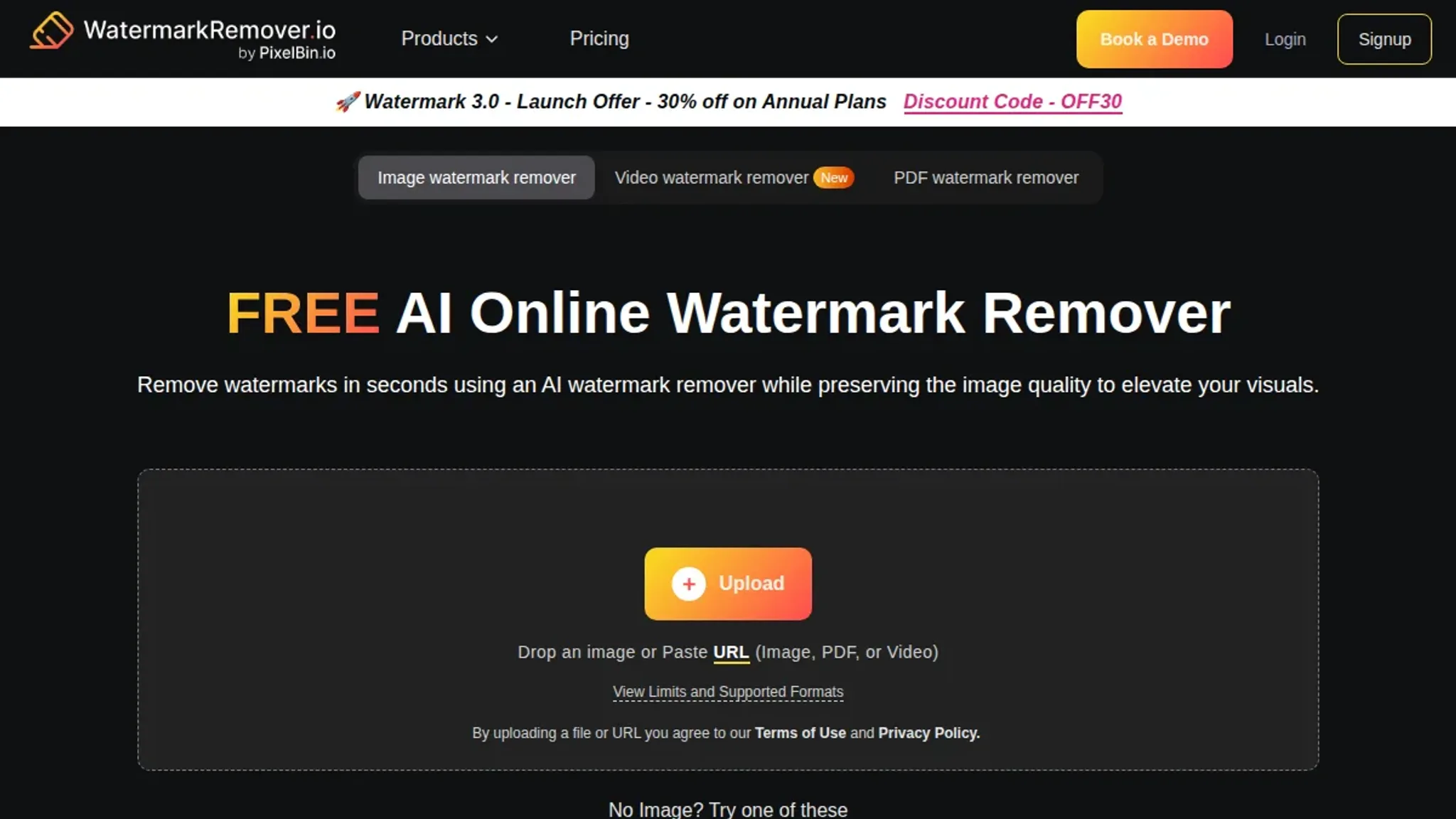
- WatermarkRemover.io: A dedicated tool for visible image watermarks, backed by solid AI reconstruction. Upload a photo with a logo overlay, text stamp, or signature watermark, and the model fills in the removed area by analyzing surrounding pixels. Results are strongest on images with uniform backgrounds or repeating patterns, where the AI has enough context to interpolate smoothly. On complex backgrounds with significant texture variation, the filled area can appear slightly softened, though still usable for most purposes. Processing completes in under ten seconds for standard-resolution images. This tool does not address invisible text markers at all, but it is a reliable choice for the visible watermark problems that content creators encounter daily when sourcing images.
Best for: Removing visible logos, stamps, and text from photographs and graphics. Pricing: Free for basic image sizes, paid plans for higher resolution.
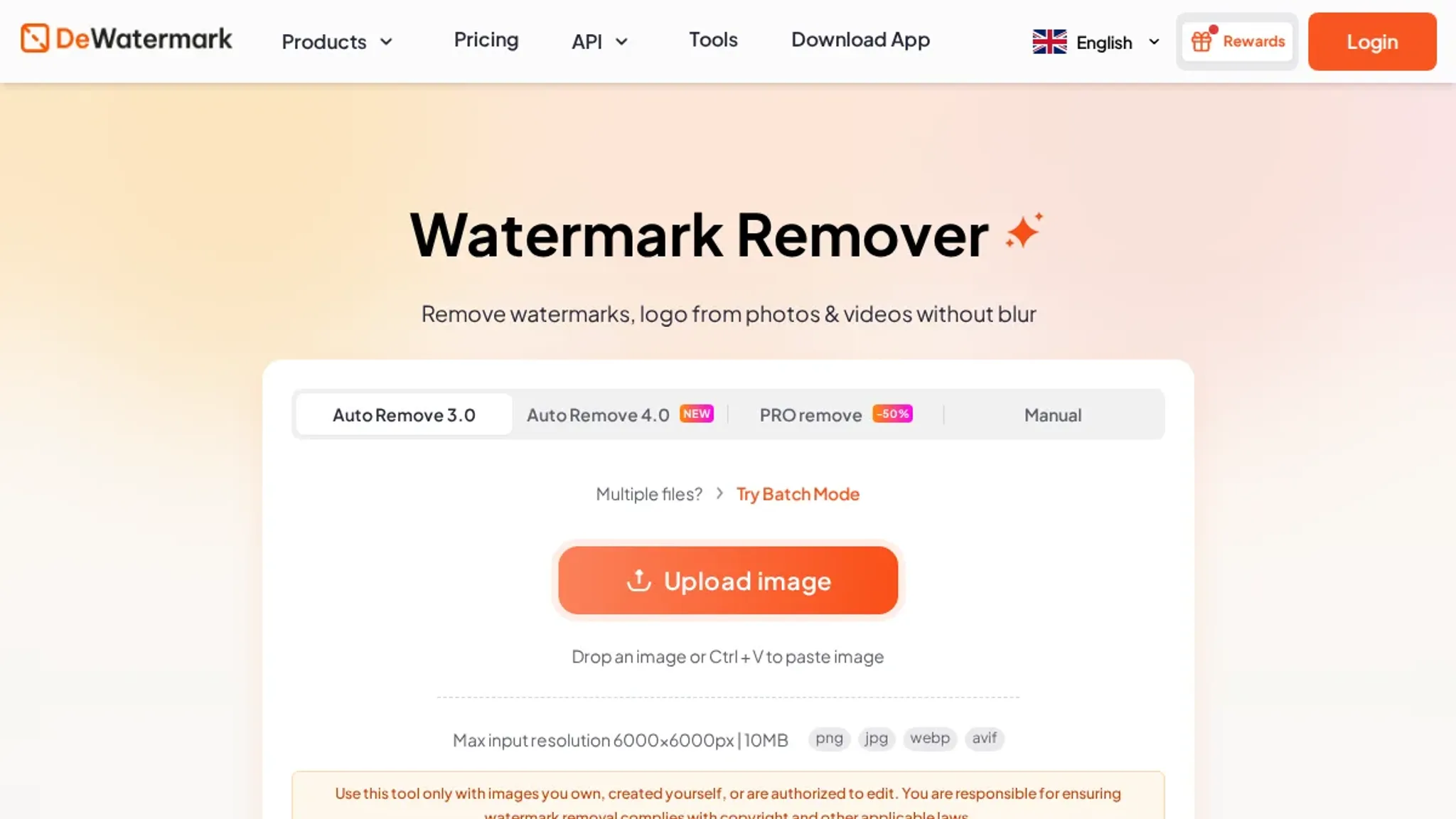
- DeWatermark AI: Stands out by offering three AI models: Standard, Advanced, and Ultra for different watermark types. The Standard model handles simple watermarks with clearly defined edges in seconds. The Advanced model works on semi-transparent overlays by analyzing a broader pixel context. The Ultra model uses a full inpainting pipeline that produces the cleanest results on watermarks crossing varied textures like fabric patterns or foliage but takes roughly twice as long to process. In testing, the Ultra model noticeably outperformed the other two on a watermark placed across a patterned surface, where the simpler models left visible artifacts. The free tier covers three images, giving you enough tries to determine which model fits your typical watermark type. As with other image-focused tools here, it does not detect or remove invisible text markers.
Best for: Users who need per-image model selection to match different watermark types and background complexities. Pricing: Free for 3 images, then per-image pricing.
- Canva Magic Eraser: A popular free option for basic watermark removal inside Canva's design editor, frequently recommended in the Microsoft Community Hub. Select the watermark area, and the tool fills it based on surrounding content. It performs best on watermarks with clear separation from the main subject, such as a corner logo on a solid background. Performance drops noticeably when the watermark overlaps fine details or crosses multiple color boundaries. The main advantage is workflow integration: if you already use Canva for design, there is no need to open a separate tool. A free Canva account covers basic use. For those looking specifically at AI-generated text, the tested apps for text watermark removal cover dedicated options.
Best for: Quick watermark removal without leaving the Canva editor. Pricing: Free with Canva account, premium exports behind Canva Pro.
- NoteGPT AI Watermark Remover: A free, no-sign-up tool that processes image watermark removal directly in your browser. Upload an image, and the AI detects and removes visible watermarks in a single pass. The main selling point is simplicity: no account creation, no payment details, and no limits on how many images you process. Results are solid for basic watermarks with clear separation from the background, such as a logo on a solid color surface. On semi-transparent watermarks or those layered over detailed imagery, the output can show some softening in the removed area. It offers no support for invisible text markers, and there is no batch processing. For a quick test or a one-off removal with zero commitment, it is the fastest option on this list to try.
Best for: Immediate, no-commitment removal of basic visible watermarks. Pricing: Free.

When basic watermark removers fall short
> "Dewatermark, free for 3 images. Super clean UI, and it works well for basic watermarks." > > A Reddit user in the r/ChatGPT community, discussing the best AI watermark remover they have used
This recommendation holds up for visible image watermarks, but the advice changes when the watermark is invisible. The Reddit thread is about removing logos and overlaid text from photos. If you are dealing with invisible watermarks, zero-width characters, Unicode markers, or em dashes embedded in AI-generated text, a tool built for pixel-level inpainting will not even detect the markers, let alone strip them. The condition for using an image-based removal tool is that the watermark is visually present.
When the watermark is a pattern of invisible characters in a text file, you need a dedicated text watermark remover that operates on the Unicode level.
Sources and References
The following sources informed the comparison of AI watermark removers, covering both community discussions and publicly available tools for removing watermarks from images as well as text.
- Reddit r/ChatGPT thread, Real user experiences with tools like Dewatermark and Watermarkremoval, providing firsthand successes and limitations that shaped this guide.
- WatermarkRemover.io, A free online tool that removes visible watermarks from images using AI; included here to contrast with invisible text marker removal.
- Microsoft Community Hub, Discussion of free options like Canva Magic Eraser, showing typical user workflows and trade-offs for image watermark removal.
- DeWatermark AI, Uses inpainting and GAN models to erase watermarks from photos; represents the image focused side of the watermark removal category.
- NoteGPT AI Watermark Remover, A free browser based tool for removing watermarks from images; another example of the standard image removal approach.
Each source helps define the landscape, but only tools purpose built for invisible text markers, such as zero width characters and Unicode markers, address the specific problem discussed in this article.
Frequently asked questions about removing invisible watermarks
What exactly is an invisible watermark in AI text?
An invisible watermark is a hidden string of Unicode characters, like zero-width spaces and joiners, that some AI text generators embed into their output. These characters are invisible to the eye and do not affect the visible text, but they act as a fingerprint that detectors can read. Distinguishing them from visible image watermarks is essential because image-focused removal tools completely miss them.
Can a standard AI watermark remover remove invisible text markers?
Not unless it is specifically designed for text. Most mainstream watermark removers are built for images and rely on inpainting or GAN models to erase visible logos and stamps. They have no mechanism to detect or strip zero-width characters. A tool like AI Watermark Remover that targets Unicode markers directly is what you need for AI-generated text.
Does processing happen on a server or in my browser?
It depends on the tool. Some run entirely client side, meaning your text never leaves the browser. That keeps your content private and avoids upload limits. Others send the text to a remote server for processing, which can introduce latency and privacy concerns.
The client-side approach is faster and guarantees no copy of your text sits on a server.
How many pieces of text can I check for invisible watermarks for free?
Free plans vary widely. Many image-focused tools limit you to a handful of uploads per day. For text-based removers, the free tier often allows unlimited single-pass checks but may restrict batch processing or advanced detection modes. AI Watermark Remover offers unlimited individual text checks for free, with paid upgrades available for batch operations and deeper scanning.
Are there any downsides to removing invisible watermarks?
The main trade-off is that the detection algorithms are not perfect. A very short or highly varied piece of text may yield false negatives, and the tool occasionally flags a legitimate Unicode character that looks like a marker. You also lose any metadata attached to the watermark, though for most content adjustment use cases that is exactly what you want.
Takeaways and next steps for invisible watermark removal
If you are working with text from ChatGPT, Claude, or Gemini and need to strip hidden Unicode markers, AI Watermark Remover handles the job in your browser with no upload lag and a clear breakdown of what it found. That privacy guarantee alone sets it apart from services that send your content to a remote server for processing.
The one case where you would reach for something else is when the watermark is visible on an image, not embedded as invisible characters in text. For that scenario, a dedicated image inpainting tool like Watermarkremover or Dewatermark AI is the right choice. They handle logos and stamps that a text tool never touches.
Every invisible marker remover we tested strips zero-width characters and Unicode joiners. The differentiator is speed, privacy, and whether the tool tells you exactly what it removed so you can verify the result. That is what makes AI Watermark Remover the practical next step: one paste, immediate cleanup, no guesswork.