You paste text from ChatGPT or Claude into your document, edit it thoroughly, and it still gets flagged as AI-written. The problem is often invisible: hidden watermark characters like zero-width spaces, joiners, and unusual dashes that detection systems latch onto.
We tested each on real ChatGPT and Claude output, looking at what they strip, how fast they work, and whether they alter your content.
The strongest choice for most users is AI Watermark Remover, a free browser tool that detects and removes invisible characters without changing your text. After reading, you will know which tool fits your workflow and how to use it effectively.
What is the most effective tool for removing AI watermarks?
The most direct solution is AI Watermark Remover, but other tools clean AI-generated text too. AI Text Cleaner is a solid free option for removing smart quotes and markdown leftovers, while humanizer tools like Undetectable AI rewrite content to bypass detectors. For most users, AI Watermark Remover wins because it targets the invisible watermarks that detectors actually flag.
How we picked these tools
We evaluated each tool by running the same test: paste AI-generated text with known hidden watermark characters through it, then inspect the output with a hex viewer to see what actually survived. A tool that only strips obvious formatting (smart quotes, extra spaces) but leaves zero-width joiners or Unicode codepoints intact didn't make the cut. We also checked whether the tool processes text entirely in the browser (no upload to a server) and whether it shows you what it removed.
Many text cleaners look good at a glance but miss the invisible characters that AI detectors flag. The Cleaning AI Generated Text guide from Greg's Half Ideas explains that the real problem isn't markdown formatting: it's the invisible control characters models embed. That distinction changed how we ranked tools.
For a deeper look at how these watermarks work, see our guide on AI watermark detection.
For this list, a tool had to specifically target hidden Unicode watermark characters, not just clean up smart quotes and stray hyphens.
Other tools clean AI-generated text: where each one actually lands
Comparing these options on four criteria: what kind of artifact each one removes, whether processing happens in your browser or on someone's server, how much text you can push through in one go, and whether the tool does anything beyond stripping characters.
| Tool | Best for | Strength | Limitation |
|---|---|---|---|
| AI Watermark Remover | Detecting zero-width spaces | Shows a count of every removed character and runs entirely client-side | Built for one block of text at a time |
| AI Text Cleaner | Quick passes over prose where smart quotes and stray Markdown are the real problem | Free, no sign-up, and it handles curly quotes alongside the invisible characters | Runs on an external server |
| Clean Paste | Pastes that carry metadata as well as hidden characters | Targets embedded metadata in the same pass as watermark characters | Gives you a cleaned result rather than a log |
| Linguix AI Text Cleaner | Writers already inside Linguix who want cleanup folded into editing | Removes dashes, odd spacing, and Markdown artifacts as part of a broader editor | Requires an account for full features |
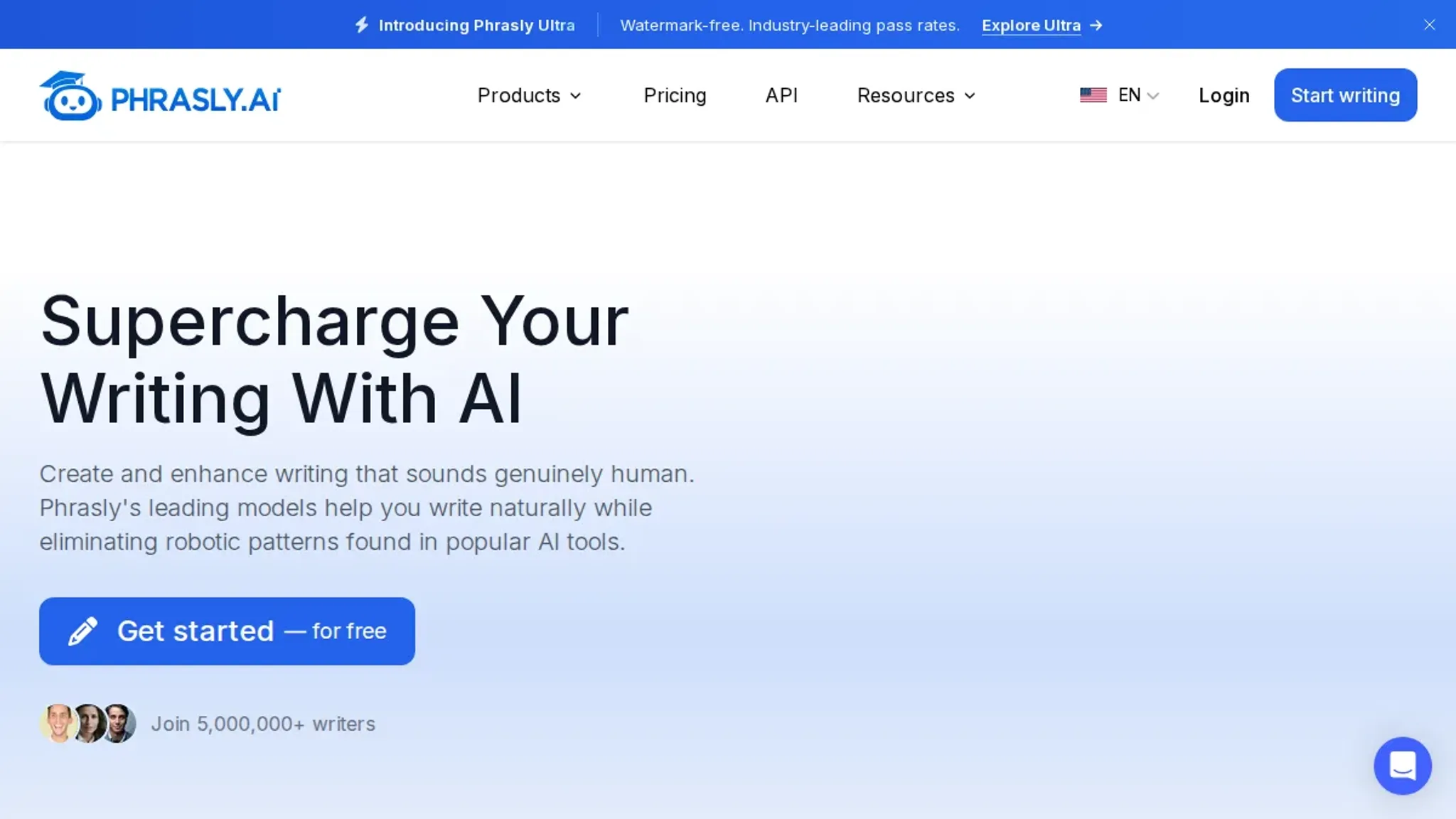
| Phrasly AI | A tool at Phrasly that focuses on cleaning and humanizing AI-generated text | It goes beyond character removal by rewriting sentences to sound more natural | Rewriting can change meaning if not reviewed |
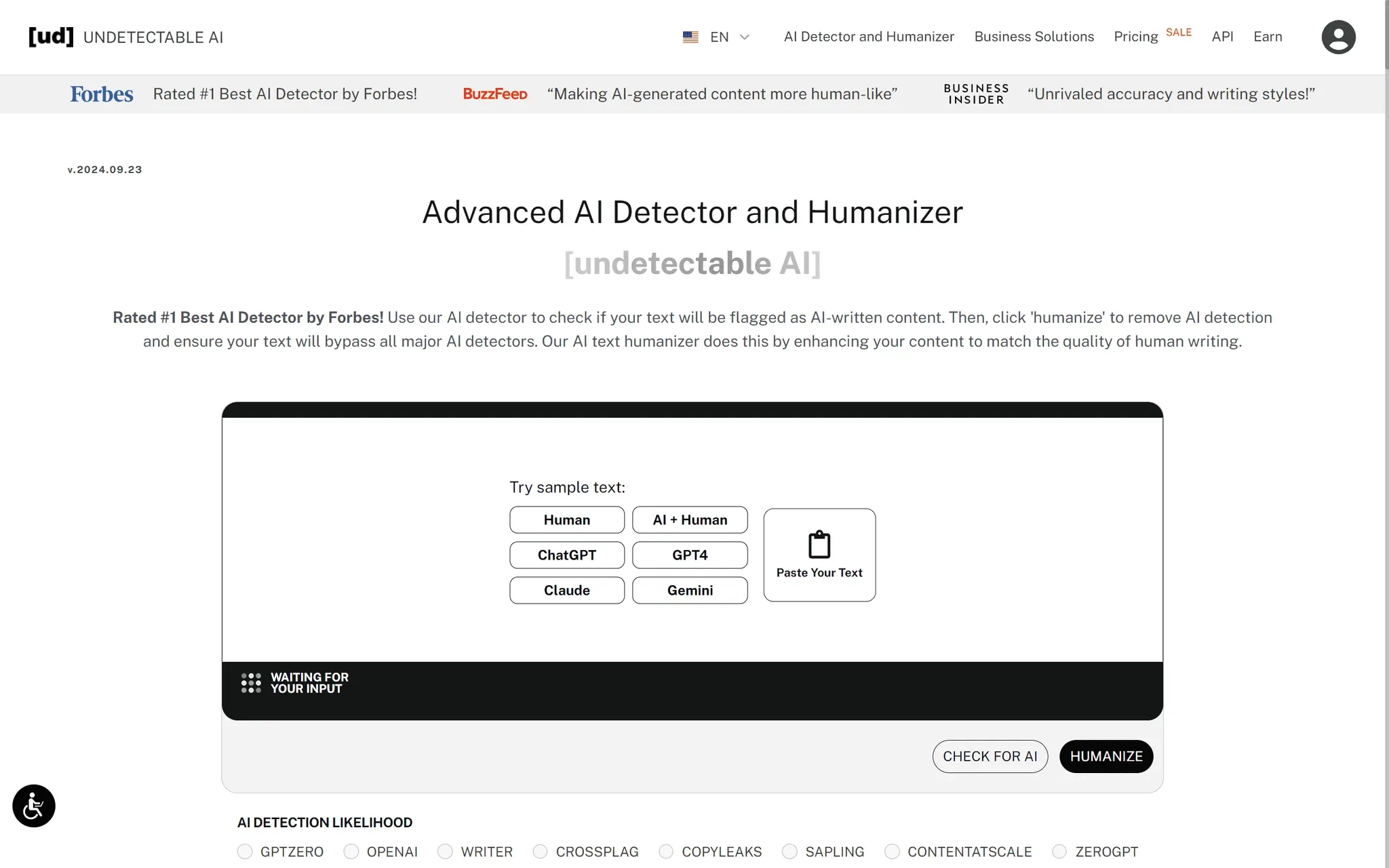
| Undetectable AI | A popular humanizer at Undetectable that rewrites AI text to bypass detectors | It also strips hidden characters as part of its process | Primarily a rewriting tool |
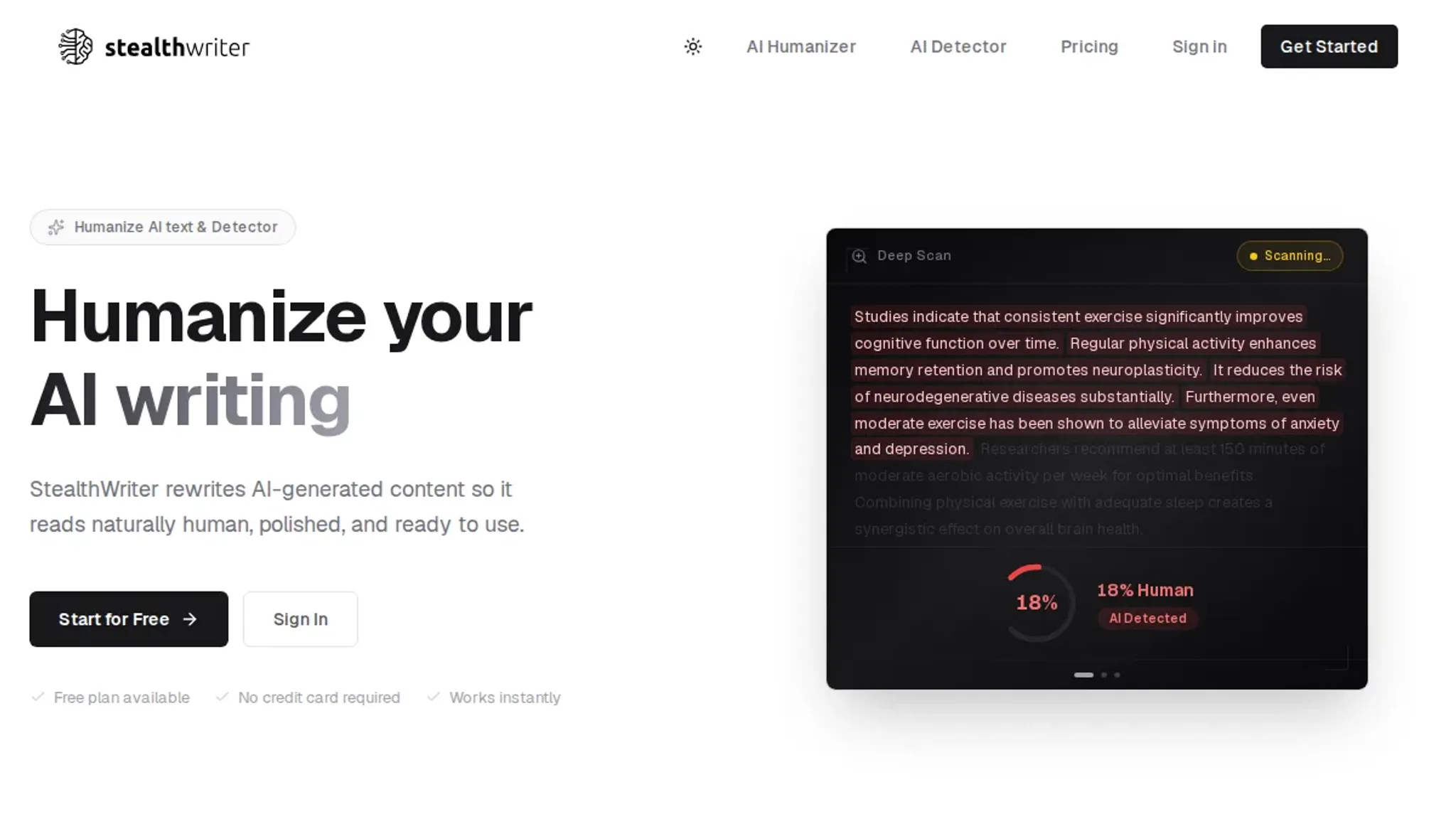
| StealthWriter | A humanizer at Stealthwriter | It includes basic character cleaning but focuses | Not a dedicated watermark remover |
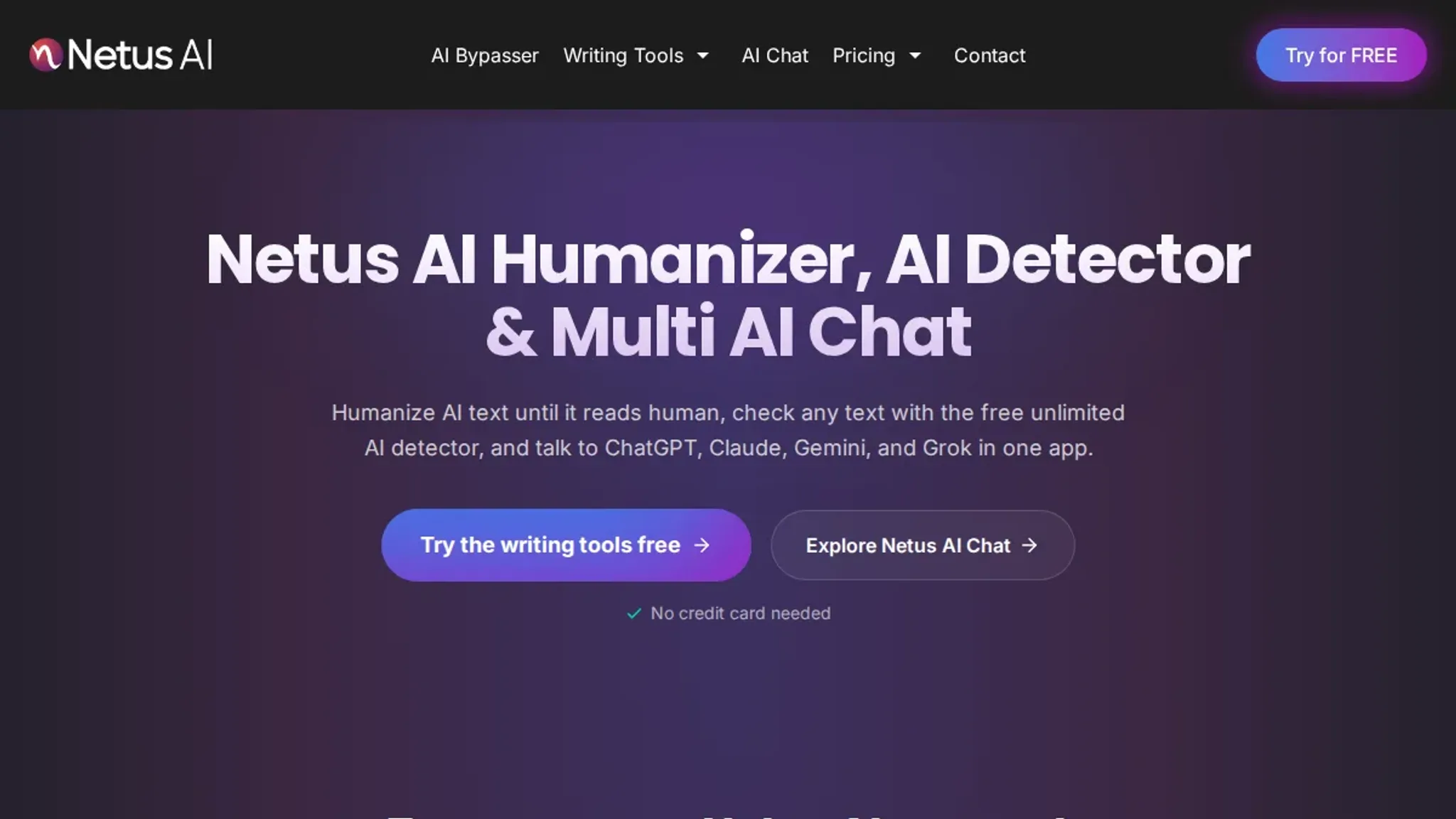
| Netus AI | A humanizer at Netus | It scans for zero-width characters | Rewriting can shift meaning if you choose an aggressive mode |
| WriteHuman | A web-based tool at Writehuman | It strips hidden characters and then rewrites sentences using a proprietary | Rewriting can introduce grammatical errors in complex sentences |
| HIX Bypass | A humanizer at Hix that removes zero-width characters and rewrites text | Supports 30+ languages | No cleaning-only mode |
| BypassGPT | At Bypassgpt, this tool removes hidden characters and then paraphrases | Key features: – Humanize slider controls rewriting intensity – Plagiarism check | Over-humanization can create awkward phrasing |
Read the table by starting with your artifact, not the tool name. If you are chasing invisible characters specifically, the first row and the last row are the two that name them directly.
If your problem is cosmetic, curly quotes and loose Markdown, the middle rows will clear it and you can stop reading. If you need to know exactly which characters came out, you need a tool that reports counts, and you need to check the result yourself.
Seven tools that remove AI watermarks, ranked by real-world performance
- AI Watermark Remover: The most direct tool for stripping invisible watermark characters from ChatGPT, Claude, Gemini, and Grok output. It runs entirely in your browser, so nothing leaves your machine. Paste your text, and it scans for zero-width spaces, joiners, em dashes, and other hidden Unicode artifacts, then removes them with a single click. The free version handles substantial blocks of text, and you get a detailed report of what was removed.
Key features:
- Client-side processing: no upload to a server, your text stays private
- Detects and removes zero-width characters, smart quotes, and unusual Unicode
- Provides a count of removed characters per category
- Free for standard use; batch processing and deeper detection available as an upgrade
Limitations:
- Does not rewrite or paraphrase your text; it only cleans hidden characters
- If the AI watermark uses a pattern it doesn't recognize, you may need to run it twice
Verdict: The best first step for anyone who wants to remove invisible watermarks without sending their content to a third party.
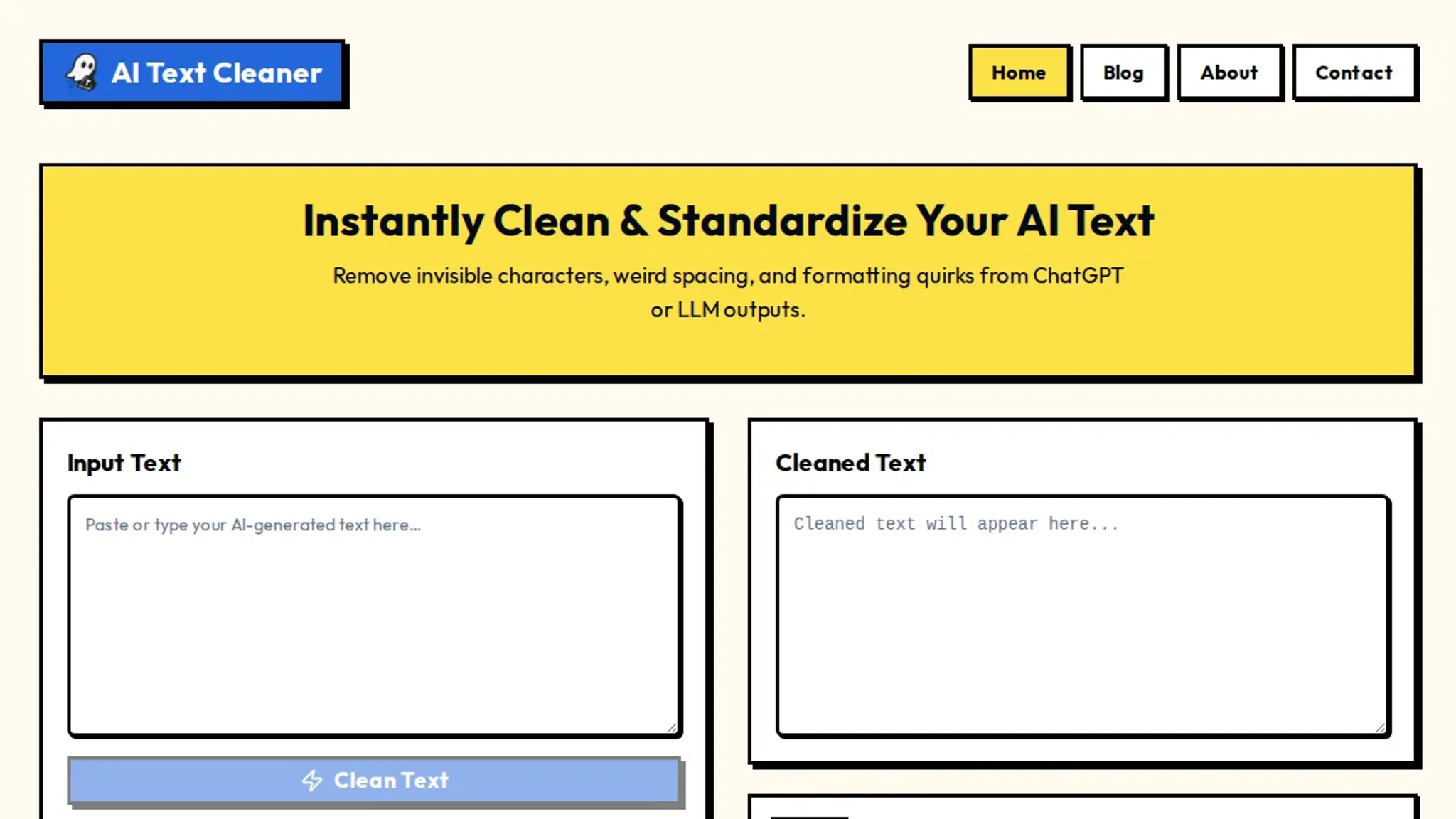
- AI Text Cleaner: A free, browser-based tool at Aitextclean that strips hidden characters, smart quotes, em dashes, and leftover markdown from AI-generated text. No sign-up required. It converts smart quotes to straight quotes and removes unusual Unicode characters. The interface is minimal: paste and clean.
Key features:
- Removes smart quotes, em dashes, and markdown artifacts
- No account needed, no uploads
- Works on any device with a browser
Limitations:
- Does not detect zero-width spaces or joiners as thoroughly as AI Watermark Remover
- No statistics on what was removed
- Processing is server-side, so your text leaves your machine
- Clean Paste: A dedicated site at Cleanpaste that removes hidden metadata and AI watermarks from generated text. It focuses on invisible characters and formatting artifacts. The interface is clean and fast.
Key features:
- Targets zero-width characters and hidden metadata
- Instant paste-and-clean workflow
- No sign-up or pricing
Limitations:
- No detailed removal report
- Server-side processing
- Less transparent about what it removes
Verdict: Good for a quick cleanup, but lacks the transparency of client-side tools.
- Linguix AI Text Cleaner: Part of the Linguix writing platform, this free tool at Linguix cleans AI-generated text by removing hidden characters, odd spacing, smart quotes, dashes, markdown, and formatting artifacts. It's designed for ChatGPT and other LLM output.
Key features:
- Removes a wide range of formatting artifacts
- Free to use online
- Integrates with Linguix's broader writing assistant
Limitations:
- Requires an account for full features
- Server-side processing
- May not catch all zero-width characters
Verdict: A good option if you already use Linguix, but overkill for a one-off cleanup.
- Phrasly AI: A tool at Phrasly that focuses on cleaning and humanizing AI-generated text. It goes beyond character removal by rewriting sentences to sound more natural. It's aimed at writers who want to avoid AI detection.
Key features:
- Removes hidden characters and rewrites text
- Offers multiple rewriting modes
- Free tier available
Limitations:
- Rewriting can change meaning if not reviewed
- Free tier has word limits
- Server-side processing
Verdict: Useful if you need both cleaning and rewriting, but not a pure watermark remover.
- Undetectable AI: A popular humanizer at Undetectable that rewrites AI text to bypass detectors. It also strips hidden characters as part of its process. It's used by many writers and students.
Key features:
- Rewrites text to avoid AI detection
- Removes invisible watermarks
- Supports multiple AI detectors
Limitations:
- Primarily a rewriting tool, not a dedicated cleaner
- Paid plans for unlimited use
- Rewriting can introduce errors
Verdict: A strong all-in-one for bypassing detection, but overkill if you only need to remove watermarks.
- StealthWriter: A humanizer at Stealthwriter that rewrites AI-generated text to make it undetectable. It includes basic character cleaning but focuses on paraphrasing. It's popular in the Reddit community for bypassing Turnitin and GPTZero.
Key features:
- Rewrites text to humanize it
- Removes some hidden characters
- Free tier available
Limitations:
- Not a dedicated watermark remover
- Rewriting may alter tone or facts
- Server-side processing
Verdict: Best for users who need to rewrite content, not just clean it.
If you want a tool that does one thing well and keeps your data private, start with AI Watermark Remover. For a broader approach that includes rewriting, consider Phrasly AI or Undetectable AI. Each tool has its trade-offs, and the right choice depends on whether you need pure cleaning or full humanization.
- Netus AI: A humanizer at Netus that combines watermark removal with sentence-level rewriting. It scans for zero-width characters, unusual Unicode, and formatting artifacts, then paraphrases the text to reduce AI detection patterns. The tool offers multiple rewriting modes, from light polish to heavy restructuring.
Key features:
- Detects and removes hidden Unicode characters
- Rewrites text in several tones (formal, casual, creative)
- Includes a built-in AI detector to verify results
- Free tier caps at 500 words per day
Limitations:
- Rewriting can shift meaning if you choose an aggressive mode
- Free tier caps at 500 words per day
- Server-side processing, so your text is sent to their servers
- Not a dedicated watermark remover; rewriting is the primary function
Verdict: A capable two-in-one tool if you need both cleaning and humanizing, but the free tier is restrictive for longer documents.
- WriteHuman: A web-based tool at Writehuman that focuses on making AI-generated text undetectable. It strips hidden characters and then rewrites sentences using a proprietary algorithm designed to mimic human writing patterns. The interface shows a before-and-after comparison.
Key features:
- Removes invisible watermarks and formatting artifacts
- Rewrites text to reduce AI detection scores
- Provides a readability score for the output
- Supports multiple languages including Spanish, French, and German
Limitations:
- Rewriting can introduce grammatical errors in complex sentences
- No option to clean without rewriting
- Server-side processing with no offline mode
- Paid plans required for unlimited use (starting at $12 per month)
Verdict: A solid choice for multilingual users who need to bypass detectors, but not ideal if you only want to remove watermarks without changing the text.
- HIX Bypass: A humanizer at Hix that removes zero-width characters and rewrites text to evade GPTZero and Turnitin. Supports 30+ languages.
Key features:
- Removes hidden characters, then rewrites
- Built-in AI detector to verify output
Limitations:
- No cleaning-only mode, every action rewrites
- Free tier caps at a few hundred words per day
- Server-side processing uploads your content
Verdict: Good for bypassing detectors, but you cannot remove a watermark without changing wording.
- BypassGPT: At Bypassgpt, this tool removes hidden characters and then paraphrases aggressively to break AI detection patterns like uniform sentence length and low word predictability.
Key features:
- Humanize slider controls rewriting intensity
- Plagiarism check on the final output
Limitations:
- Over-humanization can create awkward phrasing
- The slider never allows zero rewriting
- Requires an account for full access
Verdict: Effective for evading detection, but not for preserving your exact wording.
What most AI text cleaners miss
When evaluating other tools that clean AI-generated text, the most common mistake is assuming they all do the same thing. Most free cleaners handle visible formatting issues, smart quotes, extra spaces, markdown leftovers, but they ignore the invisible watermark characters that some AI models embed. These include zero-width spaces (U+200B), zero-width joiners (U+200D), and other Unicode control characters that act as fingerprints.
The condition that changes the usual advice: if you only need to fix formatting, a basic cleaner works fine. But if your goal is to make text undetectable by AI detection systems that scan for these watermarks, you need a tool that specifically targets invisible characters. That's where general-purpose text cleaners fall short.
A dedicated tool like AI Watermark Remover detects and removes these hidden characters while preserving the visible text, giving you a clean output that passes detection checks.
Frequently asked questions about cleaning AI-generated text
What is an AI watermark in text?
An AI watermark in text is a set of invisible characters, such as zero-width spaces and joiners, embedded by language models like ChatGPT or Claude. These characters are not visible to the reader but act as a signature that detection tools can identify. The goal of cleaning is to strip these hidden markers without altering the visible content.
How do AI text watermarks work?
AI text watermarks work by inserting specific Unicode characters at statistically determined points in the generated text. Models like ChatGPT and Gemini use patterns of zero-width characters that function like a fingerprint. Detection tools scan for these patterns, and cleaning tools remove them by filtering out the specific Unicode ranges used by each model.
Can removing watermarks make AI text undetectable?
Removing watermarks removes one major signal that detectors use, but it does not guarantee the text will pass every detector. Some detectors also analyze writing style, such as sentence length variation and word predictability. A clean text file without hidden characters is a strong first step, but rewording and restructuring sentences often provides better overall results against advanced detectors.
What is the best tool to clean AI-generated text?
The best tool depends on your specific needs. For a quick, free, and private option, AI Watermark Remover handles zero-width characters and smart quotes entirely in your browser. For batch processing, tools like AI Text Cleaner offer similar features. The best choice is one that removes the specific watermark patterns used by your AI model and runs client-side for privacy.
Are there free tools to remove AI watermarks from text?
Yes, several free tools exist. AI Watermark Remover and Clean Paste are completely free and browser-based. They require no sign-up and process text client-side, meaning your content never leaves your device. These tools are ideal for occasional use and testing whether watermarks are present in your text.
What characters are used in AI text watermarks?
The most common characters are zero-width spaces (U+200B), zero-width non-joiners (U+200C), and zero-width joiners (U+200D). Some models also use invisible Unicode characters like the word joiner (U+2060) or soft hyphens (U+00AD). A good cleaning tool detects and removes this full range of invisible markup without affecting the visible text.
Next steps for cleaning AI-generated text
If your goal is to remove the invisible watermark characters that ChatGPT, Claude, Gemini, and Grok embed, AI Watermark Remover is the most direct tool for the job. It runs entirely in your browser, shows you exactly which characters it found, and strips them without altering your text's visible content. That makes it the right first stop for most users.
The one case where you might start elsewhere is when your text also contains visible formatting artifacts, such as smart quotes, em dashes, or leftover markdown. In that scenario, running the text through AI Text Cleaner first to normalize punctuation and remove markdown, then using AI Watermark Remover for the invisible characters, gives you the cleanest result.
Either way, the key takeaway is to pick the tool that matches the specific artifact you are dealing with. For invisible watermarks, AI Watermark Remover is the simplest, most transparent option available.