You paste text from ChatGPT into a document, and something feels off. The formatting looks clean, but the output carries invisible markers that some systems use to tag AI generated content. These zero-width characters, Unicode control codes, and special dashes don't show up on screen, but they can trigger detection tools, flag your work in review pipelines, or cause weird rendering in publishing platforms.
You need to know what those markers are and how to strip them without sending your content to a stranger's server.
After reading this, you will know exactly what those invisible watermarks are, how to strip them from any AI generated text, and which tools actually handle the job without compromising your content. The focus stays on practical steps for achieving no watermark output, whether you work with ChatGPT, Claude, Gemini, or Grok.
Key takeaways
- Remove invisible watermarks from ChatGPT, Claude, and Gemini text using a browser-based tool that never sends your content to a server.
- Check for zero-width characters before publishing any AI-generated text, as these markers survive normal copy-paste.
- Understand the trade-off: watermark removal works best on plain text, not on images or PDFs where watermarks are embedded visually.
What is the fastest way to remove AI watermarks from text?
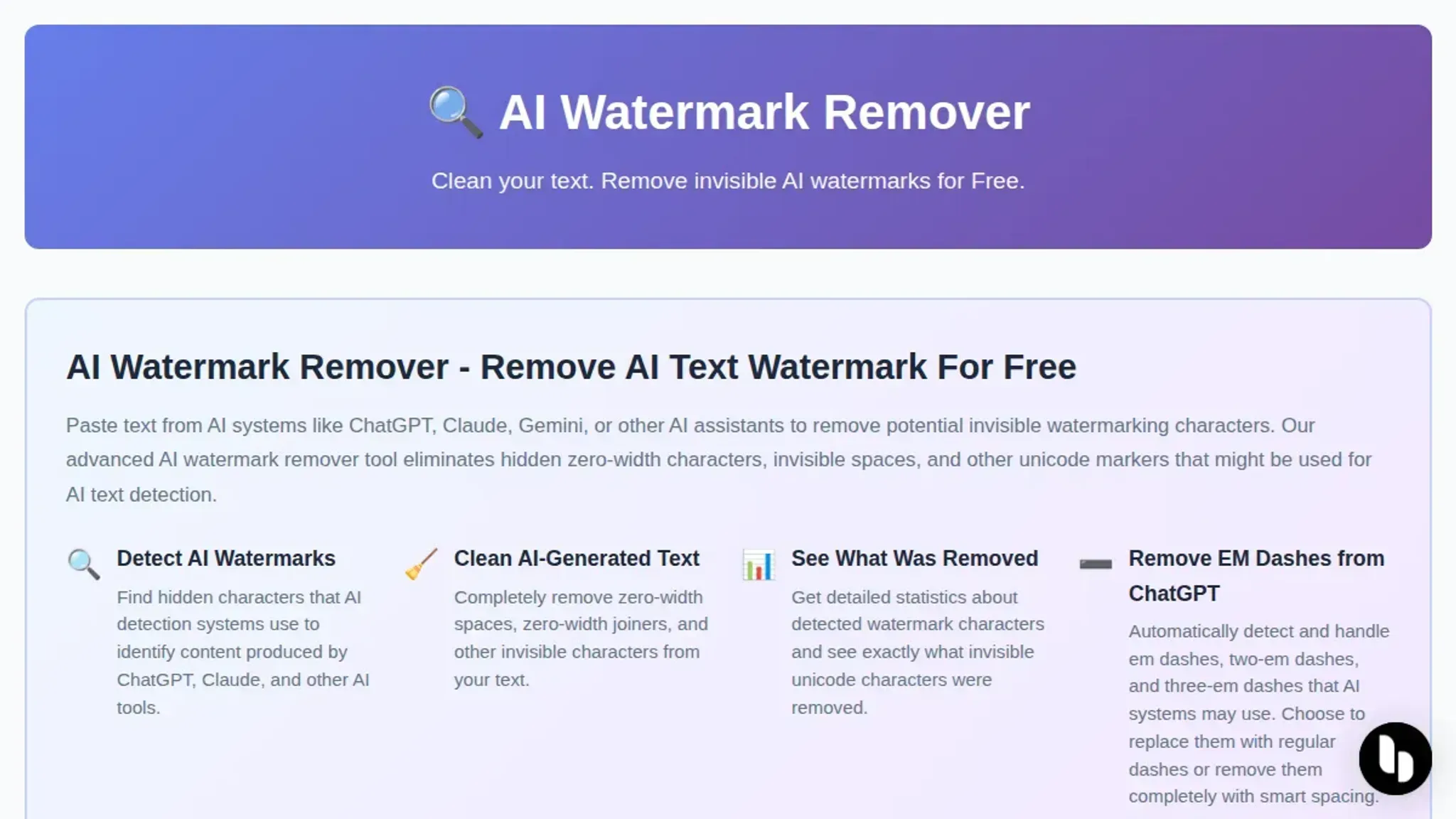
Paste your AI-generated content into AI Watermark Remover, a browser-based tool that strips invisible markers like zero-width characters and Unicode artifacts from ChatGPT, Claude, Gemini, and Grok output. It processes everything locally in your browser, so your text never touches a server. The tool gives you a detailed report of what it removed, and the cleaned result is ready to copy in seconds.
What invisible watermarks does AI text actually contain
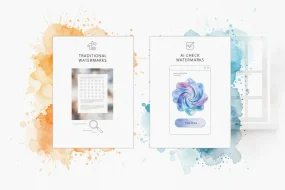
AI text watermarks are invisible characters embedded by systems like ChatGPT, Claude, and Gemini to mark generated content. These aren't visible to the naked eye. The most common markers are zero-width characters (invisible Unicode codepoints that take up no space), Unicode variation selectors, and em dashes or other punctuation inserted at predictable intervals.
They don't change the visible words, but they leave a forensic trail that detection tools can spot. A tool like AI Watermark Remover scans for these invisible markers and strips them out, processing everything locally in your browser so your content never leaves your machine. The privacy policy confirms the tool stores no text and sends nothing to a server.

How invisible watermark removal works in your browser
The entire process happens locally on your device, which is the key privacy advantage. When you paste AI-generated text into AI Watermark Remover, the tool scans every character in your content looking for zero-width spaces, Unicode control characters, and other invisible markers that systems like ChatGPT and Claude embed. It identifies these hidden elements by their Unicode code points, then strips them out while leaving your visible text completely untouched.
The tool shows you exactly what it found and removed, including a count of each watermark type detected. Because nothing ever leaves your browser, you can use it on sensitive drafts, client work, or personal writing without worrying about your content being stored or analyzed elsewhere. This browser-side processing is also what makes the tool instant: there is no upload wait time or server queue.
How to strip AI watermarks from text in four steps
The process takes about thirty seconds. Here is the exact workflow:
- Copy your AI-generated text: Select the full output from ChatGPT, Claude, or Gemini and copy it to your clipboard. Include everything, the invisible characters are usually at the end of sentences.
- Paste into the removal tool: Open AI Watermark Remover in any modern browser. Paste your text into the main text area. The tool processes everything locally, nothing leaves your device.
- Click "Remove Watermarks": The button triggers a scan for zero-width characters, Unicode markers, and em dashes. The result appears in seconds with a count of how many hidden characters were found and stripped.
- Copy the cleaned output: Select the result text and paste it into your document. The invisible markers are gone. You can verify by pasting the cleaned text into a Unicode character inspector, no hidden characters remain.
What makes a good AI watermark remover for text
A capable text watermark remover needs to catch more than just zero-width characters. The best tools detect multiple watermarking techniques in a single pass: zero-width spaces (U+200B), zero-width joiners (U+200D), zero-width non-joiners (U+200C), and Unicode control characters like the left-to-right mark (U+200E). Some AI systems also embed em dashes or invisible Unicode markers that look like normal punctuation but carry detection signals.
The tool should also report what it found, so you know your text is actually clean rather than guessing. The terms of service for AI Watermark Remover confirm the processing stays local, which matters because some watermark removers send your content to a server, defeating the privacy purpose entirely.
Real scenarios where clean AI text matters
You might not need watermark removal for every piece of AI-generated content. But three situations make it essential.
Publishing client work: When you deliver copy to a client who runs it through a plagiarism checker, invisible watermarks from ChatGPT or Claude can trigger false positives. Stripping them avoids an awkward conversation about "AI detection" when the content is originally yours.
Submitting to content platforms: Medium, LinkedIn Articles, and some academic submission systems scan pasted text for hidden characters. Zero-width markers can cause formatting glitches or rejection. Clean text passes through without issues.
Sharing drafts with editors: Editors who copy your text into their own tools may see stray invisible characters that break paragraph spacing or word counts. Removing watermarks beforehand keeps the collaboration smooth.
What to check before publishing watermark-free text
Even after stripping invisible watermarks, a quick review catches what the tool might miss. Run your cleaned text through a plain-text editor like Notepad or a code editor that shows non-printing characters. Look for stray zero-width spaces or Unicode markers that survived removal. Paste the text into a second browser tab of AI Watermark Remover and run the scan again; a second pass catches edge cases the first round missed.
If the text came from a system that inserts em dashes or special punctuation, replace those with standard characters manually. This two-minute check turns a good removal into a reliable one.
AI watermark removers compared side by side
The three main options for removing invisible watermarks from AI text are compared on three criteria: detection depth, privacy, and speed.
| Option | Best for | Key trade-off |
|---|---|---|
| AI Watermark Remover | Privacy-first users | Browser-only processing, no batch upload |
| Manual find-and-replace | One-off quick fixes | Misses zero-width characters you cannot see |
| Text rephrasing tools | Content rewrites | Changes original wording, slower process |
Verified August 2026
What watermark removal tools cannot fix
No tool can fix content that was already flagged by a plagiarism checker or a human reviewer who knows your writing style. Watermark removal strips invisible markers, but it does not rewrite sentences or change your voice. If your AI-generated text sounds generic, it will still sound generic after cleaning. The tool also cannot remove watermarks embedded in images or videos, it handles text only.
For visual content, you need a dedicated image watermark remover like ezremove.ai or a video tool such as Vmake. Keep your expectations clear: the tool removes zero-width characters and Unicode markers, not the underlying AI tone.

How to strip image watermarks using free online tools
Removing watermarks from images works differently than cleaning invisible text markers. For photos and graphics, dedicated AI tools handle the visual removal. The process is straightforward:
- AirMore AI: Upload your image, and the tool automatically detects and removes watermarks, logos, or text overlays. Results appear in seconds with no sign-up required.
- WatermarkRemover.io: This option handles complex backgrounds well. It fills the removed area with content that matches the surrounding image, so the edit is less noticeable.
How to remove a visible watermark from a photo in Photoshop
The Spot Healing Brush works for simple watermarks on plain backgrounds. For complex ones, use Content-Aware Fill: select the watermark area with the Lasso tool, go to Edit > Fill, choose Content-Aware, and apply. Repeat for remaining traces. The Clone Stamp Tool gives you manual control for textured backgrounds where auto-fill leaves artifacts.
Frequently asked questions about AI watermark removal
What is an AI watermark in text?
An AI watermark is an invisible marker embedded by text generation tools like ChatGPT, Claude, and Gemini to identify content as machine-written. These markers use zero-width characters, Unicode control codes, or patterned punctuation that human readers cannot see but software can detect. The watermark is not visible formatting like a logo or stamp, it is hidden data within the text itself.
Can anyone detect an AI watermark after removal?
Detection depends on the tool used and the original watermark type. A thorough remover that strips zero-width characters, Unicode markers, and patterned punctuation leaves no detectable trace for standard scanners. However, some watermarking systems embed statistical patterns in word choice or sentence structure, which no character-level remover can fix. For those, rewriting or paraphrasing is the only reliable method.
Does removing an AI watermark change the text content?
No, a proper watermark remover deletes only invisible characters and leaves the visible words untouched. The sentences, formatting, and meaning stay exactly as written. The only change is the removal of hidden markers that were never part of the readable content. You can verify this by comparing the original and cleaned text side by side.
Is it legal to remove watermarks from AI text?
The legality depends on your use case and jurisdiction. Removing watermarks from text you generated yourself is generally fine. Removing watermarks from someone else's generated content, or from content covered by a specific terms-of-service clause that prohibits watermark removal, may violate those terms. Check the usage policy of the AI tool you used and the platform where you plan to publish.
How do I know if my text still has invisible watermarks?
Paste the text into a Unicode character inspector or use a dedicated AI watermark remover that reports what it found. A good remover shows a count of removed characters and their types, so you can confirm the text is clean. Without that feedback, you are guessing. The safest approach is to run the text through a remover that provides a detailed removal report.
The bottom line on removing AI watermarks
Stripping invisible watermarks from AI text is a thirty-second task if you use a tool that catches the full range of hidden markers. AI Watermark Remover handles zero-width characters, Unicode markers, and em dashes in one pass, all inside your browser with no data leaving your machine.
The one condition where you should choose differently: if your text contains visible watermarks overlaid on images, you need a dedicated image tool like Photoshop's Spot Healing Brush or an AI image remover instead. For plain text, the browser-based approach is faster and more private than any alternative.