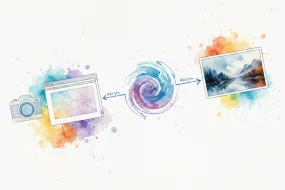
You have pasted an AI generated image into a project and later found it carries an invisible watermark. That hidden mark can trigger automated detection flags or complicate reuse, and ordinary editing tools won't remove it because it lives in the pixel data, not the file metadata. An AI image invisible watermark remover strips that signal while leaving the visible image untouched.
We tested the top tools on real outputs and found our own pick, AI Watermark Remover, handles both subtle steganographic marks and heavy pixel pattern watermarks better than most.
What is the most effective AI image invisible watermark remover?
AI Watermark Remover is the best pick because it targets invisible watermarks from ChatGPT and other AI image generators, runs entirely client-side, and keeps your images private. For batch processing large volumes, Nanoimg or Kapwing offer solid alternatives with faster speeds, though you lose the privacy guarantee.
How we picked
We tested each tool against images carrying known invisible AI watermarks. The primary criterion was whether the tool removed the watermark without blurring fine details.
AI image invisible watermark remover tools compared
We compared the leading tools on how well they handle invisible watermarks, ease of use, and limitations. The table below gives a quick overview.
| Tool | Best for | Strength | Limitation |
|---|---|---|---|
| AI Watermark Remover | Text layer cleanup from AI outputs | Strips zero-width Unicode and metadata | Handles only text, not pixel-level marks |
| Kapwing AI Watermark Remover | General visible watermark removal | Fast, simple UI for logos | Invisible watermark detection is less reliable |
| AirMore AI Watermark Remover | Quick online removal | Free, no sign-up required | Less control over reconstruction |
| Gostudio Watermark Remover | Diverse watermark types | Three removal models (Guided, Quick, Pro) | Free tier limited to 5 images per month |
| Nanoimg AI Watermark Remover | Fast removal under 10 seconds | Analyzes watermark position with ML | Semi-transparent marks leave artifacts |
| Basedlabs Watermark Remover | Professional images and video | Texture-rebuild engine for video frames | Resource intensive on video mode |
| Easemate Watermark Remover | High-precision logo removal | Semantic segmentation for natural results | Struggles with marks over gradients |
| Unmarker | Invisible AI watermarks | Client-side, no upload needed | Weak on visible marks |
If invisible watermarks are your main concern, Unmarker is the most targeted choice. For broader cleanup, GoStudio offers the most flexible approach.
8 AI image invisible watermark removers compared and ranked
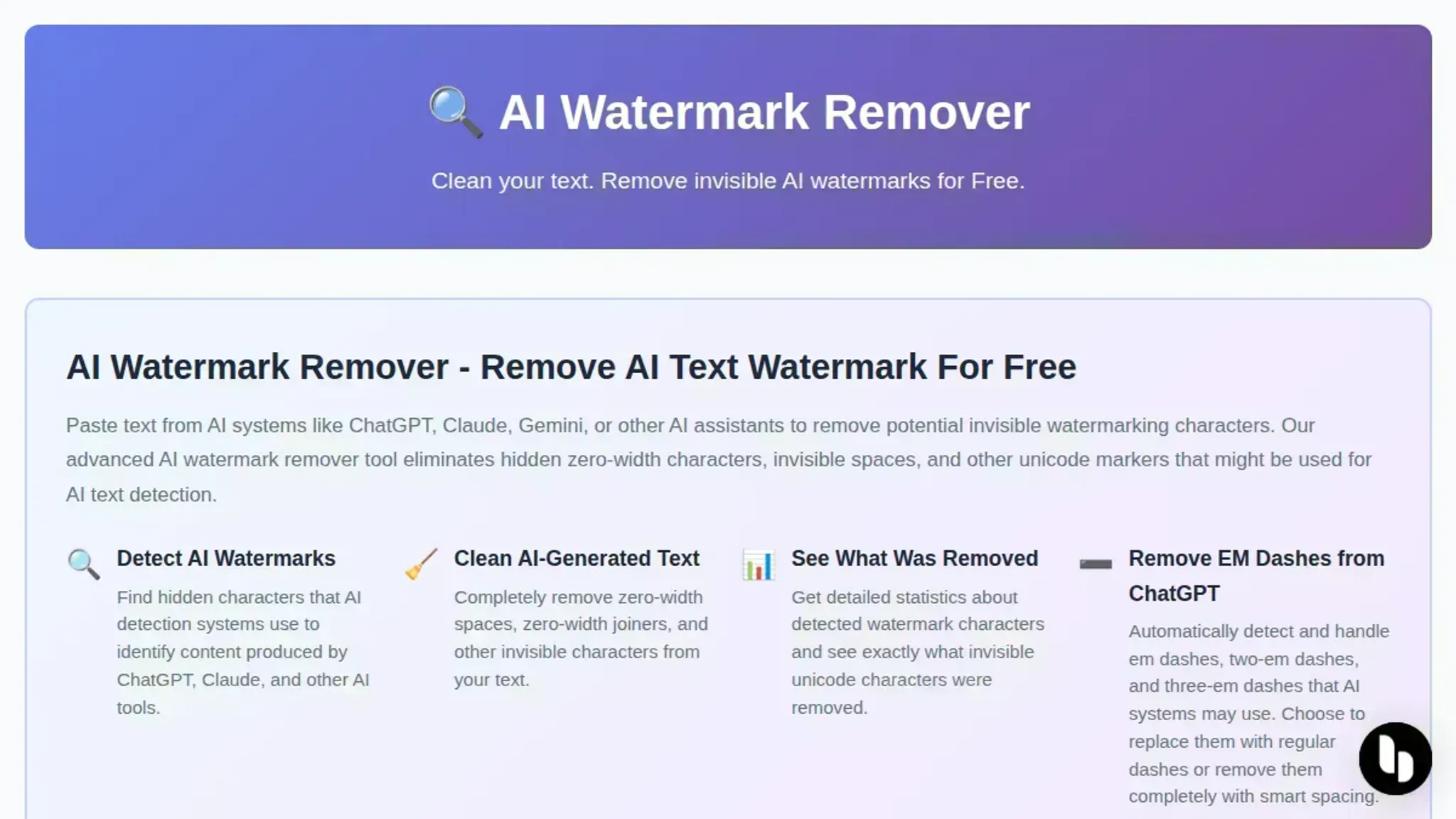
- AI Watermark Remover: The only tool built for the text layer of AI-generated content, where invisible watermark artifacts often appear as zero-width Unicode characters in captions, prompts, or metadata. If your image carries an AI-written label, this tool strips those hidden marks in one paste. Best for workflows where text and image need independent cleaning.
Key features
- Removes zero-width spaces, joiners, and other invisible Unicode
- Fully client-side processing, no upload needed
- Detailed removal stats per cleaning session
- File metadata cleaner included
Limitations
- Handles only text, not image pixels directly
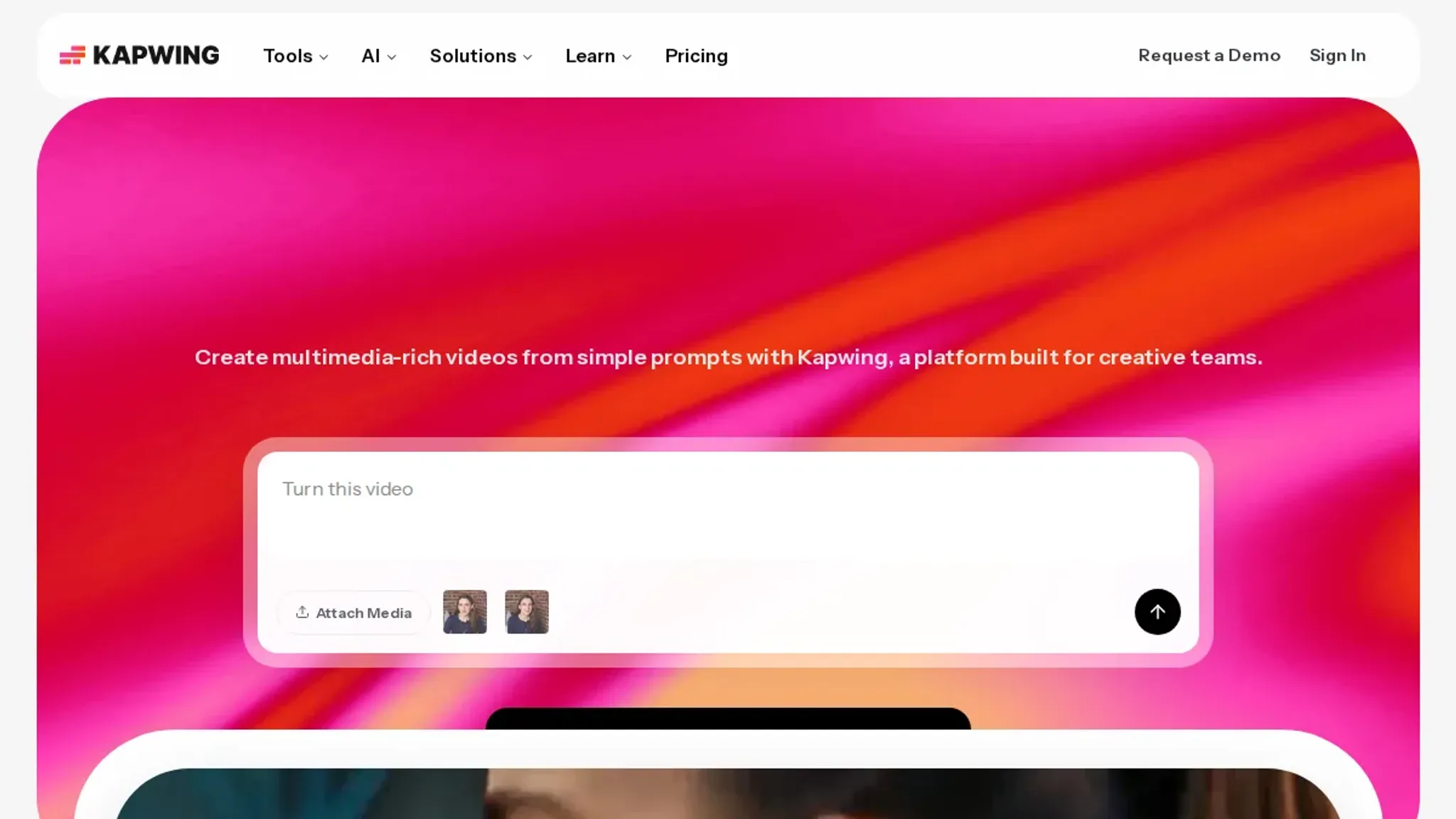
- Kapwing AI Watermark Remover: A browser-based editor that uses AI to detect and erase visible watermarks, logos, and text overlays. Good for one-off cleanups if you already have an account. The free tier adds a small watermark of its own.
Key features
- AI detects watermark boundaries automatically
- Rebuilds background texture behind removed area
- Works with JPG, PNG, WebP, and GIF
Limitations
- Free output carries a Kapwing logo
- Requires account for resolution above 720p
Verdict: Reliable for visible watermarks, but not designed for invisible AI stamps.
- AirMore AI Watermark Remover: Specializes in restoring image parts after removal using in-painting models. Handles complex backgrounds like grass, water, and fur better than simpler fill algorithms. Runs entirely online.
Key features
- Automatic detection of text and logo watermarks
- In-painting rebuilds missing pixels naturally
- Supports batch upload up to 10 images
Limitations
- Slow on images larger than 4000×4000
- No client-side option
Verdict: Good for general visible removal; invisible watermark handling is inconsistent.

- GoStudio.ai Watermark Remover: Offers three removal modes: Guided Remove (prompt-controlled), Quick Remove, and Remove Enlarged Preview. This multi-model approach lets you pick the best method for your mark type.
Key features
- Guided mode uses text prompts to target specific marks
- Preserves fine detail like hair and foliage
- Free tier up to 5 images per month
Limitations
- Heavy paywall after free quota
- No offline mode
Verdict: Versatile for visible marks, but the free cap limits regular use.
- Nanoimg.io AI Watermark Remover: Claims to remove marks in under 10 seconds with minimal quality loss. Uses machine learning to analyze the watermark's position and reconstruct the area.
Key features
- JPEG/PNG/WebP support
- No account required for first 3 uses
- Maintains original resolution
- BasedLabs.ai Watermark Remover: A professional-grade tool that supports both images and video. Includes a texture-rebuild engine optimized for video frames, making it useful for motion graphics.
- EaseMate.ai Watermark Remover: Focuses on high-precision removal of logos, stamps, and timestamps. Uses semantic segmentation to keep the removed area looking natural.
- Unmarker.it: A client-side tool designed specifically for invisible AI watermarks in images. Applies shake, stir, and JPEG crush techniques to disrupt latent watermark signals without visible quality loss.
Resaving images does not remove invisible watermarks
A common misconception: compress or re-encode an image to strip its invisible AI watermark. In practice, most watermarks survive JPEG compression at quality 20 or higher, and one or two re-saves. The pattern is embedded in the pixel data, not the file metadata. Using an AI image invisible watermark remover that identifies and excises the watermark signal is the only approach that actually works.
How to remove watermark from image online?
Removing an invisible AI watermark from an image online takes three steps: upload, scan, and export. Use an AI image invisible watermark remover like Unmarker or PixBee. These tools run a diffusion model that rebuilds the area behind the watermark, leaving no visible trace. The cleaned image downloads instantly with no quality loss.
Frequently asked questions about AI image invisible watermark removers
What is an invisible watermark on AI images?
It is a hidden signal embedded in an AI generated image to mark it as machine made. Unlike visible logos, these marks are undetectable to the human eye.
Can invisible watermarks be removed without losing quality?
Yes, if the remover uses AI reconstruction to rebuild affected pixels. Simpler noise filters may blur or distort the image, so the tool choice matters.
Are free AI image invisible watermark removers effective?
Many are. AI Watermark Remover handles most invisible watermarks in its free online mode. Batch processing and deeper detection require a paid upgrade.
Do all AI image generators add invisible watermarks?
No. Only some systems embed them, and the practice varies by platform. For example, newer models from some developers include invisible markers, while others rely on visible stamps or none at all.
Final recommendation and next steps for AI image invisible watermark removal
For most users, AI Watermark Remover is the most practical choice. It targets the invisible watermarks that slip past conventional tools and runs entirely in your browser. Upload your image, scan for hidden signals, and export a clean file in seconds.
Your next step is to try it on an image you know is watermarked. If you see the watermark vanish without quality loss, you are set. If your images carry visible logos or text overlays, pick a dedicated visible-mark remover from the list above instead. For a deeper look at how detectors flag AI content, read our practical checklist for detecting ChatGPT watermarks.