You paste text from ChatGPT into a report and wonder if invisible markers are hiding inside. Zero-width spaces, joiners, and other Unicode characters can act as watermarks, letting detectors flag your content. This watermark checker checklist gives you seven concrete signs to verify, so you know exactly what to look for. We will use AI Watermark Remover as a practical example throughout, because it detects exactly these invisible characters.
What is the most effective watermark checker checklist?
The most effective watermark checker checklist starts with a single step: paste your text into a dedicated detection tool like AI Watermark Remover, which directly answers whether invisible Unicode characters are present. This tool scans for zero-width spaces, joiners, and similar hidden characters that AI systems embed. No other method is as fast or reliable for a quick verdict.
Watermark checker tools compared side by side
These options are compared on three criteria: best use case, key strength, and main limitation.
| Option | Best for | Strength | Limitation |
|---|---|---|---|
| AI Watermark Remover | Removing hidden Unicode markers | Client-side privacy, detailed stats | No image support |
| Watermarkdetector | Quick text watermark scan | Simple paste-and-check interface | Limited to visible watermarks |
| Manual Unicode inspection | Understanding exact characters | No tool dependency, full control | Time-consuming, requires expertise |
Use this table to choose the right approach for each step in your checklist.
First category in your watermark checker checklist: Invisible characters
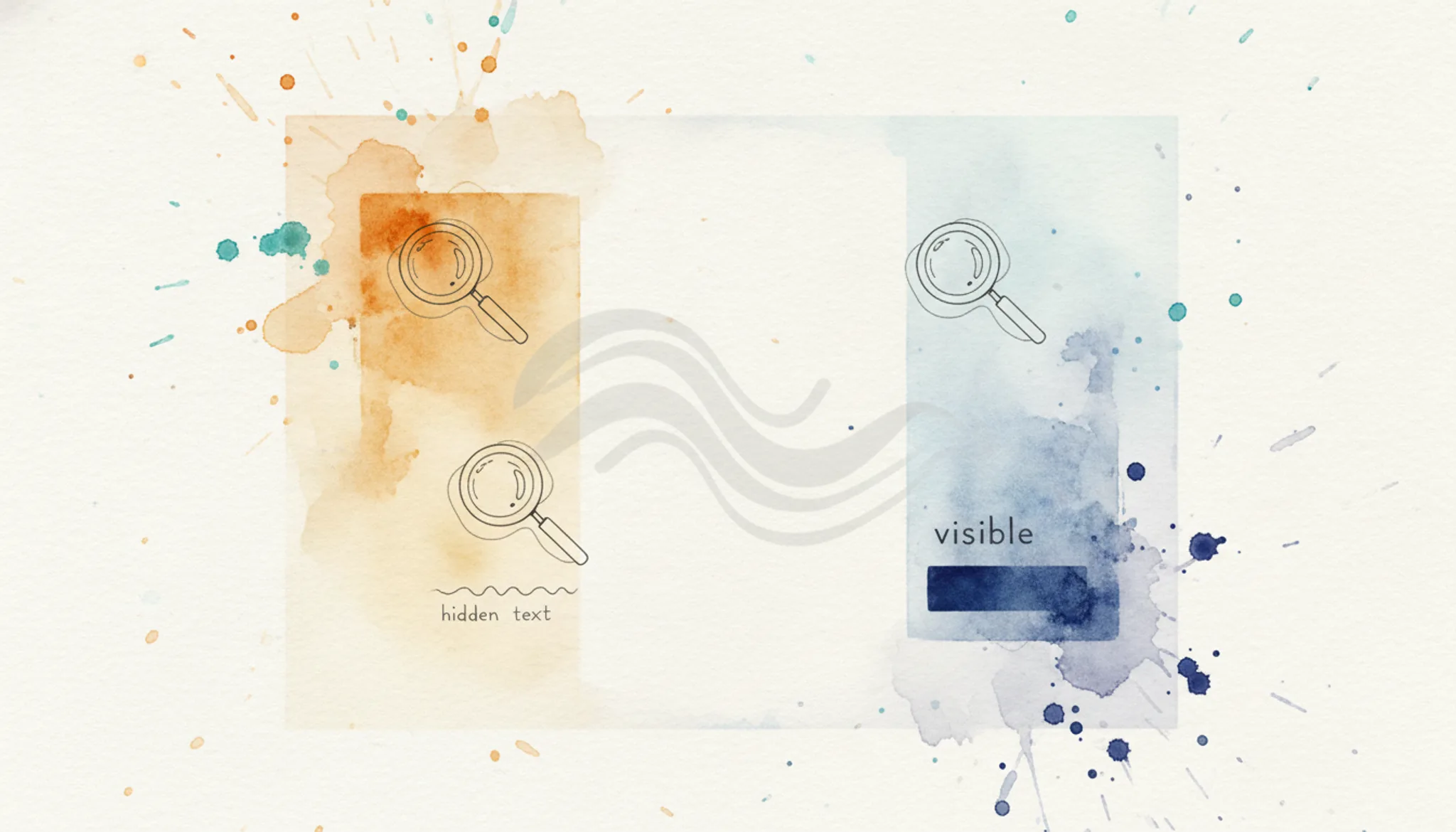
Many AI watermarking systems, including Google DeepMind's SynthID, embed hidden characters such as zero-width spaces, zero-width joiners, and zero-width non-joiners into generated text. These invisible markers are picked up by watermark checker tools. This is the fastest category to verify.
Run these observable checks on any suspect text:
- [] Copy text into a plain text editor and look for extra spaces or gaps.
- [] Paste into a Unicode inspector, watermarkdetector.com works, to reveal zero-width characters.
- [] Use a hex editor view to scan for bytes matching U+200B, U+200C, or U+200D.
- [] Count characters with a tool that counts all characters; a mismatch with your expected count signals hidden insertions.
- [] Compare the AI output side by side with a "paste as plain text" version, different rendering means hidden characters are present.
Skipping these checks means your text may still carry invisible markers that a watermark checker will flag, regardless of content quality.
The watermark checker checklist: 7 observable checks
Use this checklist to verify whether your text contains hidden AI watermarks. Each check takes less than a minute and gives you a clear pass/fail result. Work through the tasks in order for the most reliable outcome.
| Task | Why it matters | Done |
|---|---|---|
| Paste your text into AI Watermark Remover and run detection | The tool lists every hidden character it finds, including zero-width spaces and joiners | |
| Look at the detection report for any zero-width characters (U+200B, U+200C, U+200D) | These are the most common AI watermark markers and are invisible in normal editors | |
| Check if the tool flags any em dashes (, ) as potential watermark characters | Some systems embed markers as em dashes that look like normal punctuation | |
| Inspect the file's metadata if you copied from a Word or Google Doc | Metadata can contain watermarking info even if the visible text appears clean | |
| Run the same text through a second detection tool (e.g., Watermarkdetector) | Cross-verification catches patterns that a single tool might miss | |
| After removal, paste the cleaned text back into the detector to confirm zero hidden characters | Confirms the text is fully clean before you publish or submit it |
If any check fails, use the removal feature on AI Watermark Remover to strip the markers, then repeat the checklist. For a detailed walkthrough of each step, see our step-by-step guide to watermark checker practical angles and the ChatGPT watermark detector checklist.
Technical watermark checker checklist for published text
After you remove invisible markers from the source text, the job isn't done. Watermarks can reappear during export or hide in file metadata. A final verification step catches these before the document reaches its audience. A practical checklist for the detection phase is covered in our ChatGPT watermark detector checklist, but the verification doesn't stop there.
- [] Scan file metadata: Open document properties (Word: File > Info; PDF: Document Properties) and remove any author or generator fields referencing an AI tool.
- [] Run through a detector: Paste the document's text into AI Watermark Remover to catch remaining invisible characters.
- [] Inspect raw Unicode: Use a Unicode inspector (e.g., BabelPad) to look for zero-width spaces (U+200B) or joiners (U+200D).
- [] Cross-verify with a second tool: Use a different detector to catch patterns the first tool missed.
Skipping these checks risks delivering a document that still contains detectable AI watermarks, undermining the removal effort.
What your watermark checker checklist is probably missing
Most watermark checkers in your checklist focus exclusively on zero-width spaces and joiners. But AI systems occasionally embed invisible markers like the Unicode "non-joiner" (U+200C) or "Arabic letter mark" (U+061C), especially when your prompt includes mixed scripts. If your checker doesn't scan for these rare invisible characters, you will get a false negative. Add a dedicated scan for these characters to your checklist, or use a tool that handles them automatically.
Frequently asked questions about watermark checker checklists
What is a watermark checker checklist?
A watermark checker checklist is a structured set of tests you run on text to detect hidden AI watermarking characters. It typically includes checks for zero-width spaces, joiners, and other invisible Unicode markers that AI systems like ChatGPT or Claude embed. The checklist helps you confirm whether text has been watermarked before you use or publish it.
How accurate are watermark checker checklists?
Accuracy depends on the detection tool and the watermarking method. Tools like AI Watermark Remover catch zero-width characters reliably, but they cannot detect watermarks embedded in image pixels or audio signals. For text-based watermarks, a thorough checklist catches most visible markers, but no tool guarantees 100% detection.
Can I remove watermarks after running the checklist?
Yes. If your checklist identifies invisible characters, you can remove them using a dedicated tool. AI Watermark Remover strips zero-width spaces, joiners, and em dashes automatically while preserving the visible text. The process is client-side, so your content stays private.
After removal, run the checklist again to verify nothing remains.
Do watermark checker checklists work on published web content?
They work on any text you can copy and paste. For published web pages, copy the visible text into a detection tool and run the checklist. However, watermarks embedded in images or metadata require separate checks. The checklist is most effective on raw text from AI generators before it is formatted or published.
Final verdict on your watermark checker checklist
Run your text through AI Watermark Remover after you finish the checklist. It strips the invisible zero-width characters and joiners that the checklist flags, leaving clean plain text. The entire process runs client-side, so nothing leaves your browser.
One caveat: if you need to preserve the watermark for attribution or compliance, skip removal. The checklist alone gives you the information; the tool gives you the choice.
Next, paste your flagged text into the tool and let it clean the invisible markers. The removal report shows exactly what was stripped, so you stay in control.