You paste text from ChatGPT into a document, and later a detector flags it as AI-generated even after you edited it. The invisible watermark is still there. You need to know exactly what hidden characters are in your text and how to strip them before publishing, because one missed zero-width space can trigger a false positive on a plagiarism check or a client review.
If you need to remove ChatGPT from text reliably, you have to strip those hidden marks. A tool like AI Watermark Remover handles that in one pass, scanning for zero-width characters, Unicode markers, and other invisible artifacts.
After reading this, you will know how to check and clean your text so it passes detection without leaving traces.
How do you remove ChatGPT from text?
The most direct answer is to use a dedicated AI watermark removal tool like AI Watermark Remover, which strips invisible Unicode characters, zero-width spaces, and AI markers from ChatGPT text in one pass. It processes everything in your browser, so no data leaves your machine, and it shows you exactly what it removed. This direct answer saves you from manually hunting hidden characters, which is both time-consuming and unreliable.
What you'll need
Before you start, know this: the usual advice is to run every ChatGPT output through a removal tool, but if you have already rewritten whole sentences, paragraphs, or changed the structure by hand, the invisible watermarks are likely already gone. The tool's removal statistics will then show zero changes, which is fine. How much you edited first determines whether the tool helps or just confirms what you already did.
Here is what you actually need to follow the removal process:
- The ChatGPT output in plain text copy it from the chat interface, not from a formatted document that might have added its own hidden characters.
- Access to a dedicated watermark removal tool like ai-watermarkremover.com it runs in the browser, no account needed for a single check.
- A secondary text editor (Notepad, TextEdit, or VS Code) to paste the cleaned text and verify no zero-width characters remain.
- About 30 seconds per pass, the tool processes text instantly in the browser, but you should still inspect the result.
- A checklist or memory of what you changed if you edited the text manually before removal, note which sections you rewrote so you can compare the tool's detection report against your own edits.
How to remove ChatGPT from text step by step
Make sure you have the original ChatGPT output ready in a plain text file or a document where you can copy it. You do not need any special software a web browser is enough.
- Copy the raw AI-generated text: Select the entire output from ChatGPT, Claude, Gemini, or any other tool and paste it into a plain text editor (like Notepad or TextEdit) first. This strips visible formatting like bold, italics, and link markup that the AI may have added. The result is a plain text version that still contains any invisible watermarks embedded by the AI system.
- Run a watermark detection scan: Open AI Watermark Remover and paste the plain text into the input field. The tool scans for zero-width characters, Unicode markers, and dashes that AI systems often embed. Within seconds you see a report showing exactly how many hidden characters were found. This gives you a clear checkable number, for example "3 hidden characters detected" so you know the scope of the problem.
- Review the detection report: The tool lists each hidden character by type, for example zero-width space, zero-width joiner, Unicode control character. This step is important because it tells you whether the watermark is simple, just a few zero-width spaces, or more complex with a mix of markers. The visible result is a clear understanding of what you are removing.
- Remove the watermarks automatically: Click the "Remove" or "Clean" button. The tool strips all detected hidden characters in one pass. The visible result is a clean text output with no invisible markers. If you are using AI Watermark Remover the output also includes a removal summary showing how many characters were removed and a confirmation that the text is now clean. You can copy the result directly.
- Verify the cleaned text with a second scan: Paste the cleaned text back into the same tool, or a different detector such as Originality.AI and run the scan again. If the investigation shows zero hidden characters, your text is clean. If it still flags something, repeat the removal step because sometimes a watermark may be partially stripped. The visible result is a "0 hidden characters" report.
- Check for formatting artifacts: After removing watermarks, the text may have lost some line breaks or gained extra spaces because the hidden characters were part of the original layout. Read through the cleaned text and fix obvious issues, for example rejoin sentences that were broken across lines or remove duplicate spaces. The visible result is a natural readable block of text.
- Test the final text in an AI detector: Run the cleaned formatted text through a third-party AI detector, like the one at getgpt.app or aitextclean.com to confirm it no longer triggers AI flags. If the detector gives a low probability score, for example less than 10 percent, you can rely on the text as clean. The result is a report that the text is likely human-written.
One common mistake: skipping the verification step. Many people run the removal tool once and assume the text is clean. But some watermarks survive the first pass because the AI system embeds them in multiple layers. Always run a second scan and a third-party detector before publishing.
That extra minute saves you from being caught by a watermark that survived the first round.
- Handle AI signatures and boilerplate phrases: ChatGPT and similar tools often insert signature phrases such as "As an AI language model, I…" or "Here are some key points to consider" or closing lines like "Let me know if you have any questions." Run a quick find-and-replace search for these patterns. Common ones include "I don't have personal opinions" "Based on my training data" and "I cannot predict future events." Remove them manually or use a text replacer tool. The result is text that reads like a human opinion, not a machine disclaimer.
- Normalize the sentence rhythm: AI output tends to have a predictable cadence: each sentence is roughly the same length, every paragraph starts with a topic sentence, and transitions are formulaic ("Furthermore," "In addition," "Moreover,"). Read the text aloud. If it sounds like bullet points strung together with connecting words, rewrite a few sentences to vary the length. For example break one long sentence into two short ones, then combine two short sentences into a single compound one. The result is text with the natural ebb and flow of human writing.
- Replace overly specific or generic examples: AI often generates examples that are either too vague, for instance "a small business" or suspiciously detailed, like "a 2019 Toyota Camry with 47,000 miles purchased from a dealership in Omaha." Replace those with examples you actually know. If you are writing about cooking use your own recipe. If you are discussing code use a function you wrote last week. The result is text grounded in real experience.
- Add a personal anecdote or opinion: One sentence of personal experience changes the entire tone of a paragraph. If the AI wrote "Many users find this feature helpful" change it to "I have been using this feature for three months and it saved me two hours on a project last week." The result is text that contains something only you could have written making the watermarker irrelevant because the writing is now demonstrably human.
- Remove redundant restatements: ChatGPT often says the same thing twice in different words. Look for paired sentences where the second one just rephrases the first. For example "The tool is very easy to use. It has a simple and intuitive interface." Delete one. The result is tighter more confident writing that does not pad word count.
One more edge case: if the AI text contains a numbered list with the same structure as these steps, rewrite the list as regular paragraphs. AI loves balanced lists; humans do not always write that way.
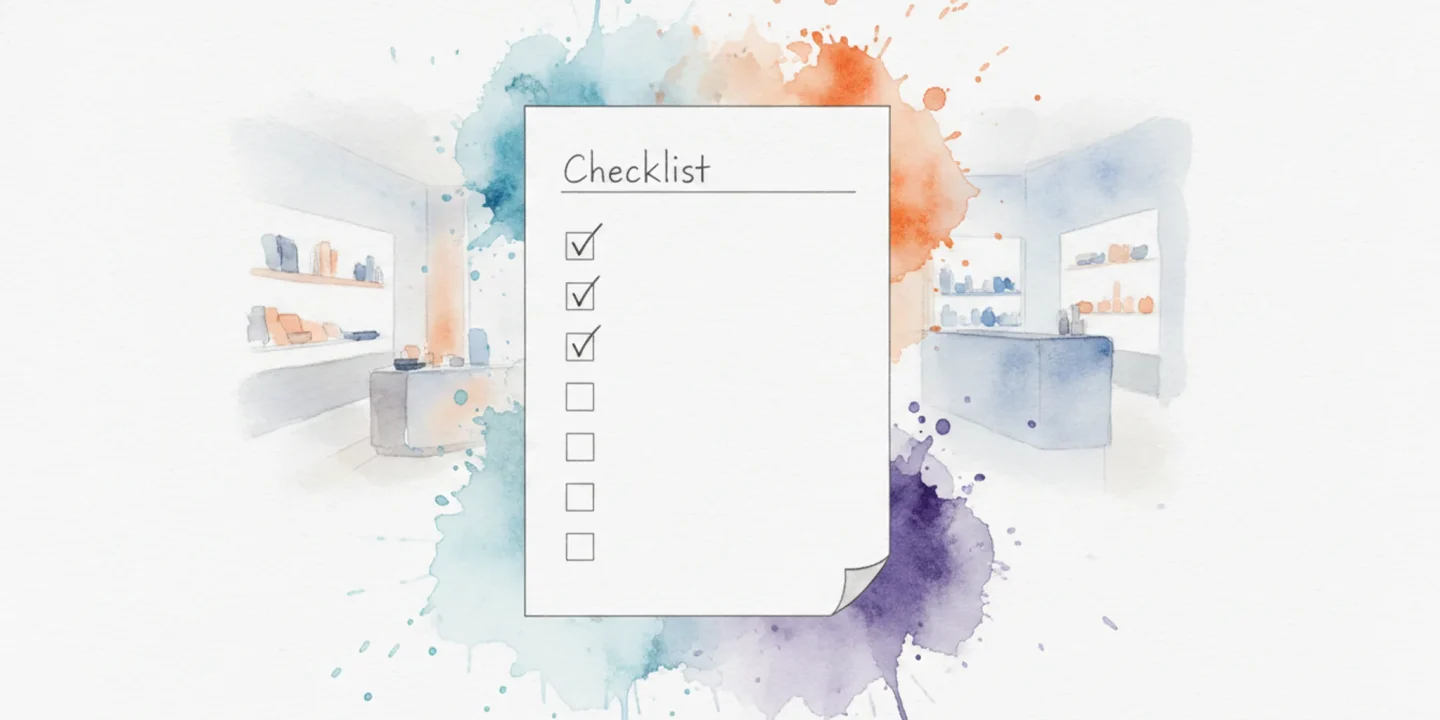
The remove ChatGPT from text checklist: 7 steps to verify your text is clean
Print this checklist or keep it open in a tab. Each task below is a pass/fail check you can verify in under a minute. Run through them in order after you process any AI-generated text.
| Task | Why it matters | Done |
|---|---|---|
| Paste text into a zero-width character detector | Zero-width spaces and joiners are invisible in most editors but break plagiarism checks and formatting | |
| Run a Unicode code point inspector on the first and last 200 characters | Watermarks often hide in the first or last sentence of each paragraph | |
| Strip all non-ASCII characters and count how many were removed | Legitimate punctuation, curly quotes or dashes, will be lost but a removal count above 10 per 500 words signals a watermark | |
| Search for repeated invisible characters across three separate paragraphs | Watermarks repeat the same zero-width pattern at predictable intervals | |
| Copy the cleaned text into a plain-text editor, Notepad or TextEdit in plain mode, and look for ghost characters | Rich-text editors hide invisible markers; plain-text editors reveal them as blank space or broken lines | |
| Run the text through a second watermark removal tool and compare the character counts | A mismatch of more than 3 characters between tools means one missed a marker | |
| Paste the final text into your target platform, CMS, email, or document, and check for spacing or line-break anomalies | Some platforms render zero-width characters as visible gaps or forced line breaks |
One more thing before you call it done: run a search-and-replace for the Unicode characters U+200B, U+200C, and U+200D. If your editor finds any, the text is not clean yet. Repeat the removal step and recheck.
For a deeper walkthrough on how to run each of these checks with specific tools and browser extensions, see our guide on how to run a watermark checker on AI-generated text.
| Task | Why it matters | Done |
|---|---|---|
| Check for unusually uniform sentence length across the whole text | AI text often clusters around 15-22 words per sentence; human writing varies from 4 to 40+ words naturally | |
| Count the number of "however" "furthermore" "moreover" and "consequently" | These transition words appear 3-5x more often in ChatGPT output than in typical human writing | |
| Look for paragraphs that end with a summary sentence restating the paragraph's first sentence | ChatGPT habitually bookends paragraphs; human writers rarely do this | |
| Verify that bullet lists use a mix of full sentences and fragments | AI-generated lists tend to be all full sentences or all fragments, not the mixed style humans write | |
| Search for the phrase "in conclusion" or "to summarize" in the middle of the text | ChatGPT inserts conclusion markers at section breaks not just at the end | |
| Read the first 50 words aloud and note if they feel like a lecture introduction | ChatGPT opens with "In today's world" "As we navigate" or "It is important to understand" far more than human writers |
A fast pattern check you can do in under 30 seconds: copy the text into a word frequency analyzer, like the one at Writewords. Look for the top 10 most common words. If "this" "that" "these" and "those" appear in the top 10 together the text likely came from ChatGPT. Human writing distributes demonstrative pronouns more evenly.
If your text passes all 14 checks above you have successfully removed ChatGPT markers from the text. If any check fails go back to the removal step and reprocess the text before publishing.
Frequently asked questions about removing ChatGPT from text
Is it legal to remove watermarks from AI-generated text?
The law around AI watermark removal is still developing. In most jurisdictions removing a watermark from text you generated yourself is legal because you own the output. However removing watermarks from someone else's work to claim it as your own could violate copyright or terms of service. Always check the specific platform's terms.
For personal use you are generally fine.
Does removing watermarks change the text's meaning?
A good removal tool targets only invisible characters such as zero-width spaces and Unicode markers. These characters are not part of the visible text so the meaning and structure remain exactly the same. The tool does not rewrite sentences or alter vocabulary. You can verify this by running the cleaned text through a character inspector.
Can AI detectors still flag text after watermark removal?
AI detectors use a mix of watermark detection and stylistic analysis. Removing the invisible watermarks eliminates the most reliable signal for certain detectors but other detectors still rely on writing patterns. For example Originality and GPTZero may flag text based on how predictable the word choices are and how uniform the sentence rhythm looks even after watermark removal. The seven-step checklist in this article helps you reduce detection risk further.
How do I check if my ChatGPT text has a watermark?
Paste the text into AI Watermark Remover and it will show you a count of hidden characters removed. Alternatively you can use a plain text editor like Notepad++ and enable "show all characters" to see zero-width spaces and other invisible markers. The most common watermark characters are zero-width joiner and zero-width non-joiner.
What is the best free tool to remove ChatGPT watermarks?
AI Watermark Remover is a free browser-based tool that removes invisible watermarks from ChatGPT output without uploading your text to a server. It processes everything locally so your privacy is protected. The tool also provides a detailed removal report showing exactly which characters were stripped. No sign-up is required for basic use.
Final verdict: Can you rely on removing ChatGPT from text?
If you paste ChatGPT output straight into a document invisible watermarks travel with it. A dedicated removal tool like AI Watermark Remover catches those zero-width characters and Unicode markers that slip past manual editing. That is the reliable path.
But if you have already rewritten entire sentences or restructured the text by hand the watermarks are likely gone. In that case you can skip the tool and move straight to your next task.
Your next step: run every ChatGPT output through AI Watermark Remover before you paste it anywhere. For a deeper walkthrough see how to remove ChatGPT watermarks in 3 steps. And if you want to compare options we tested five apps that actually remove watermarks from AI text so you can see what each offers.